Problem
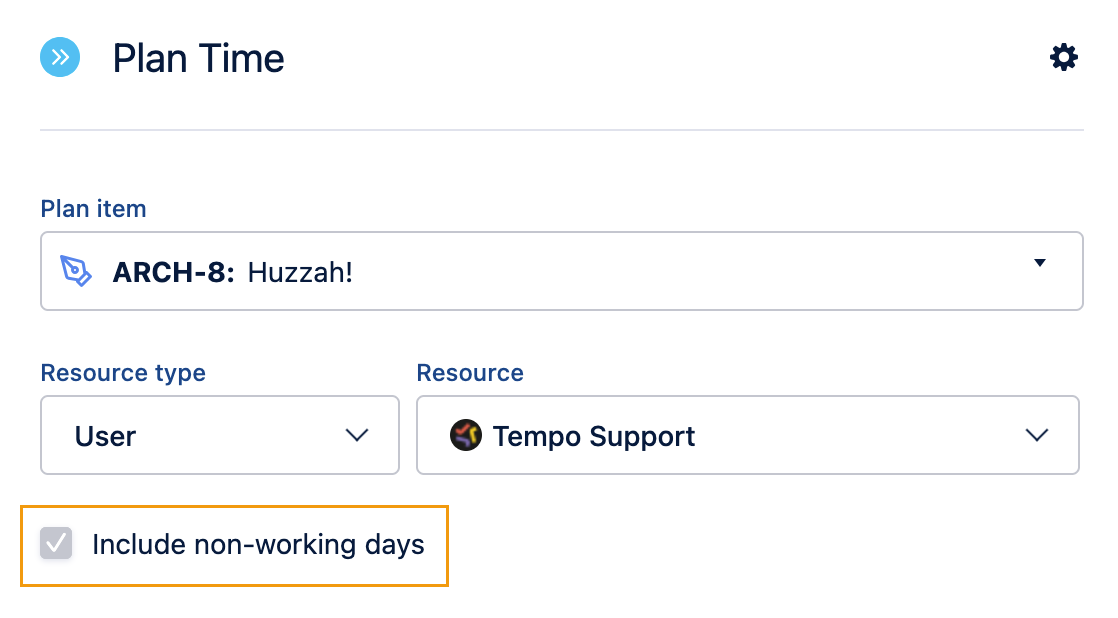
We’re unable to uncheck “Include non-working days” when planning time. The option is greyed out.
Solution
Non-working days are based on your workload and holiday schemes.
If you can’t uncheck the box, it is usually one of the following reasons:
-
You are in a 0-hour workload scheme (all days are considered non-working days)
-
The date selected is outside your work week or a holiday
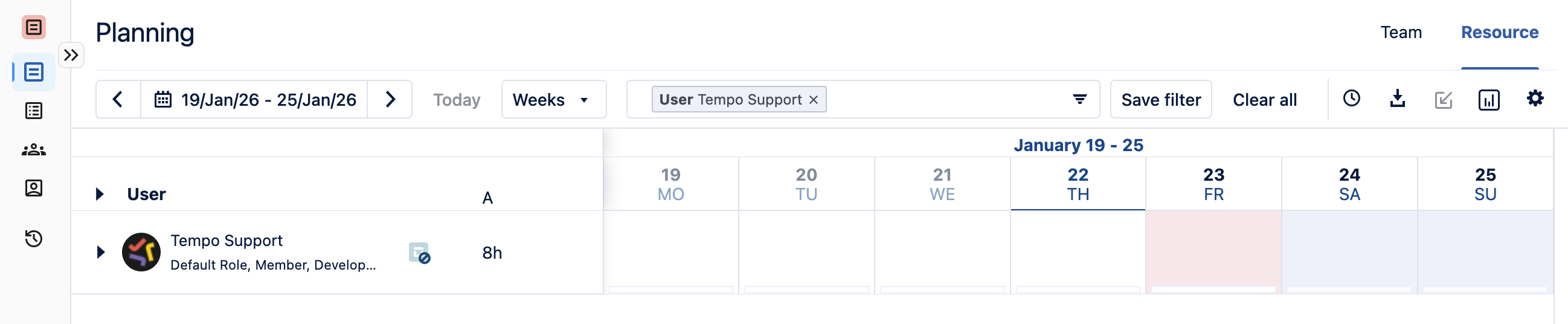
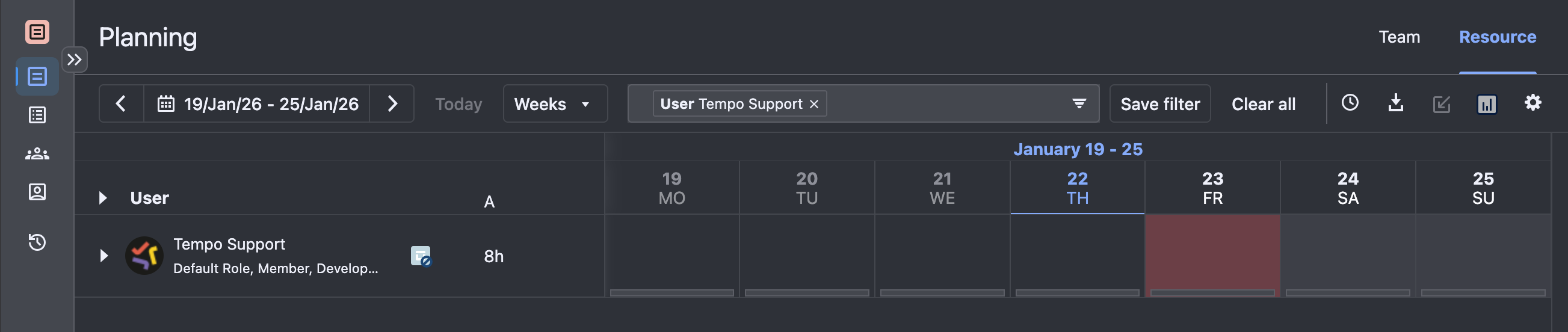
In the resource planning view, there is a visual queue to recognize non-working days. When the day is pink or red, it’s a holiday, and blue or grey is a day outside your work week.