Question
We are extracting data from multiple user picker custom fields in Jira for our BI dashboard. However, when we attempt to view the results, we see identifiers, such as “JIRAUSER62447” instead of the full name or username:
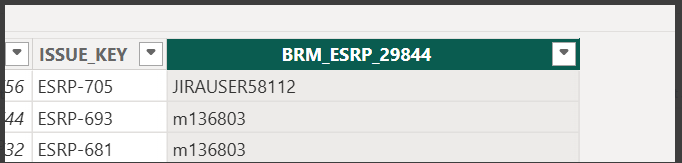
Could you please advise if there is a way for us to display the username?
Answer
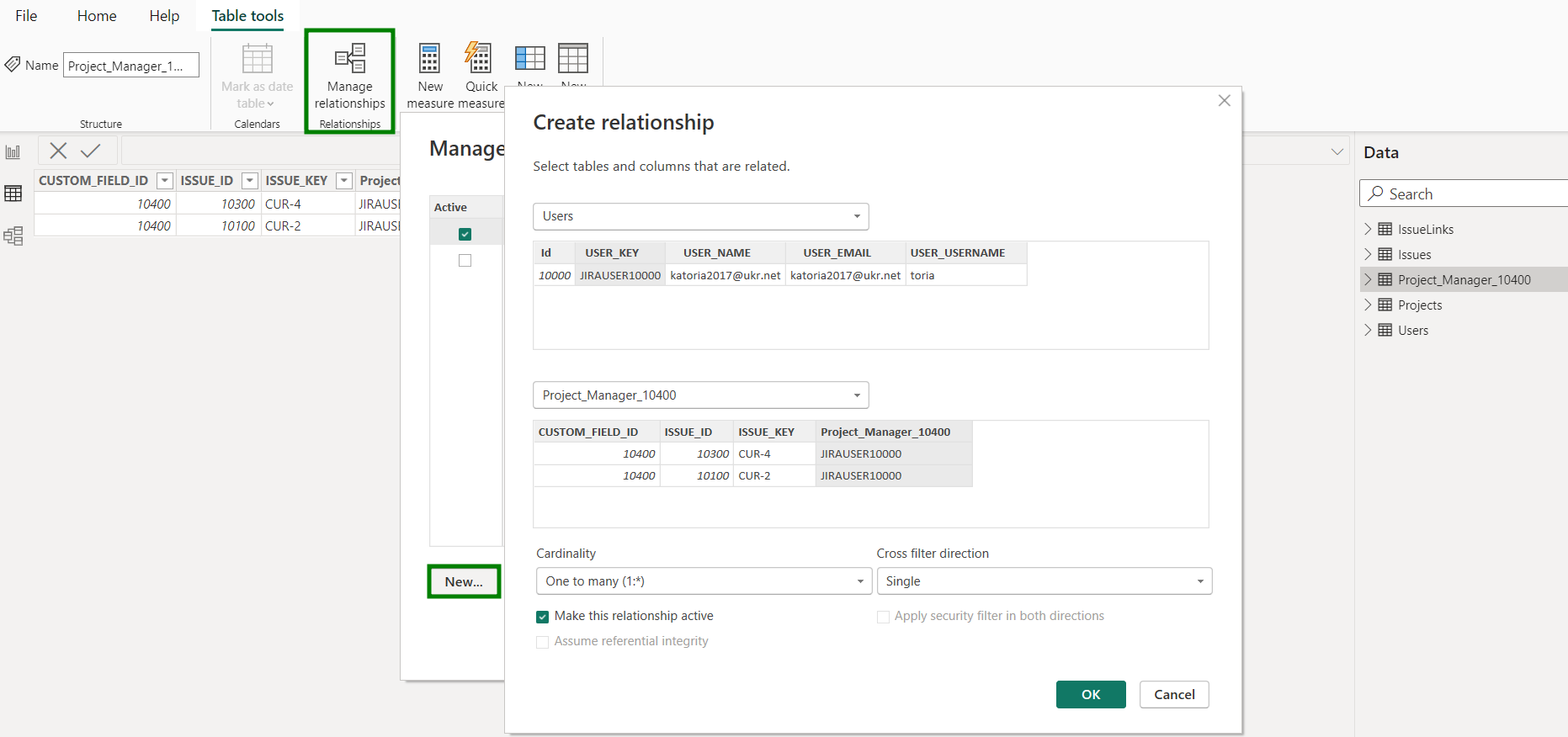
Custom fields of the "User Picker” type are intentionally exported to Power BI Desktop as separate tables with the "JIRAUSER####” field values. This format allows you to establish relationships with the "Users" table through the "User Key" field and get some expanded user details (like username, email address, time zone, and so on):


A new relationship should be created:
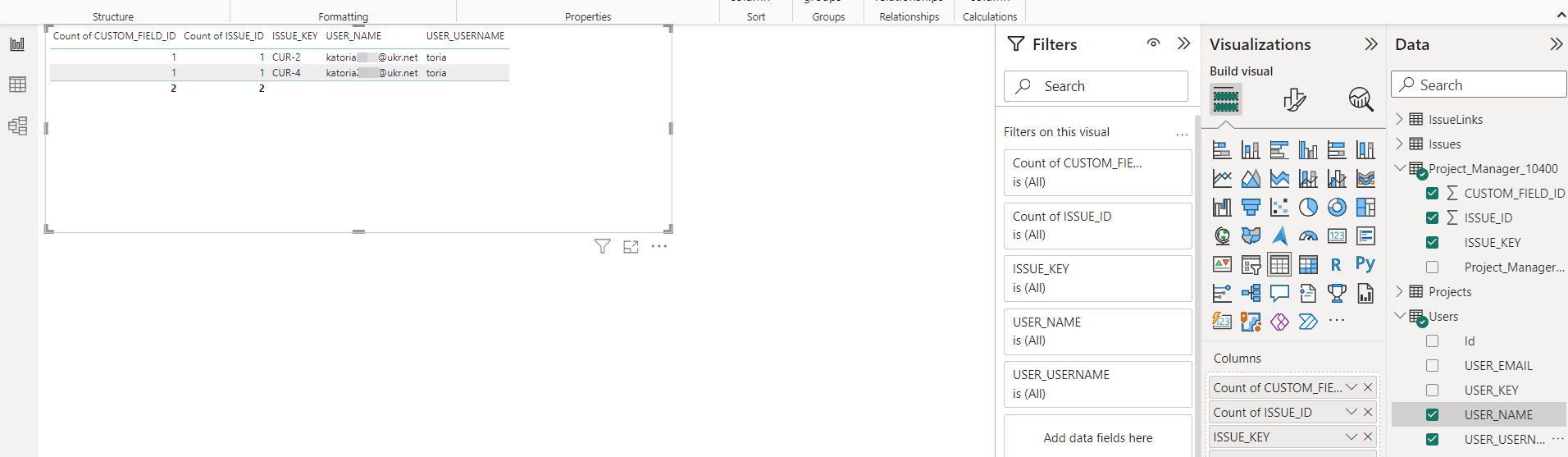
After it is done, you can build visualizations with actual user names: