Problem
For one of our users, the team timesheet does not accurately pull all the time logged. They are missing hours.
Solution
When viewing a user's hours in the Team Timesheet, the team membership needs to be taken into consideration (joining/leaving dates). The timesheet will only show hours when the user was an active member in that team.
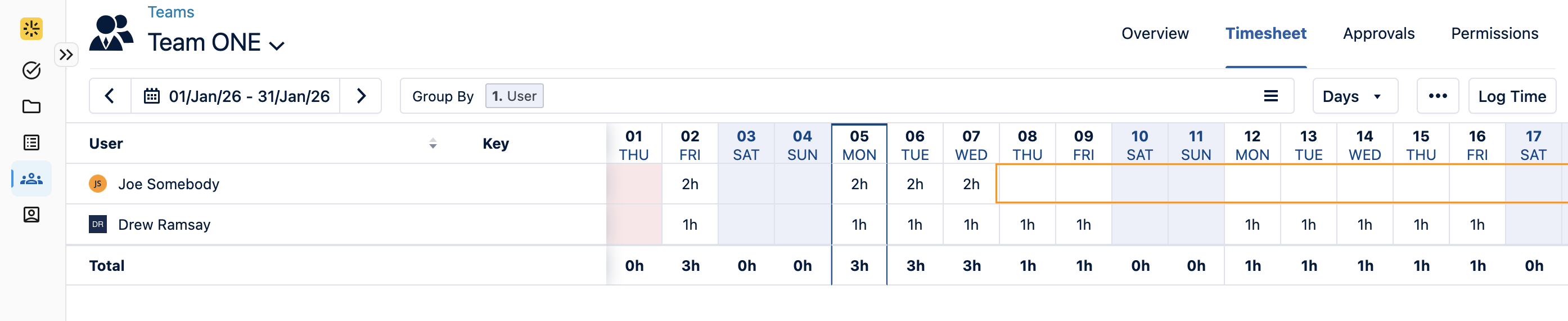
When you notice the logged hours abruptly stop being visible, it is likely that they were given a leaving date in the team. You will not see hours after that date.
Here is an example where Joe has a leaving date of
With that in mind, you have two options.
-
Update the joining or leaving dates.
-
If they should have continuous membership in the team, you can clear out both the leaving and joining dates entirely.
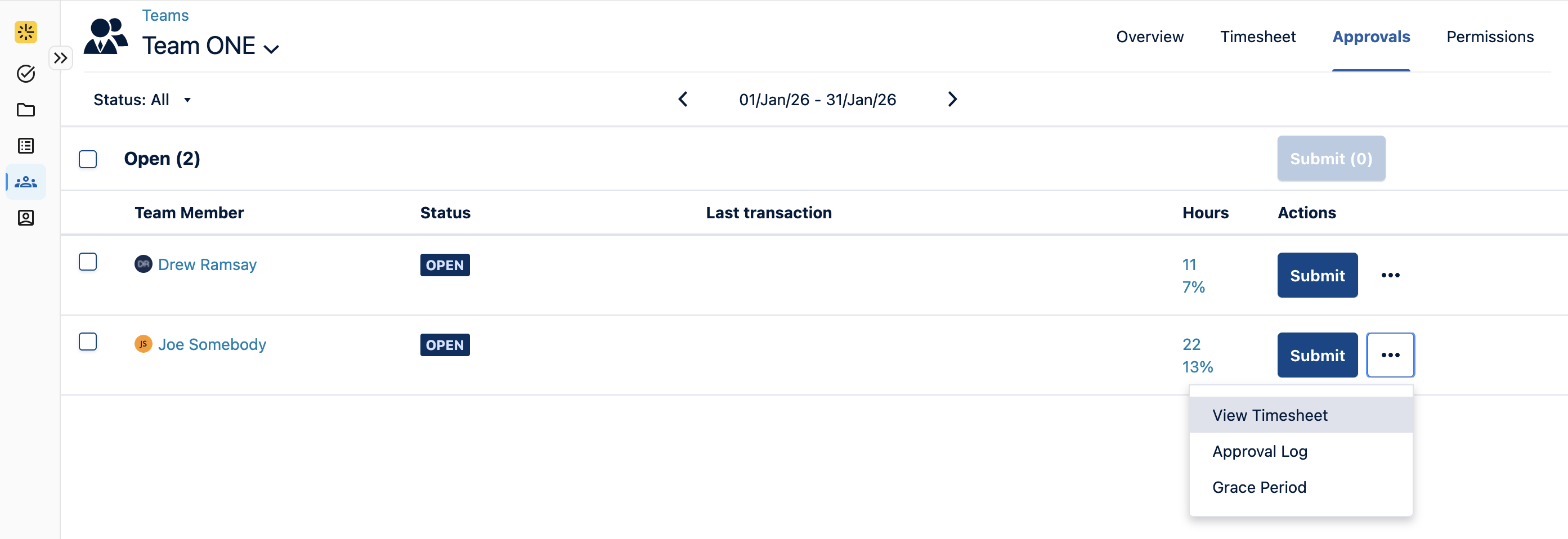
If you’re the Timesheet approver, you will see the full hours by viewing the timesheet through the Approvals Tab.