
Problem
The total number of hours shown on the report page may not match the total
Solution
When the “Maximum Fraction Digits” is configured in the “User Default Settings”, the total number of hours shown on the report page may not match the total calculated by applying the SUM formula to the exported worklog in Excel.
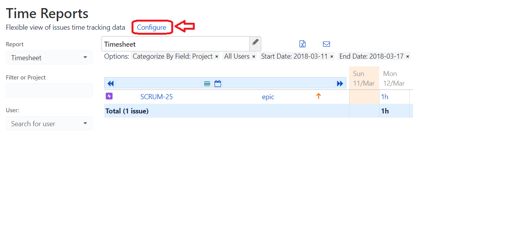
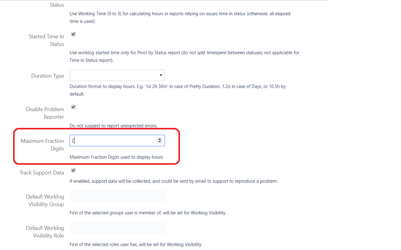
With the “Maximum Fraction Digits' configured, hours are displayed as individually rounded values, but the total in the report is calculated on exact values, and then rounded. In Excel, every entry is rounded, so if you apply SUM, you get an incorrect result. There is Total row for exported worklog, to avoid this confusion.