
Problem
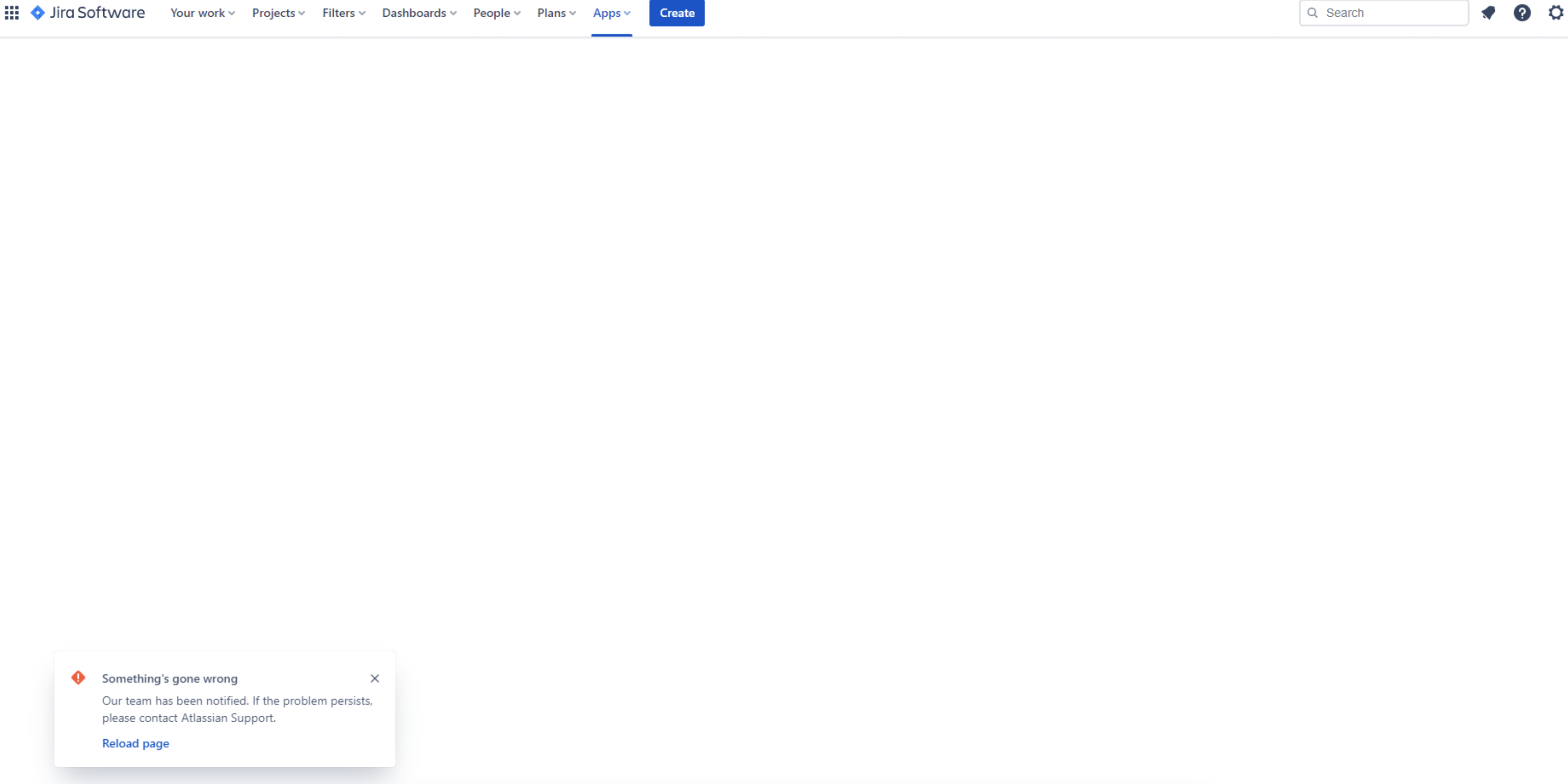
If Tempo Cloud stopped working and the error “Something’s gone wrong“ like in the screenshot below is displayed, you will need to reinstall any Tempo apps you have installed, including Timesheets, Capacity Planner, and Financial Manager.
You will not lose any data, and your license will not be affected.
Solution
Please follow the steps below:
-
Navigate to Jira settings → Marketplace Apps
-
Click on Take me there.
-
Locate the Tempo app and click on on View App details
-
Click Unsubscribe (or Stop trial/Manage subscription, depending on your license), wait for it to unsubscribe, then click Uninstall.
-
If the Uninstall button is greyed out, please reach out to Atlassian (see below)
-
-
Do the same for any other Tempo apps you have;
-
Go to “Find new apps” page from the panel on the right-hand side and search for the Tempo apps (Timesheets, Financial Manager, Capacity Planer…) that you have uninstalled and install them.
-
Search for the Tempo Core app and install it
Note that doing this will not cause any data loss.
If the Uninstall button is greyed out and you’re unable to uninstall the app, this is due to Atlassian’s new billing system, which currently prevents uninstallation once a subscription has been cancelled. Unfortunately, this is not something we can control at Tempo.
In case this process fails, please do it one more time. If it still doesn’t resolve the issue, please contact our Support team by opening a ticket here.