
Notes: Database modification is not supported by Atlassian and Tempo. The scenario when this KB is needed is that the customer has migrated between Cloud and Data Center. Since the migration is also not supported by Tempo, and the customer still decided to do so, then they'll have to follow this KB to generate the missing database table (Default Rate table does not exist in Cloud instance), which was supposed to be created automatically during a normal upgrade or in a new, fresh install.
We would always recommend that you make a database backup before following the steps in case something does not work out.
Problem
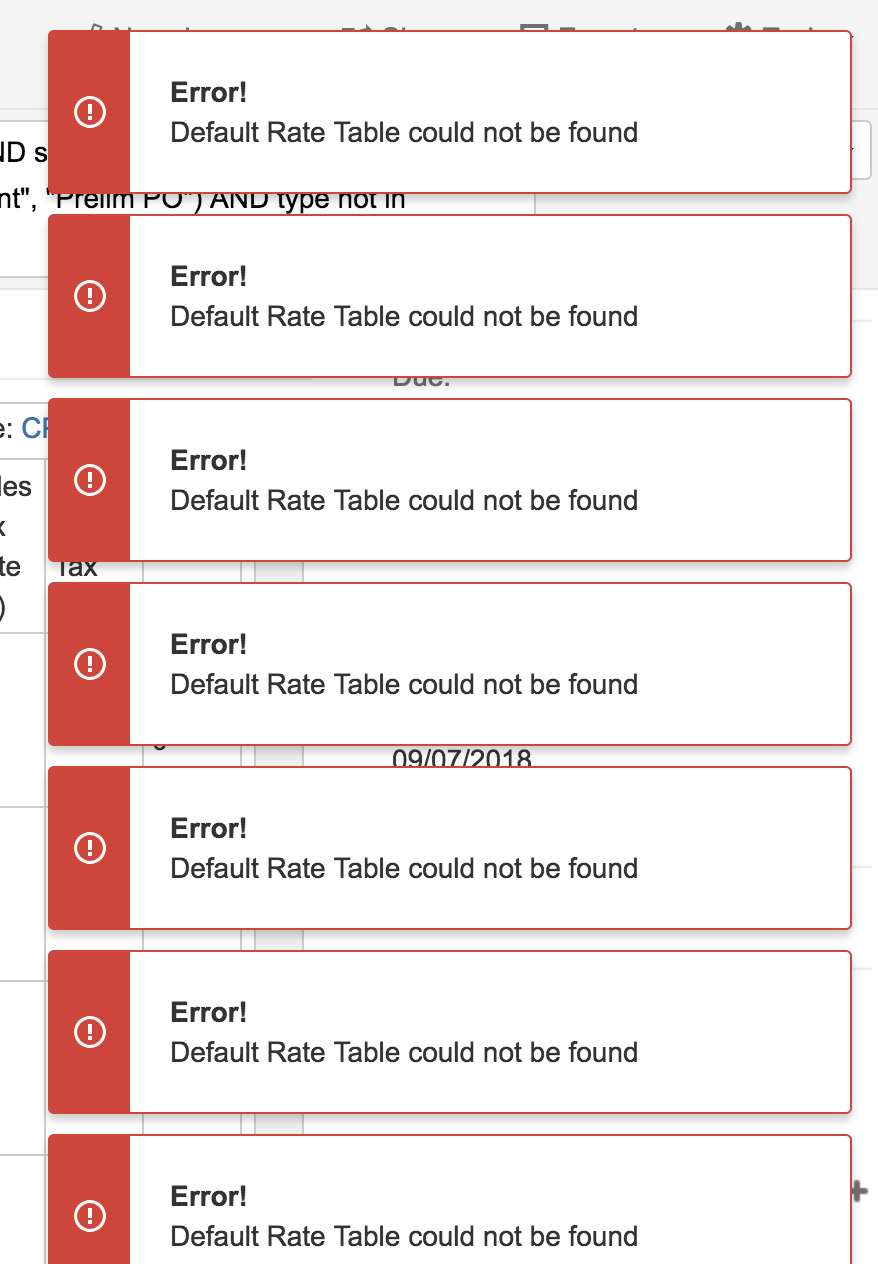
What to do if "Error! Default Rate Table could not be found" message shows up after upgrading to Tempo 8.13.1?
Solution
Please, run these two queries on your database.
INSERT INTO "AO_C3C6E8_RATE_TABLE"
("ID","NAME","CURRENCY_CODE","DEFAULT_TABLE","EFFECTIVE_DATE")
VALUES (1,'Tempo Default Price Table','USD',true,'2003-01-01');
INSERT INTO "AO_C3C6E8_RATE"
("ID","AMOUNT","LINK_ID","LINK_TYPE","RATE_TABLE_ID")
VALUES (1,'0',0,'DEFAULT_RATE',(SELECT "ID" FROM "AO_C3C6E8_RATE_TABLE" WHERE "DEFAULT_TABLE" = true));
These queries should recreate the rate tables that were not created with