Problem
You can’t delete a Tempo account from the Space settings; the delete button is not there.

Solution
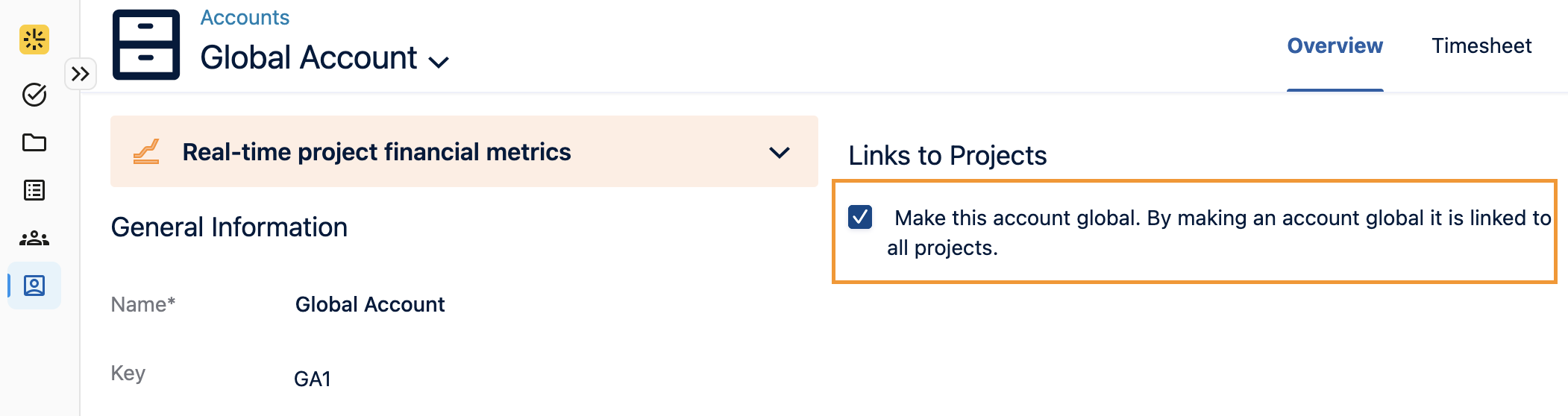
When the Delete link option is missing, this indicates that the account has been set as a global account.
To remove the account, you will need to uncheck the “Make this account global” option on the account overview page. As global accounts are across all projects, unchecking this box will also remove the account from other projects.