
Problem
When integrating or authorizing third-party applications (such as eazyBI, Fivetran, Power BI connectors, or custom reporting tools) with Tempo, the authorization or OAuth handshake fails during the login/redirect process with the following error:
Invalid
client_id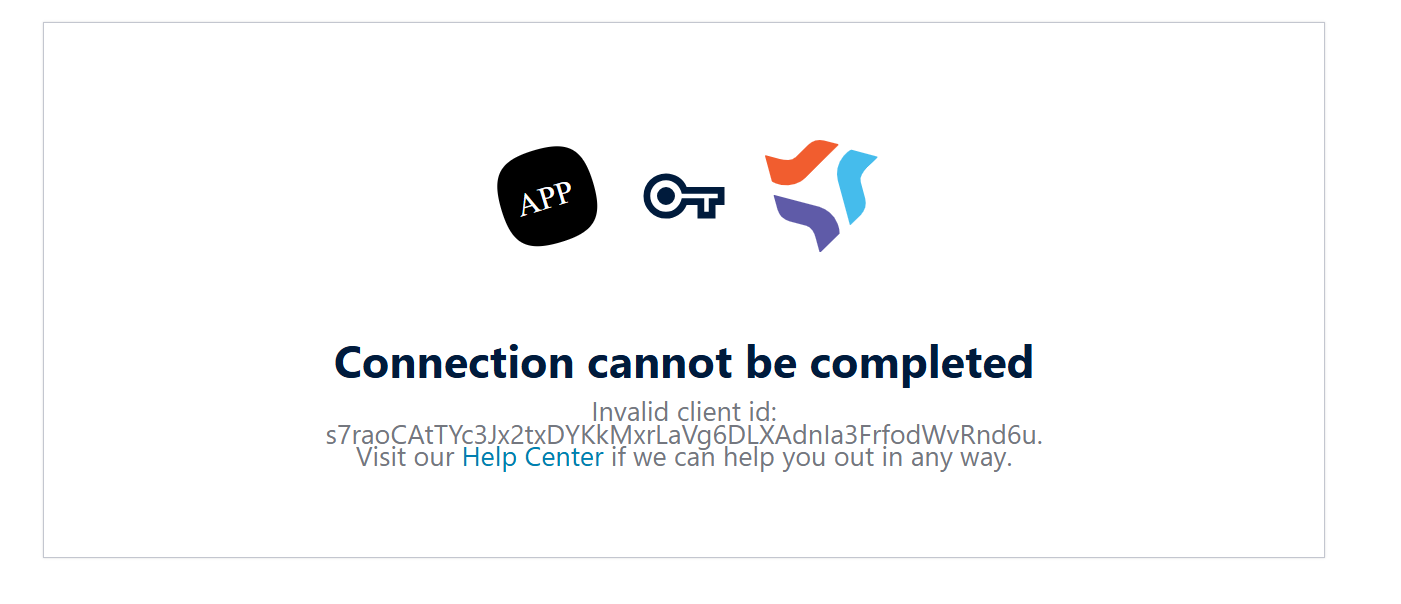
The external application cannot authenticate, and data sync or import processes cannot be initiated.
Cause
This error is caused by a regional data residency mismatch between your Atlassian Jira Cloud instance, Tempo, and the third-party application.
Tempo and Atlassian Cloud support isolated regional hosting zones (such as US and EU data residency realms). OAuth clients, application registries, and API credentials (client_id) are partitioned and validated strictly within their respective geographic region.
If your Jira instance and Tempo are hosted in the EU region, but the third-party app service is hosted in or routing through the US region (or vice versa), Tempo’s regional authorization server cannot identify the app's client_id, resulting in the Invalid client_id failure.
Solution
To resolve this issue, the regional endpoints or hosting locations must match across your Jira instance, Tempo, and the connecting application.
Option 1: Align the Application's Data Residency Region (Recommended)
-
Confirm the region where your Jira and Tempo apps reside:
-
Go to Atlassian Administration (
admin.atlassian.com) > Security > Data residency. -
Identify your primary location (e.g., EU or US).
-
-
Check your third-party application's workspace or connector settings:
-
Ensure the integration or connector was created in the matching region (e.g., an EU-based connector for EU-based Jira/Tempo).
-
If the third-party app does not allow changing the region post-creation, you may need to recreate the connector within the correct regional workspace or contact the vendor's support team to re-provision the account in the matching region.
-
Option 2: Authenticate Using a Tempo API Token (Alternative)
Many third-party integrations support manual API token authentication as an alternative to the OAuth redirect handshake. Using a token routes requests directly through Tempo's standard API endpoints:
-
In Jira, navigate to Tempo Settings > API Integration (under Data Access).
-
Generate a new User Access Token with the permissions required by your integration (e.g., Timesheets, Accounts, Plans).
-
In the third-party tool's connection configuration (e.g., Fivetran, eazyBI, BI connectors), choose API Token / Personal Access Token (PAT) as the authentication method instead of OAuth.
-
Paste the token into the configuration field and complete the setup.