
To set a Report to automatically update the time period that it’s been shown, you need to:
-
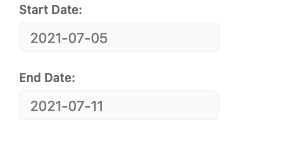
Clear any manual dates that were entered in the “Start Date” and “End Date” fields. This will cause the report to automatically select the time period defined in the report (Day, Week, or Month). Note that you can see this configuration is set when the Start Date and End Date fonts are grey rather than black.
-
Save the Report to maintain the configuration.
