This article is for Tempo for Cloud
Install the free Tempo Cloud mobile app for iOS and Android by searching for Tempo Cloud directly from:
-
Apple iOS: https://itunes.apple.com/us/app/tempo-mobile-for-cloud/id1444993774
-
Android: https://play.google.com/store/apps/details?id=com.tempo.rocket&hl=en
Open the app and follow the on-screen instructions:
-
Log in using your Atlassian ID. That is, the same email and password you use to log into your Jira site.
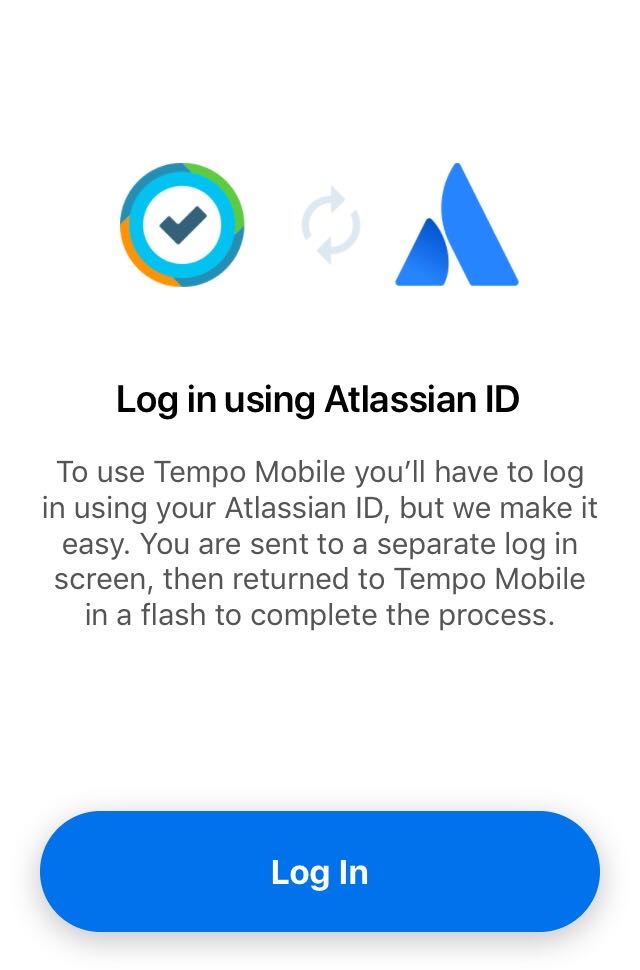
2. Tap Continue to get started with Tempo Mobile.
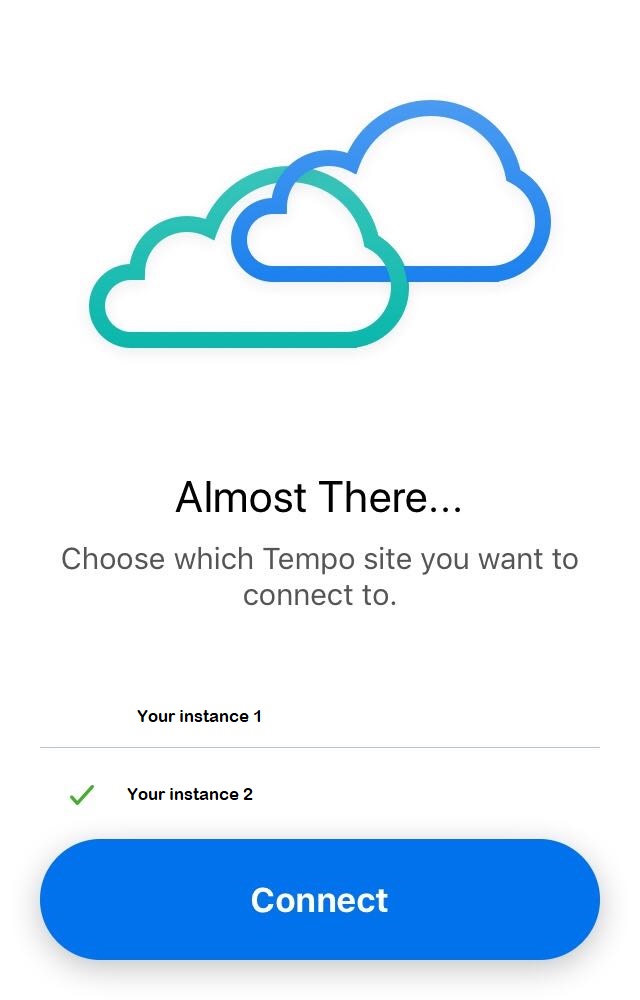
If you use the same ID to access more than one Atlassian site where Tempo is installed, you will need to select the site to which you want to connect.
3. Confirm the Atlassian site (YOUR_SITE.atlassian.net) that you want to connect to, then accept the app's request to securely access your Atlassian account.
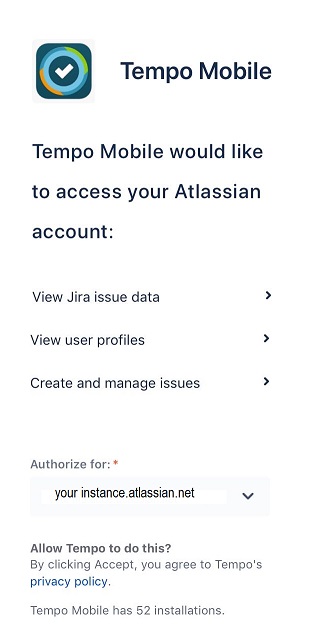
4. Tap Continue to get started with Tempo Mobile.