
Question
I am an administrator for Jira. When I log in to SQL Connector for Jira, I can only see my data sources and data sources shared with me.
How can I see all data sources, regardless of whether they are shared with me? I suspect there are data sources running from other employees that I cannot see.
Answer
Jira administrators have access to all the data sources by default. The sources created by other users can be found under the "Shared with me" section:
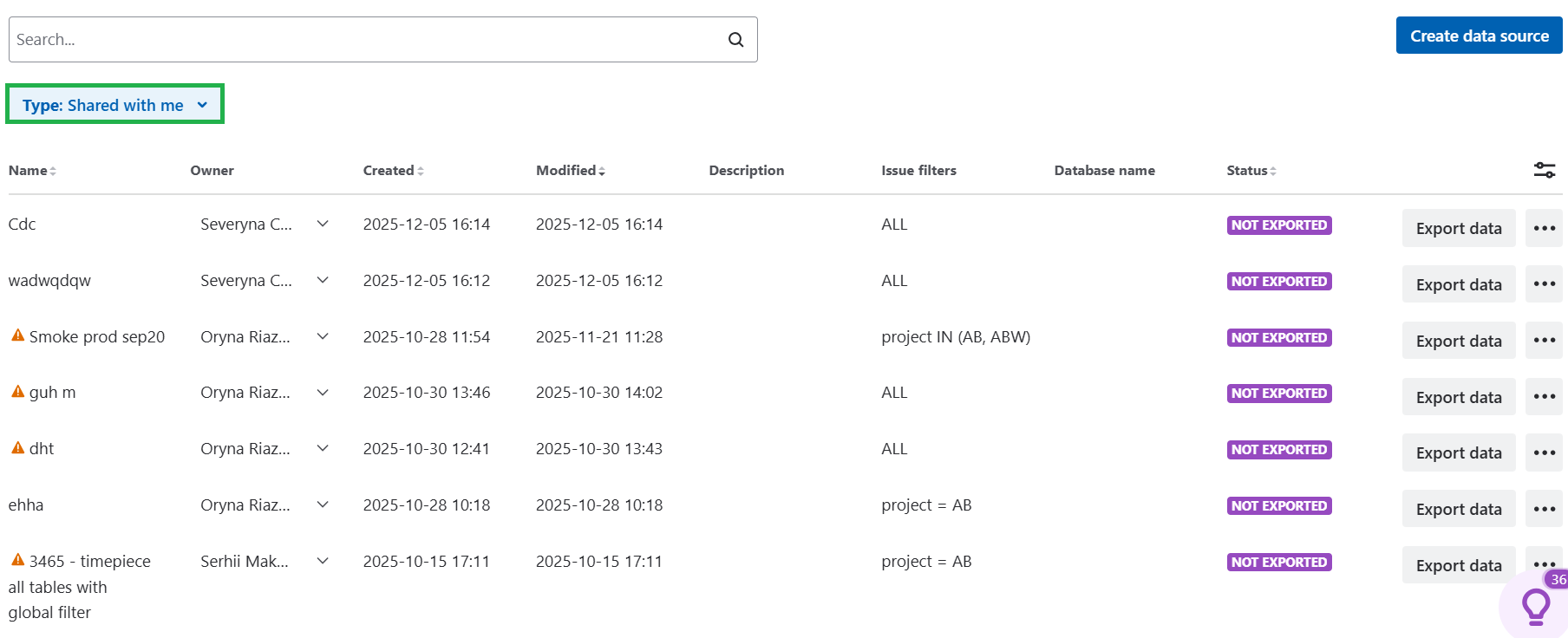
In this case, there is no need to share them with administrators additionally.