
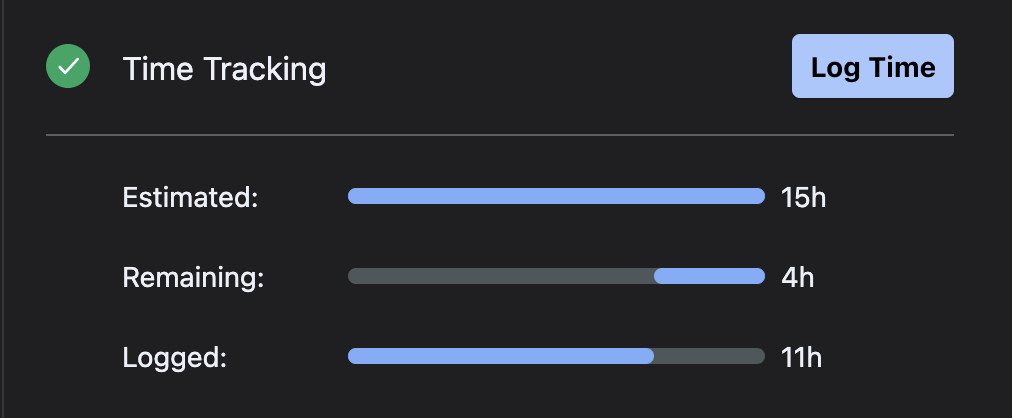
The Time Tracking panel provides a view of the Original estimate, remaining estimate, and logged hours in the work item.
-
Log Time - opens the Tempo Log time window
-
Estimated - the Original Estimate set through Jira
-
Remaining - the difference in estimated and logged hours
-
Logged - total logged hours
Parent work items
On an epic work item, the time tracking panel rolls up hours from its child issues.
Currently, this only rolls up one level in the hierarchy, Parent > Child.
On other work item types, if it has a sub-task, you will see an option to “include sub-tasks,” which will roll up their hours.
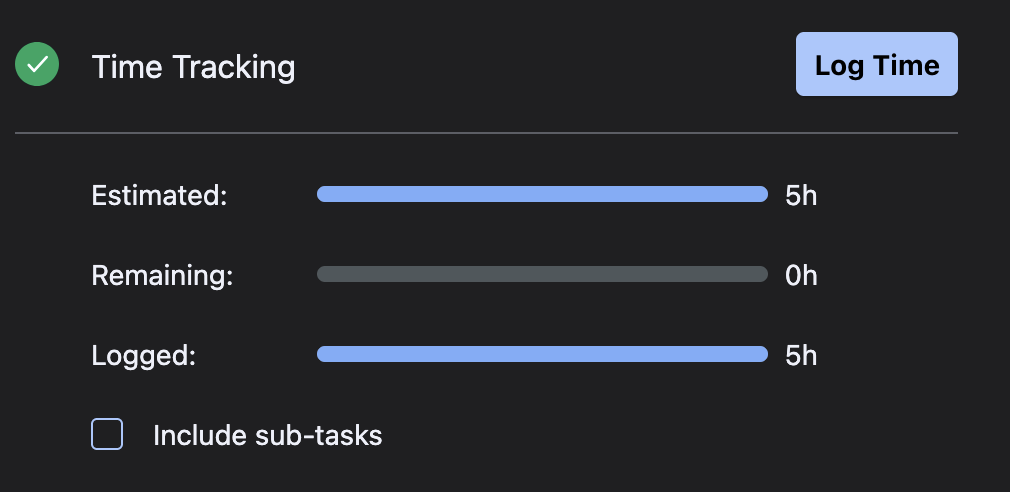
For a more complete view of the hours in the work item hierarchy, please use the Logged time report.
We have an improvement request to build upon this:
https://ideas.tempo.io/ideas/T-I-2391