Question
I am trying to take my Jira Service Management project data to Power BI via your app.
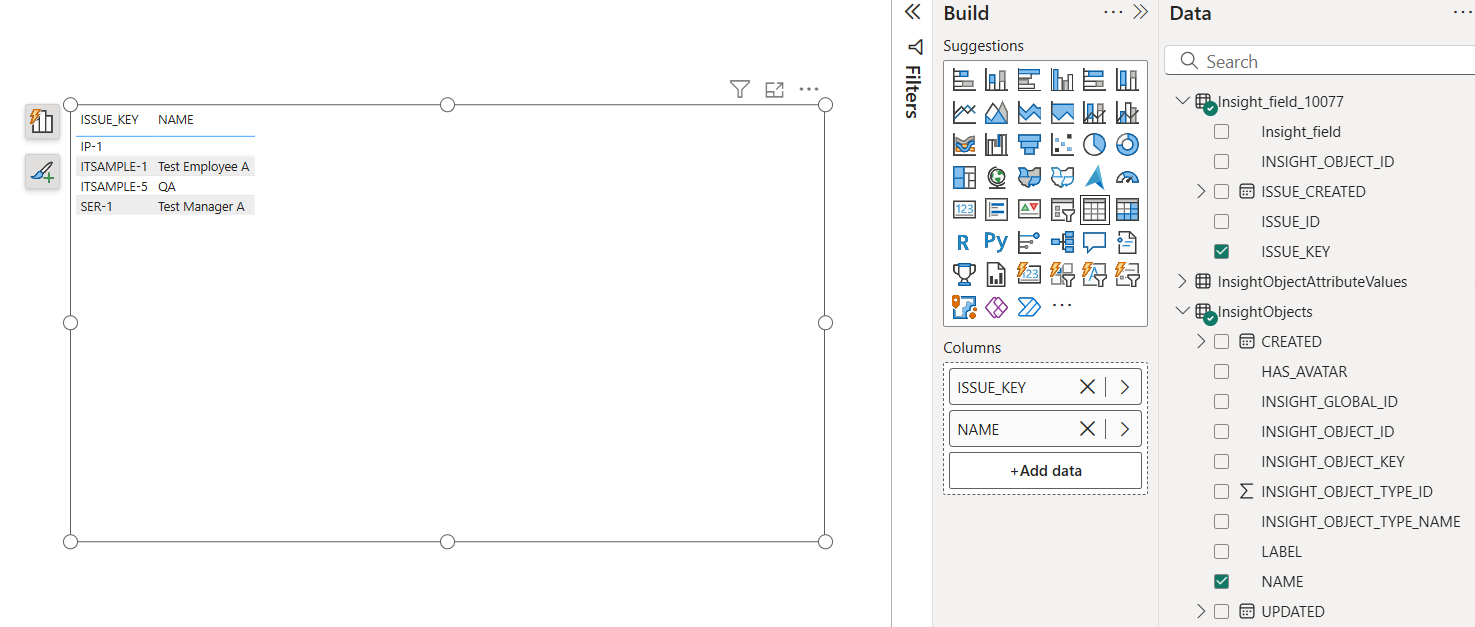
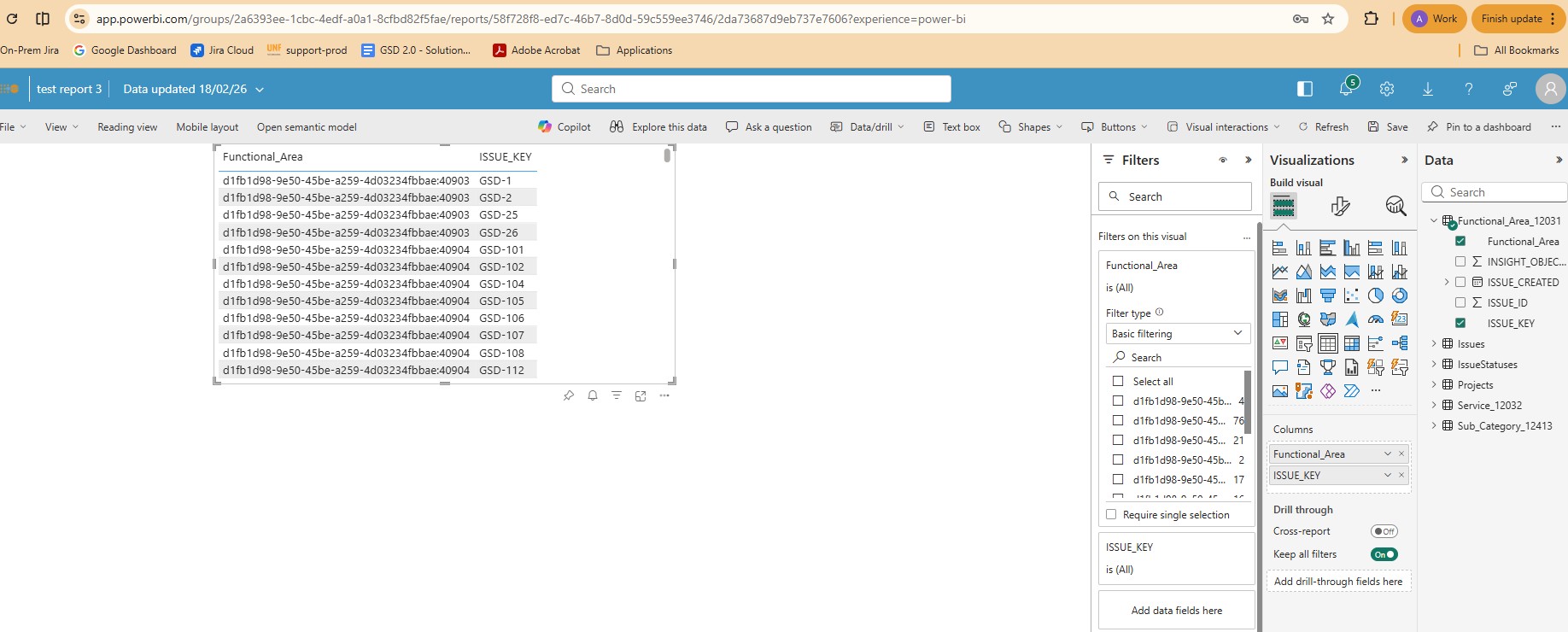
After I imported the data into Power BI using an OData source. I see that for Assets custom fields, only IDs are displayed and not the object values.
How can this be resolved? Attaching a screenshot for reference.
Answer
Assets custom fields are usually exported as a separate table that should be mapped to the "InsightObjects" table by the "INSIGHT_OBJECT_ID" field:
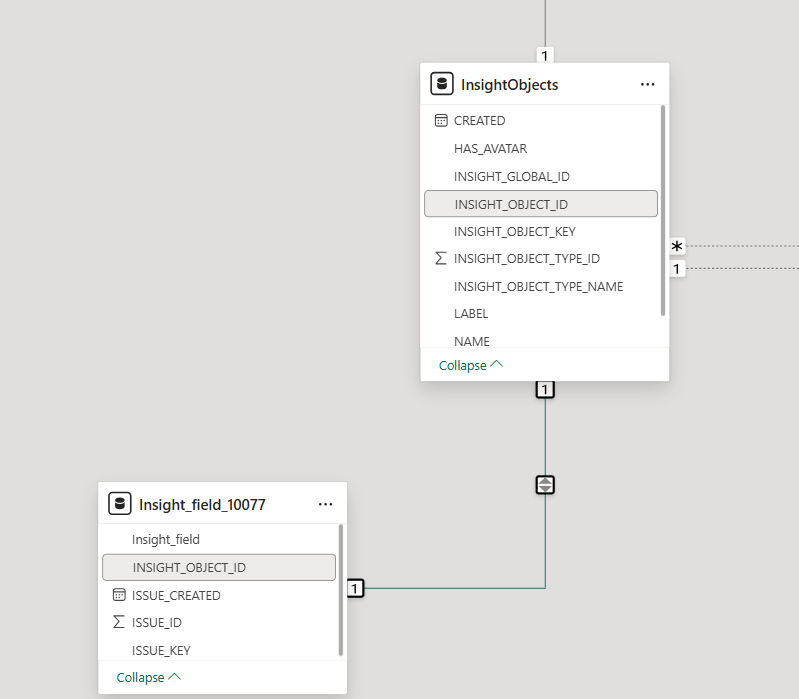
Make sure to establish this relationship in Power BI, and then you can select the "Name", "Label", or other values from the "InsightObjects" table. This way, you can display actual names instead of numbers and link those to the corresponding issues: