
Grouping roadmaps into collections allows team members to more easily locate and manage roadmaps related to their roles, and makes it easier to mange version controls.
Creating a Collection
To create a new collection:
-
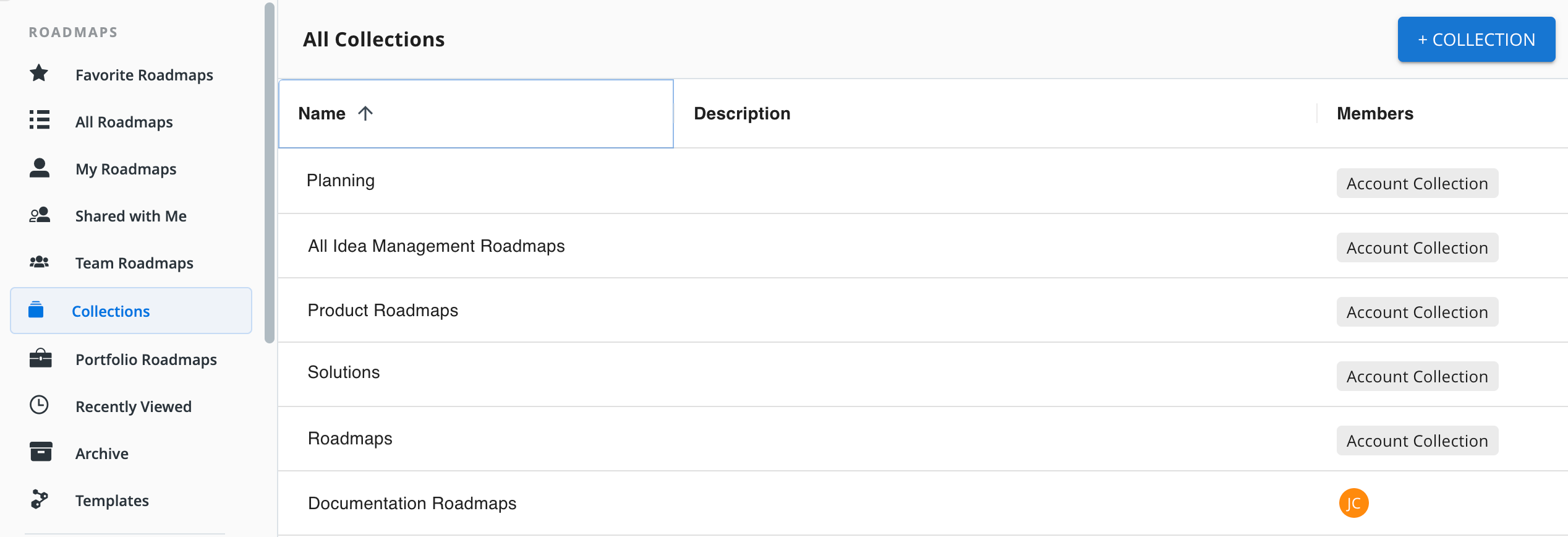
Go to Roadmaps | Collections
-
Click +COLLECTION
Use clear naming conventions (e.g., Marketing // Q3 Launches, Engineering // Mobile Apps) to make collections intuitive at a glance.
If you don’t see the Collections option, ask your administrator for assistance.
Adding Roadmaps to a Collection
To add roadmaps to a collection:
-
Open the roadmap
-
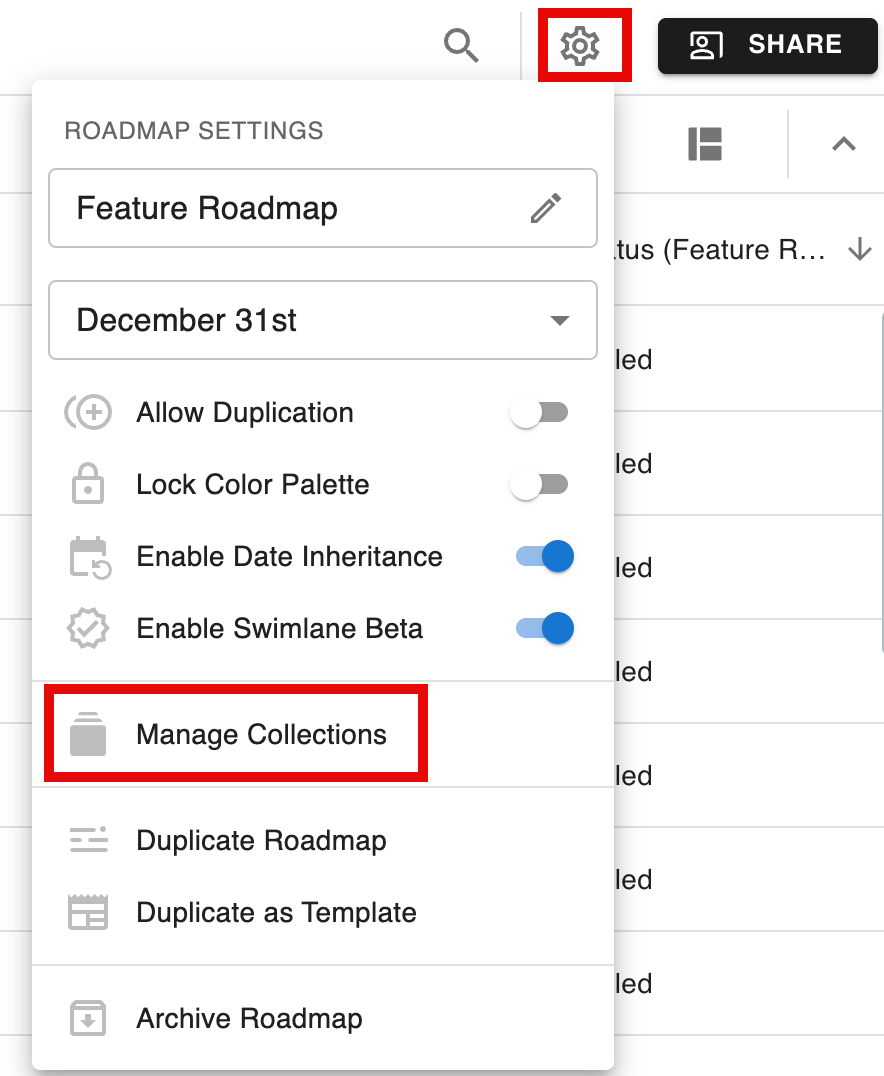
Open the Settings menu
-
Select Manage Collections
-
Choose the collections the roadmap should be included in
It is also possible to bulk add roadmaps. See Roadmap Collections for more details.
Sharing a Collection
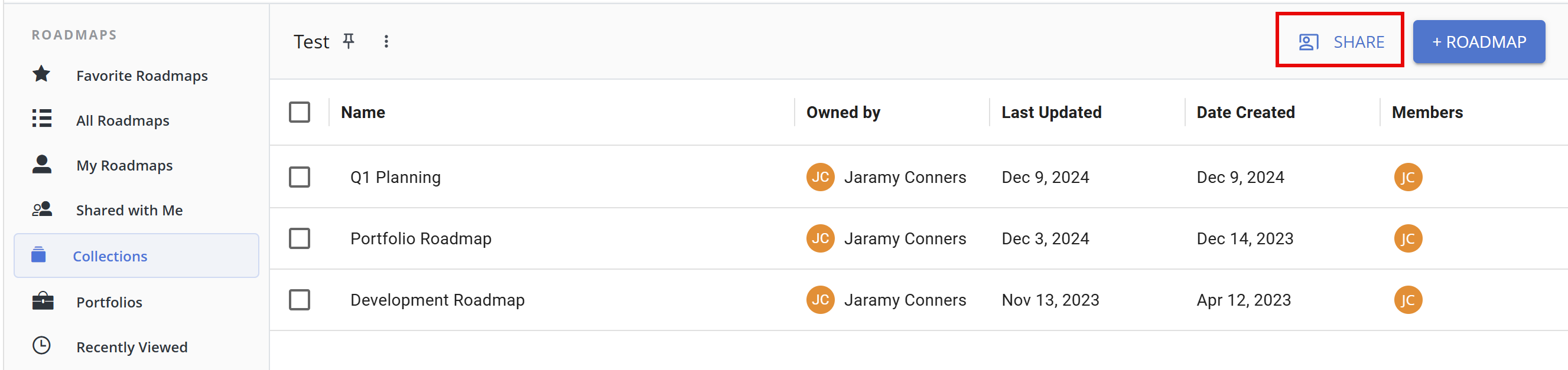
To share an invite-only collection, open the collection and click the Share button at the top of the screen.
Enter a user's name into the Invite Users field to search for team members and invite them to the collection. Once you’ve invited a user to the collection, you can adjust their permissions in the Users list:
-
View Only - can only view the collection
-
Contributor - can add and remove roadmaps from the collection
-
Manager - can add and remove roadmaps, edit the collection’s name, invite users, and adjust user permissions
Learn More: Roadmap Collections