
Users and roles should be reviewed regularly to ensure:
-
Users only have their required level of access
-
User information is up to date
-
Inactive users are disabled
The steps below require the following access level:
-
Account Administrator - can add and manage all user accounts
-
User Manager - can add and manage Reviewer and Collaborator accounts only
Reviewing Users
To review users, go to Account Settings | Users.
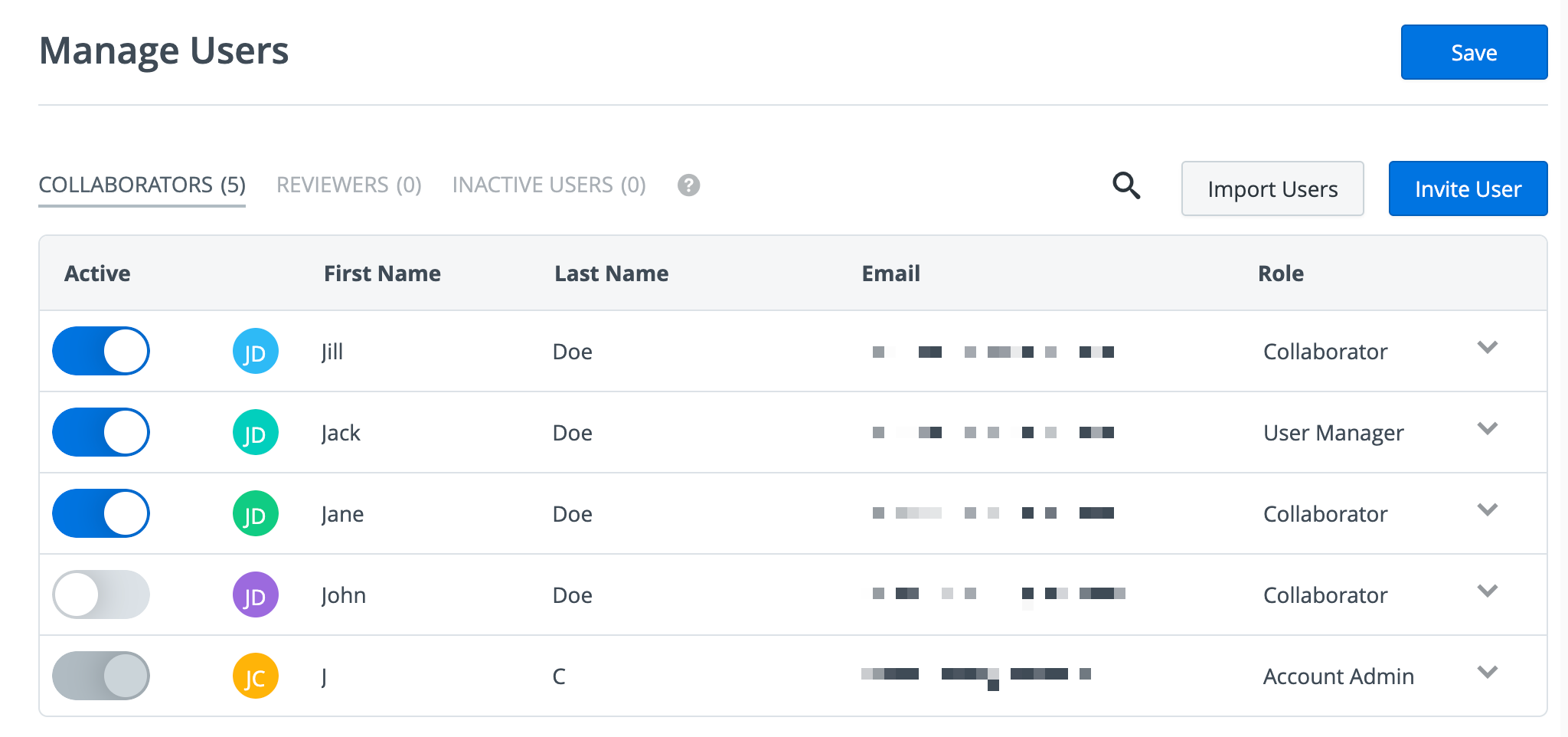
Ensure users have the appropriate level of access:
-
Account Admin - has Full access (roadmaps, billing, user & team permissions)
-
User Manager - can manage users & teams
-
Collaborator - can create, edit, and view roadmaps, based on the roadmap permissions
-
Reviewer - can view roadmaps that have been shared with them
Updating Users
To update a user’s level of access, update the selection in the Role column.
To deactivate a user, toggle the Active column.
Learn More: Add & Manage Users