
Rather than managing access and permissions for each user, we recommend building teams to manage team-level permissions. This saves time, ensures every team member has the same level of permission, and makes it easier for users to switch teams.
The steps below require User Manager or Account Administrator access level.
Setting Up Teams
To add new teams:
-
Go to Account Settings | Teams tab
-
Click Add Team to add a new team manually
-
Click Import Teams to set up teams using an existing CSV file
Editing a Team
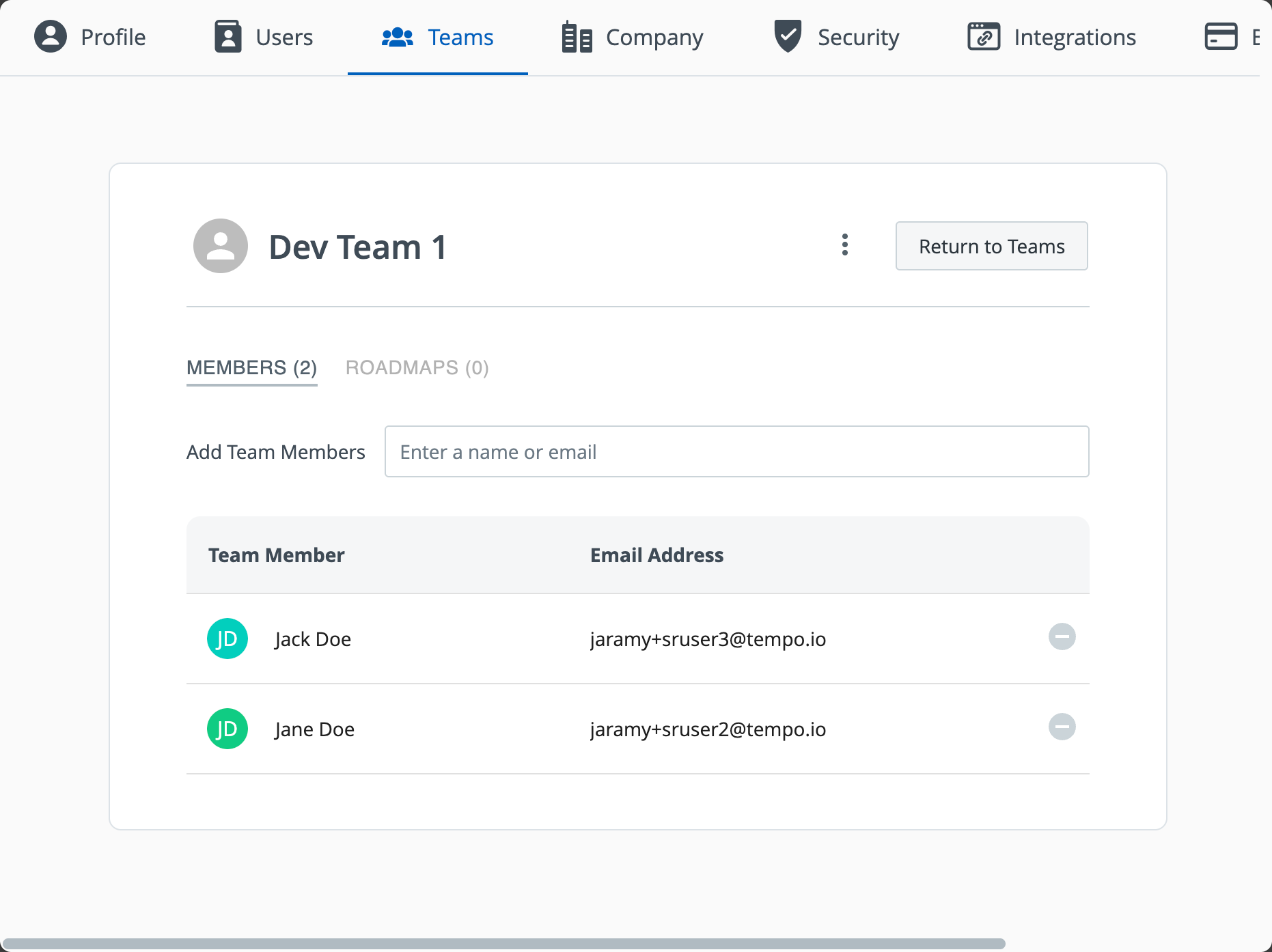
To edit a team, go to Account Settings | Team and select the team you want to modify.
You can:
-
Add members
-
Remove members
-
View shared roadmaps
-
Edit team details
-
Remove the team
Best Practices
-
Mirror your internal org structure (e.g., Product Team, Sales & Marketing, Leadership).
-
Regularly update teams as roles and personnel change.
Learn More: Working and Sharing with Teams