
Create, manage, and assign attributes to your assets—including hardware, software, offices, and licenses—with Assets for Jira Service Management. For each type of object you want to track, you can set up multiple assets. Then you can assign attributes like id, label, or type to each asset.
Assets integration in Structure means you can use your assets and attributes as a field within columns, formulas, and Group by Formula generators.
Users must have a JSM license to view Assets data in Formula columns. Structure Owners must have a JSM license for other users to see the name of Group by Formula generators that reference Assets data.
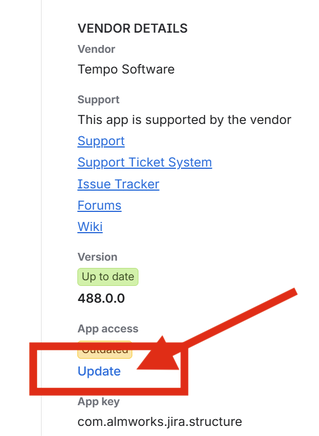
Structure must be fully up-to-date to use the Assets integration. Update your app from Site settings > Connected apps > Structure by Tempo in Jira Administration.
When you use Assets with Structure you can:
-
Visualize and edit assets in Structure columns.
-
Update asset values by dragging items from one group to another.
-
Use assets and attributes within formulas. Using the syntax
asset.attribute, you can return specific information about the asset.-
employee> returns the employee name -
employee.label> returns the employee's labels
-
-
Use a Group generator to group items based on their assets.
-
Create Groups with formulas that use assets and their attributes.