
Only Jira admins can create or edit Structure labels.
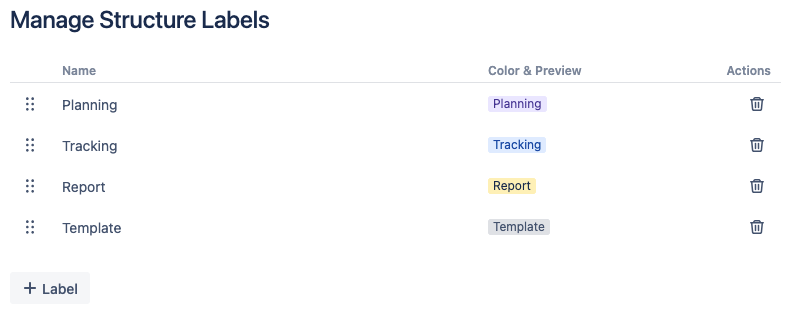
To create a new label:
-
Select Marketplace apps from the Jira settings (⚙️) menu.
-
Select Manage Structure Labels in the sidebar.
-
Select + Label and enter a name, then select the checkbox to create the label.
After you create your label, you can change its appearance from the Color & Preview dropdown.
Editing a label
From the label management screen, you can:
-
Rearrange the labels to change their display order in the Label menu.
-
Rename a label: Click the label’s name, enter a new name, and select the checkbox.
-
Select a new appearance for a label from the Color & Preview dropdown.
-
Delete a label by clicking the trash can icon.