
We don’t always look at our data the same way. Rather than changing your filters and configurations for every meeting, we recommend creating custom Portfolio Views tailored for specific purposes.
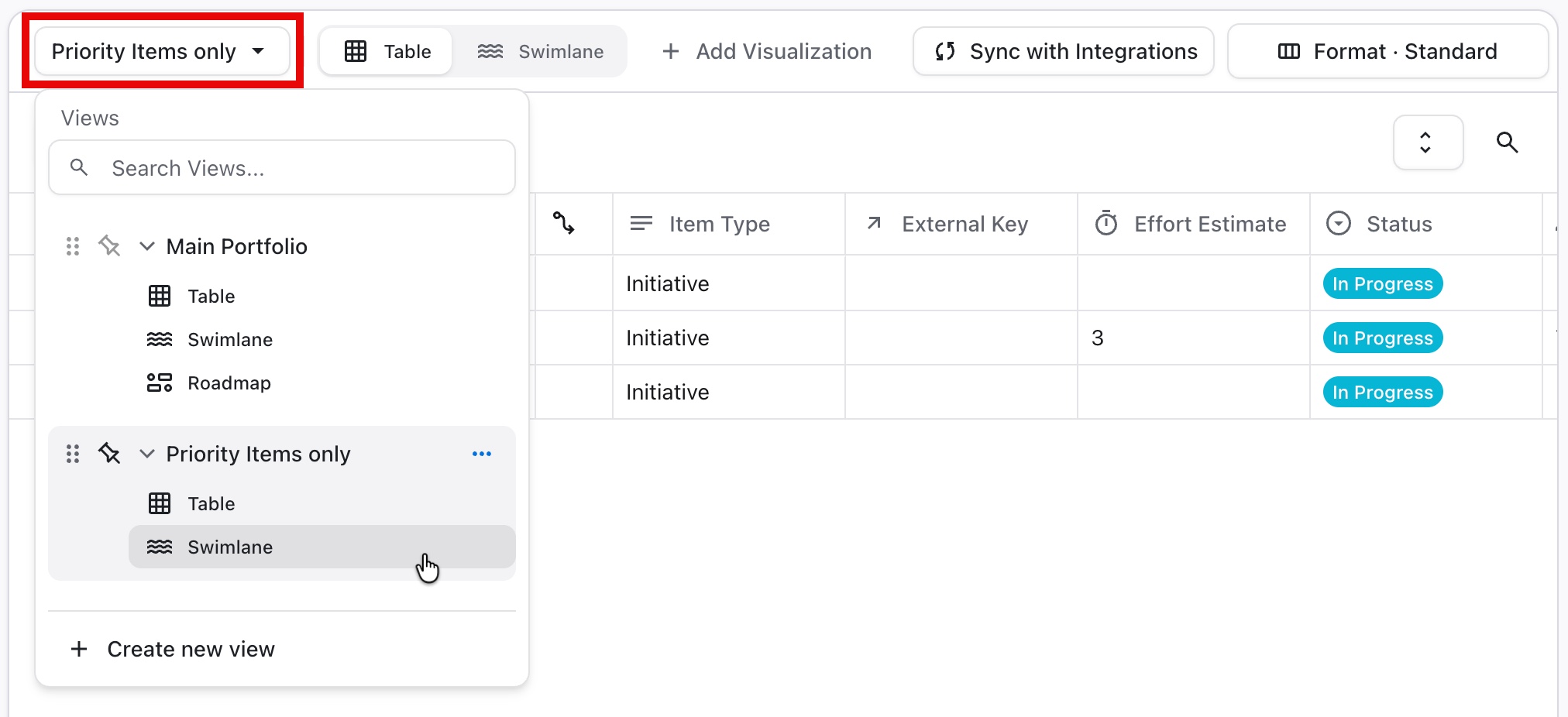
Every view you create includes its own:
-
Table
-
Timeline
-
Swimlane
For each of these, you can customize:
-
Formatting
-
Headers
-
Timeframe
-
Issue Types
-
Filters
-
Color palettes
-
And more!
Switching Views
To switch between views:
-
Click the name of your current view at the top of the Visualizations screen
-
Select the view you want to use
Learn More