
Loop Intelligence monitors signals from Loop and your integrated platforms, identifies risks to your plan, and delivers recommendations evaluated against your actual capacity and priorities.
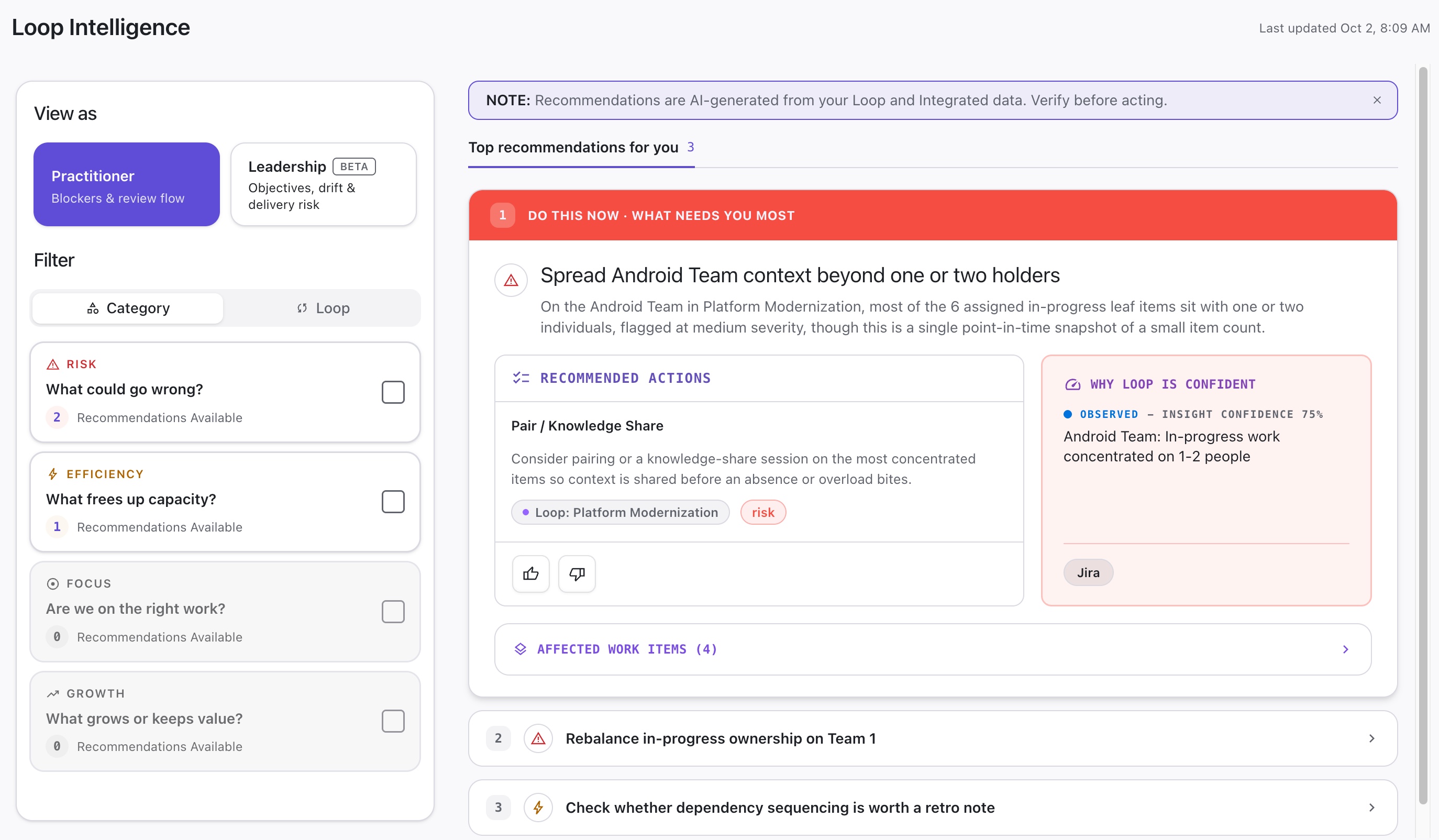
Insight Details
Each insight provides the following information:
-
Overview - What did Loop identify, and how severe is it?
-
Recommended Actions - What actions can you take to resolve this?
-
Why Loop is Confident - What evidence led Loop to these conclusions?
-
Affected Work Item - Lists work items affected by this insight, with links to view them and take action.
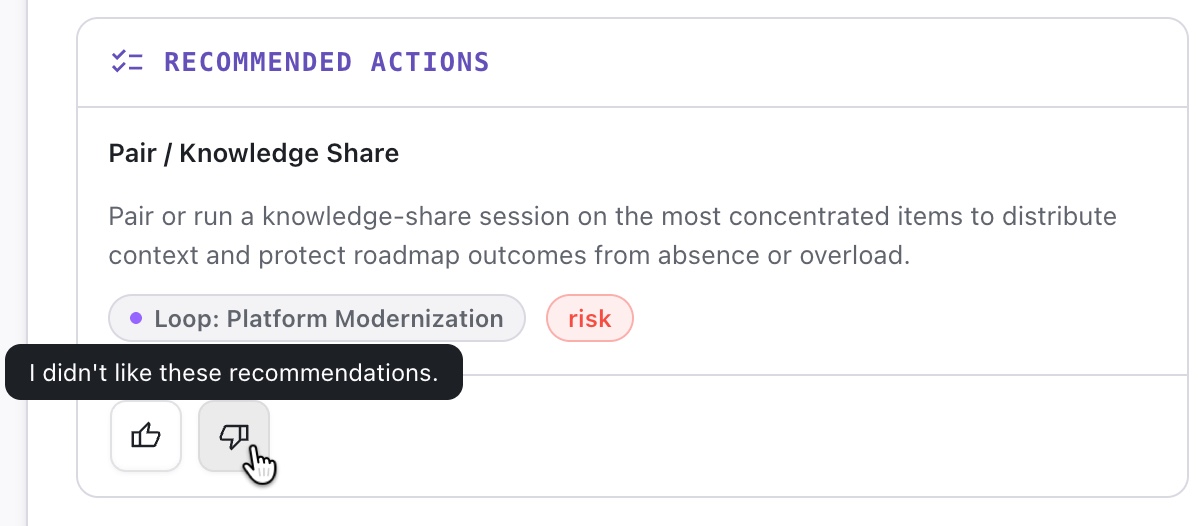
Rating Insights
To help Loop surface more personalized insights, you can rate each recommended action. This helps Loop identify the type of insights that will be most valuable to you and your team.
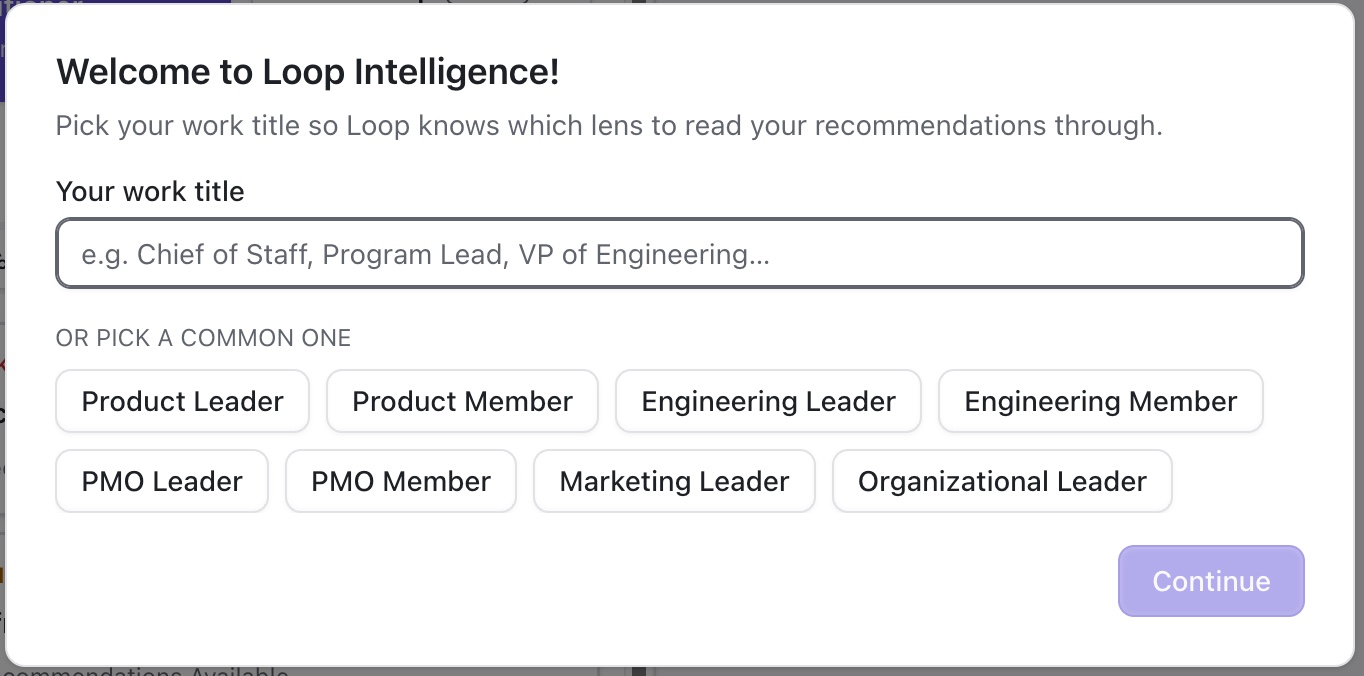
Role-based Insights
Not every insight is relevant to every role. The first time you open Loop Intelligence, you will be asked to select your role. Loop will then use this information to present insights that are relevant to you and your work.
Filtering Insights
To view specific types of insights, select them in the Filter section to the left.
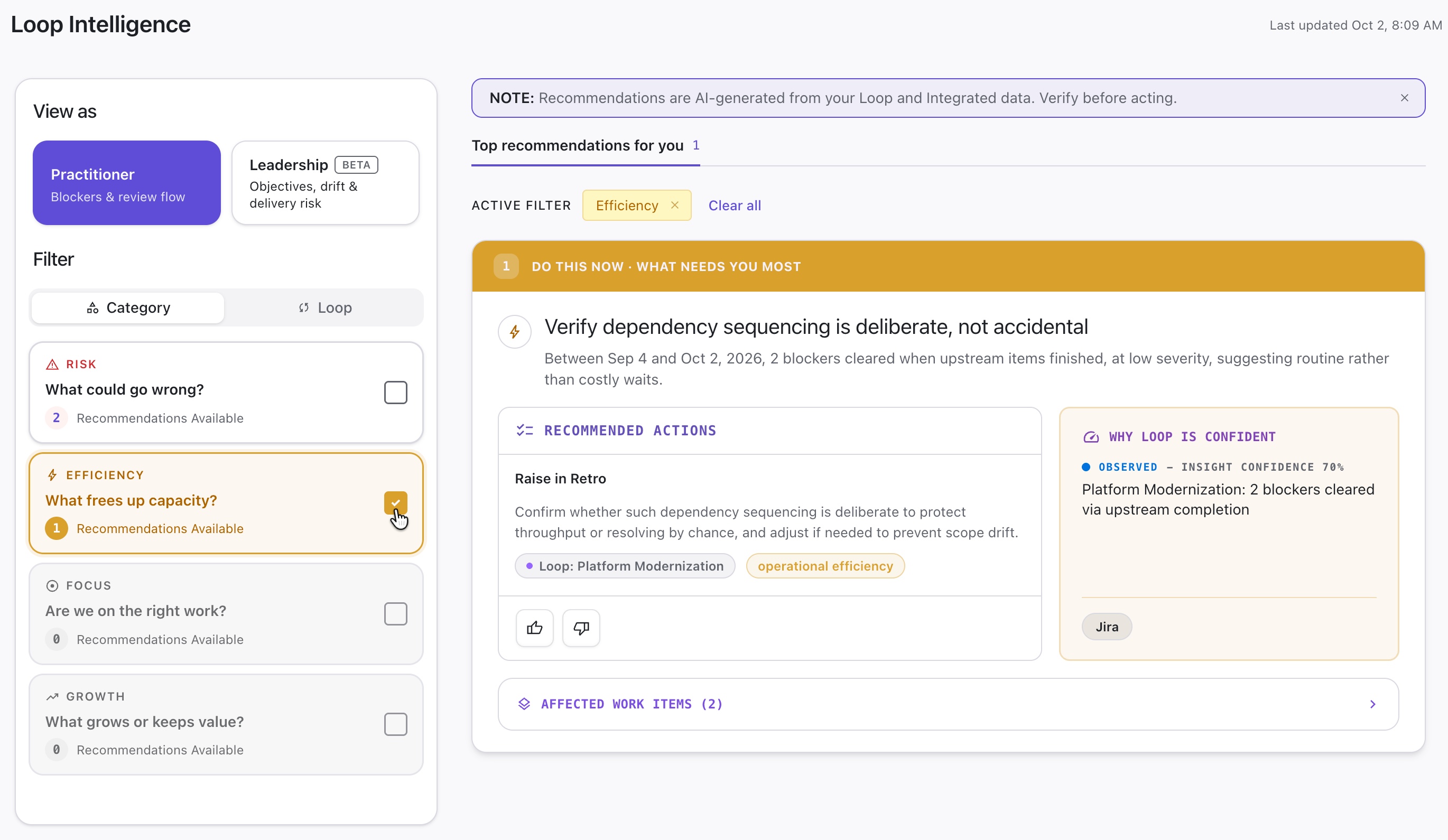
View As
The View As option lets you surface different information based on your role or who you’re presenting that information to.
-
Practitioner - surfaces insights related to blockers and reviews the workflow
-
Leadership (beta-only) - surfaces insights based on objectives, drift, and delivery risk
Filter Options - Practitioner
The following filter options are available in the Practitioner view:
-
Loop - surface insights pertaining to a specific Loop Portfolio
-
Category - limit results to specific insight categories:
-
Risk - identifies possible issues or things that could go wrong
-
Efficiency - highlights opportunities to free up capacity
-
Focus - highlights opportunities to refocus on more critical work
-
Growth - highlights growth and value opportunities
-
Filter Options - Leadership
The following filter options are available in the Leadership view:
-
Loop - surface insights pertaining to a specific Loop Portfolio
-
Category - limit results to specific insight categories:
-
Risk - identifies possible issues or things that could go wrong
-
Opportunity - highlights opportunities to improve performance, speed up delivery, etc.
-
On track - surfaces work that is on track
-
Data readiness - identifies possible issues with data hygiene
-
-
Objective - focus on insights that impact a specific objective