
Planner is where you will build your plan and model scenarios to explore team configurations, assess scheduling impacts, and compare alternatives before committing to a plan.
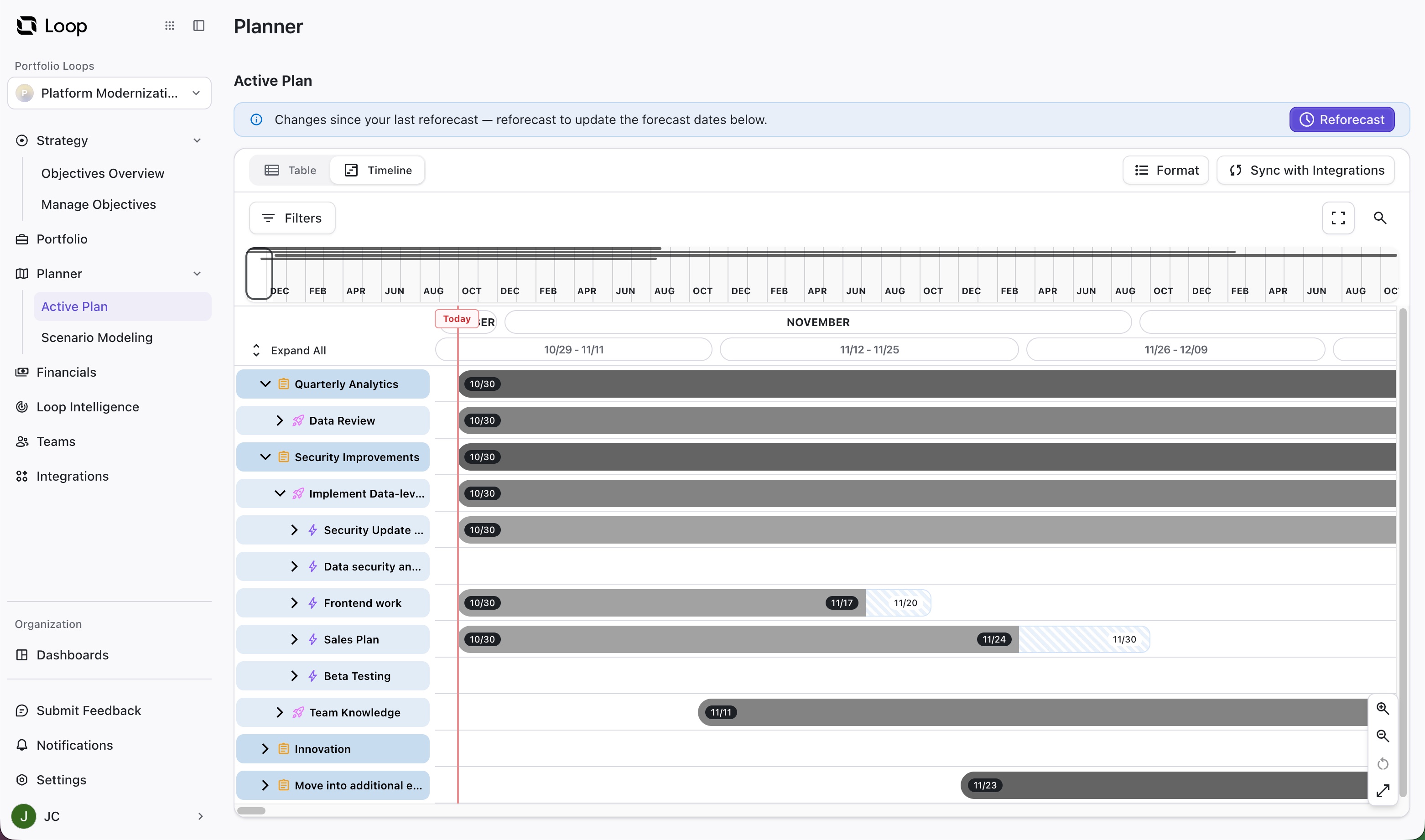
Planner is separated into two sections:
-
Active Plan - This is the plan you’re actively working from. You can adjust priorities, reassign items, edit dates, change effort, adjust dependencies, and more. Your timeline automatically adjusts based on your changes.
Changes you make in the Active Plan are automatically pushed to your Portfolio. To push those changes to your integrated platforms, select Sync with Integrations.
-
Scenario Modeling - This is where you can test new scenarios without impacting your Portfolio.
-
What happens if you reprioritize several items?
-
What if you add teams or reassign work?
-
Test as many scenarios as you need. When you find a scenario that works, activate the scenario to update your Portfolio and Active Plan.