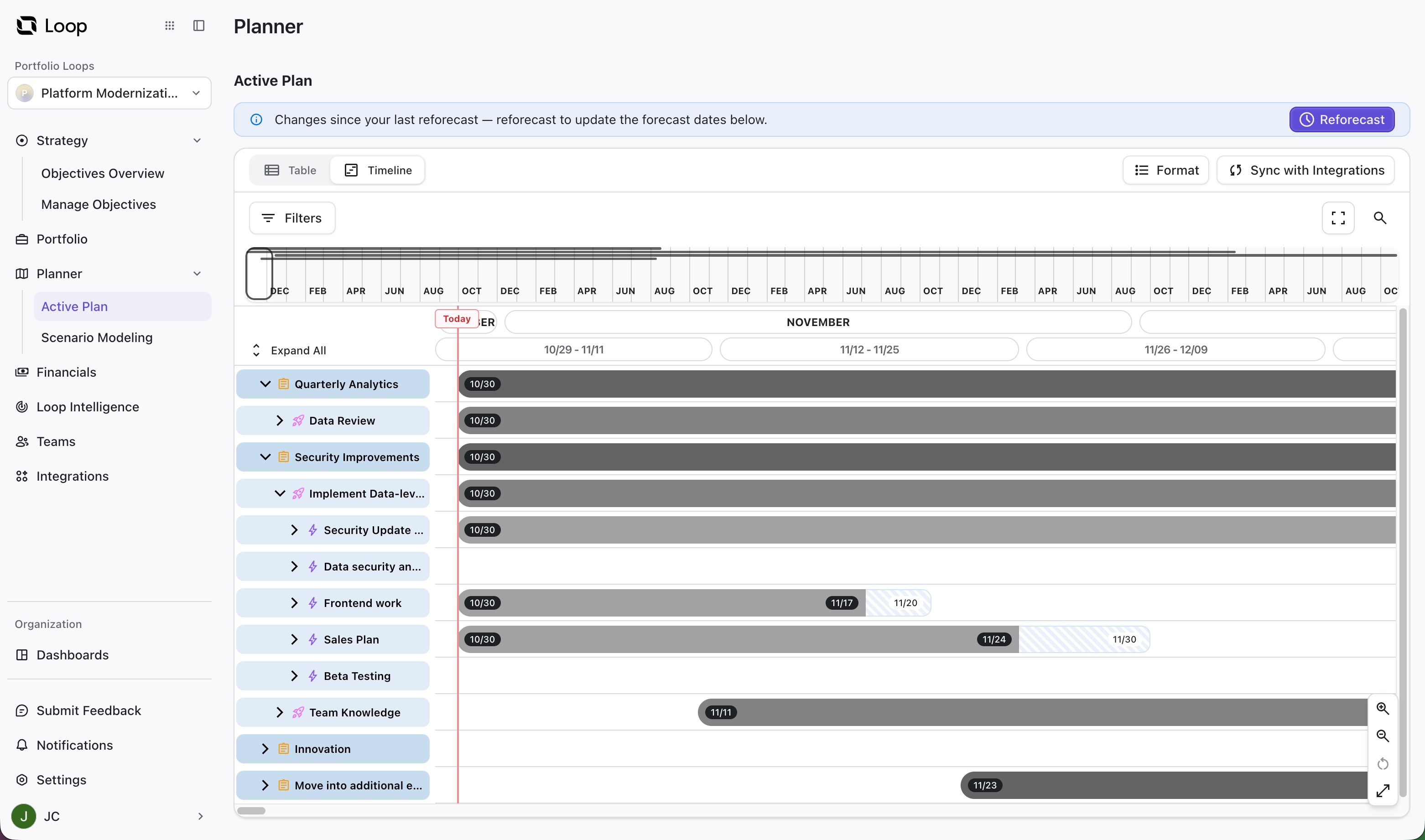
The Active Plan is where you view and adjust the current plan. Any changes you make here directly impact your timelines.
Planning with the Active Plan
Planner automatically builds a timeline based on the current values (work estimates, dependencies, etc.) within the Portfolio and predicted values from the backlog of work items in your portfolio.
You can adjust your plan in the following ways:
-
Reprioritize items. Drag items up and down to reprioritize them. Planner prioritizes higher items first.
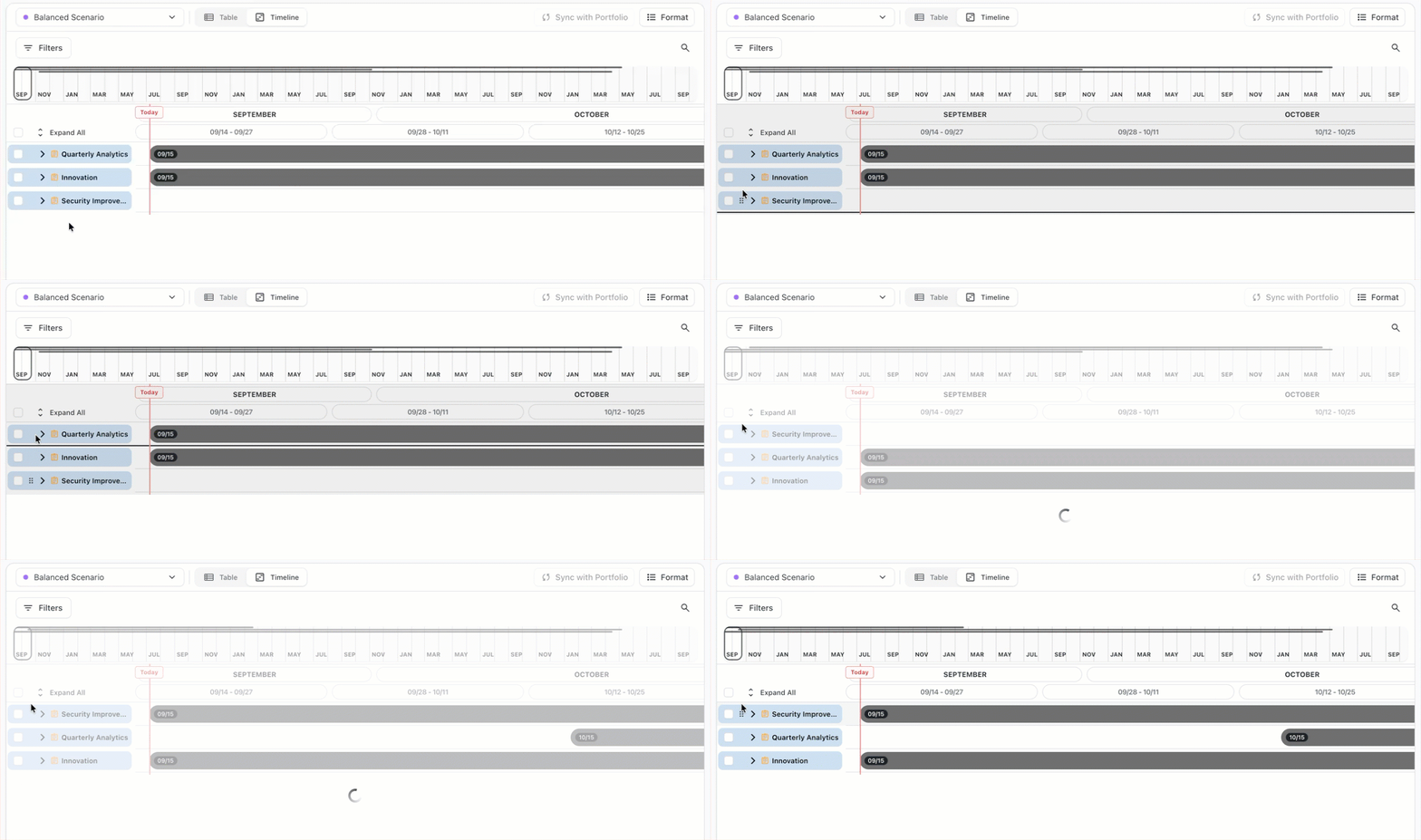
Items can only be moved within their parent item.
-
Edit item values. Update an item's team assignment, work estimate, dependencies, and status.
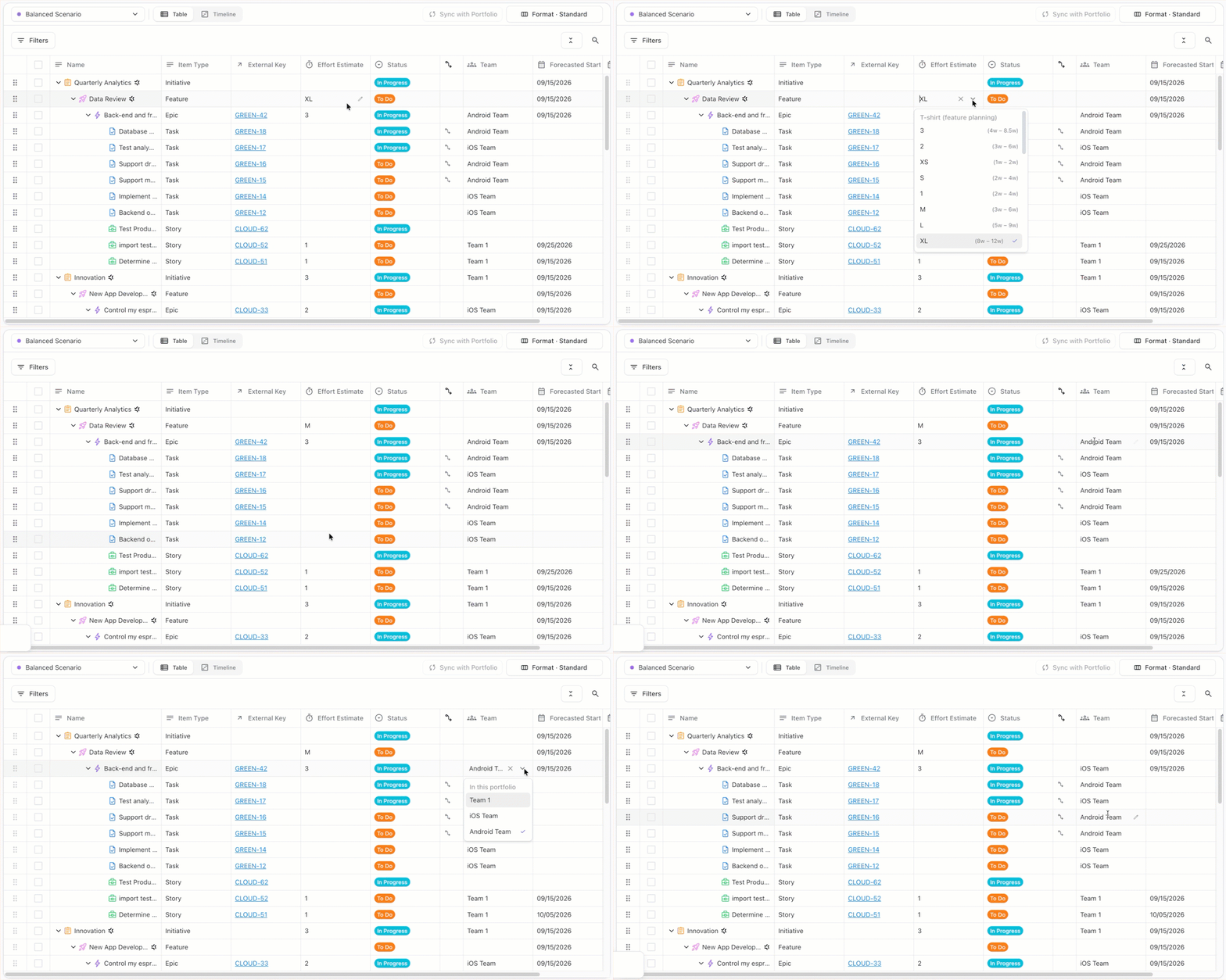
After making your changes to priorities and/or item values, select Reforecast to update the plan’s forecasted dates.
Reforecast
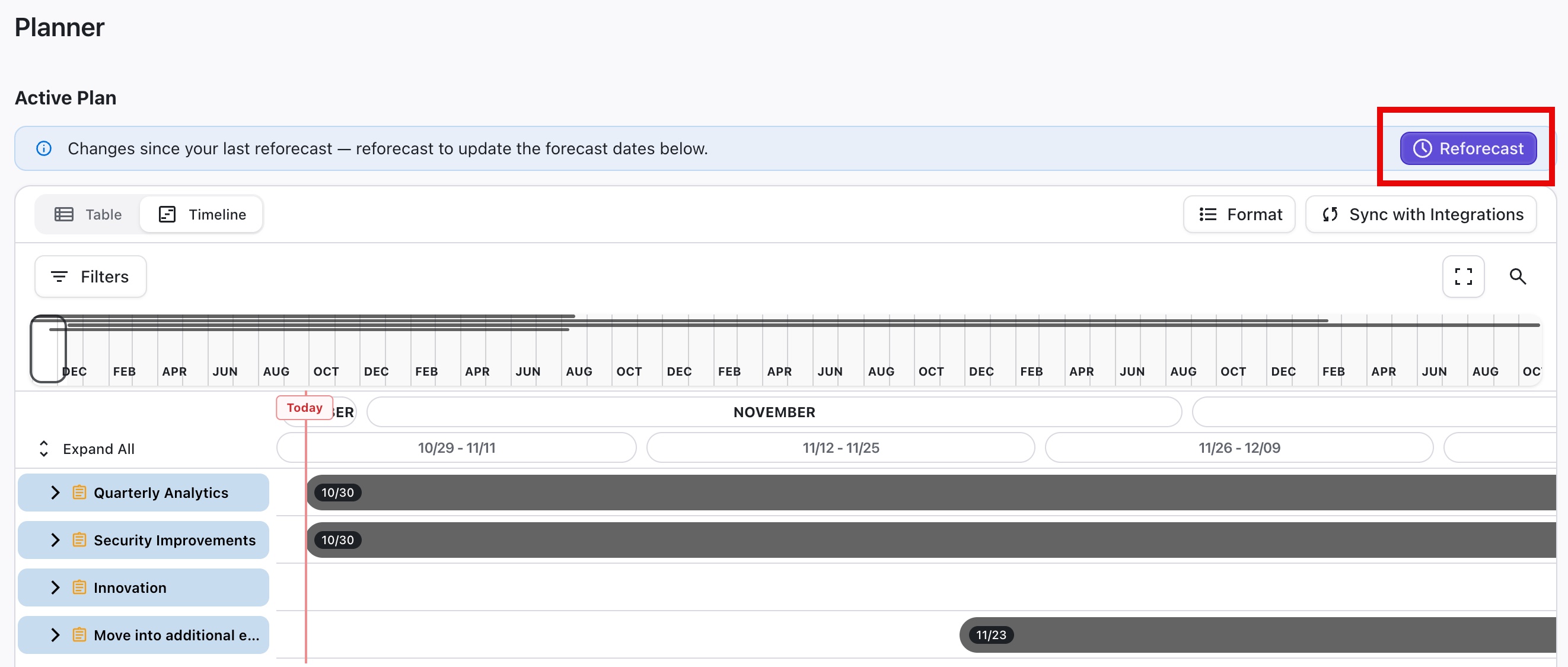
Whenever item values or priorities get changed, these changes can affect your plan’s forecast dates. To make sure you’re working with the most up-to-date schedule, check the Reforecast bar at the top of the Active Plan window:
-
If changes have been made since your last forecast, it lets you know. Click the Reforecast button to reschedule your plan based on the latest values.
-
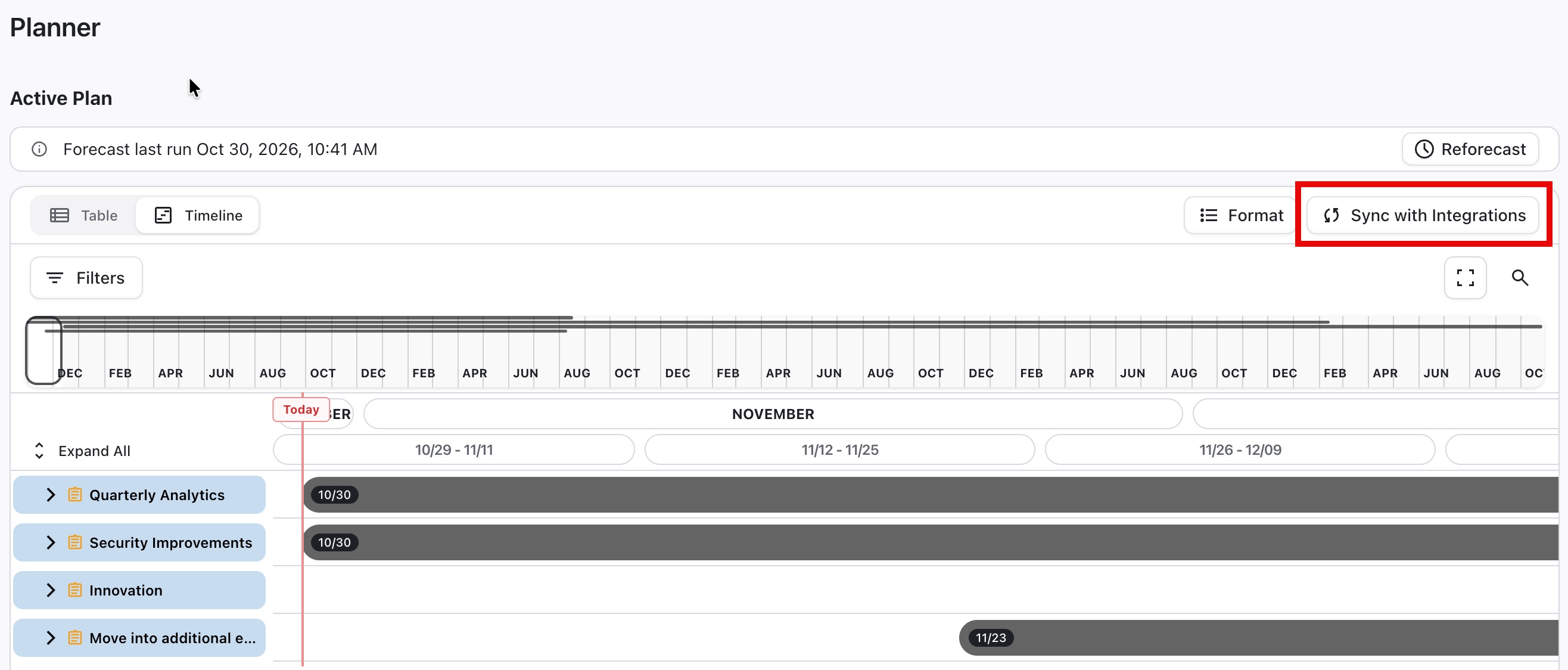
If your schedule is up to date, it shows when the last forecast was run.
Publishing a Plan
As you make changes in the Active Plan, items in the Portfolio are automatically updated. To push those changes to your integrated platforms, select Sync with Integrations.