
Teams provides an overview of your teams, their capacity, and their utilization, helping you quickly identify overallocated team members or underutilized teams, so you can pivot before it’s too late.
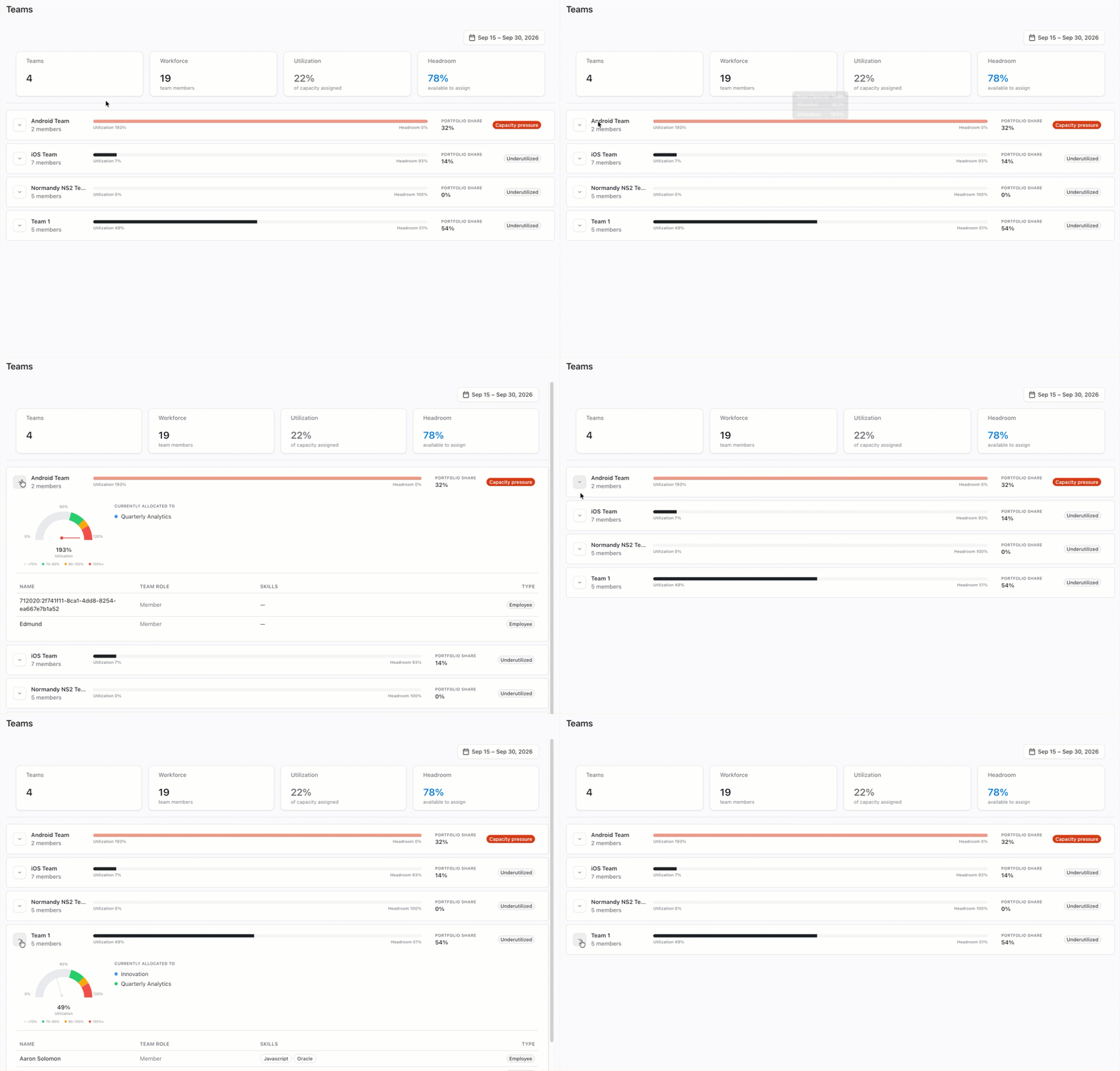
The Team Capacity measurement in Loop is based on items within Loop. Therefore, it may not reflect all work the team is handling, if some of that work has not been imported.
Adjusting the Time Frame
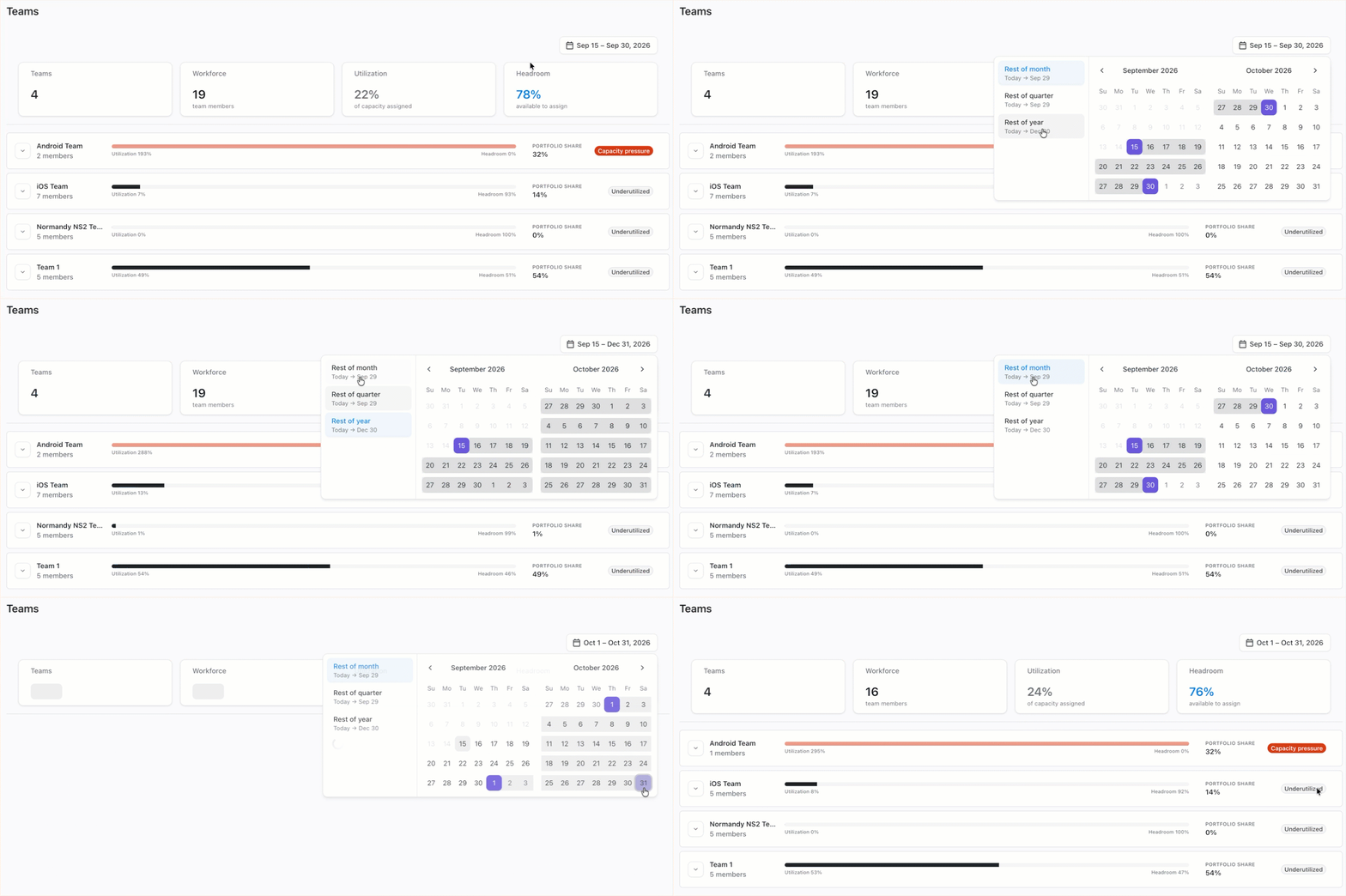
To look at a specific time frame, open the Date dropdown at the top of the Teams page and select the new time frame.
Making Changes to Teams
To make changes to a team's allocations, reassign items in Portfolioor Planner.
To make changes to teams or team members, see Settings | Staff Management.
Troubleshooting: Missing Tempo Teams
If you don’t see a Tempo Team imported from Jira, make sure that either:
-
The Tempo Team visibility is set to everyone, or
-
The team was imported into Loop by someone with View Team access for that team