
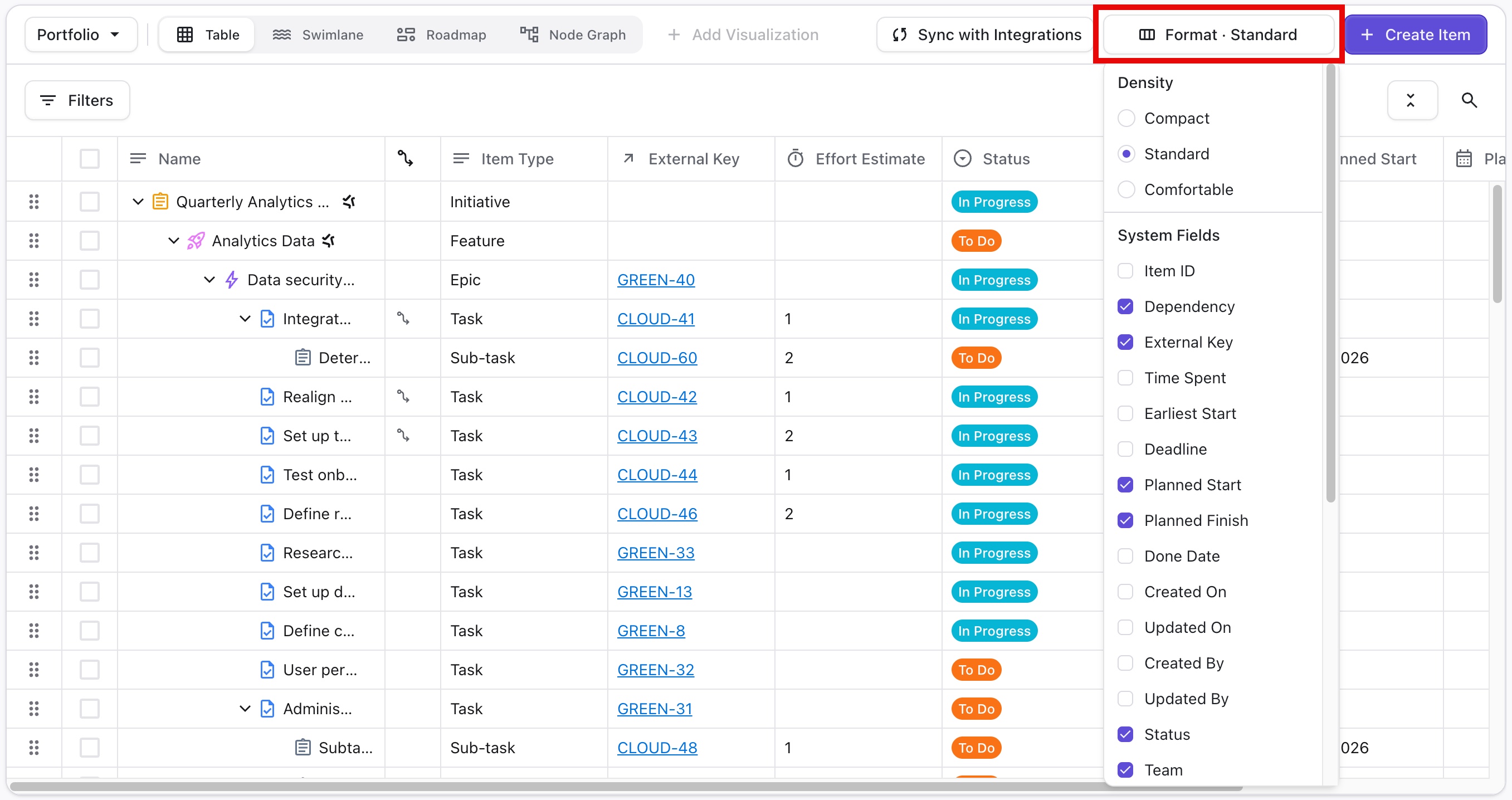
To adjust the table's appearance, select Format. In the Format Options panel, you can adjust:
-
Density - change the amount of space each line takes up in the table
-
Columns - show or hide columns in the table
To adjust the table's appearance, select Format. In the Format Options panel, you can adjust:
Density - change the amount of space each line takes up in the table
Columns - show or hide columns in the table