Structure has several built-in templates you can select from when creating a new structure. These templates cover common uses for Structure so you can get your board up and running with minimal effort.
After creation, structures made with templates behave like those made in power mode. This means you can configure and customize the structure to better fit your needs as you get more comfortable using Structure. For example, you can add new columns that aren’t otherwise included as part of the template, or add an insert generator that uses JQL.
Even though you can customize your structure after using a template for creation, you cannot create custom templates.
The included templates are:
-
My personal backlog: Sets up a structure to track and prioritize your work items.
-
Sprint planning: Sets up a structure to plan and track sprint work across your team.
-
Gantt chart: Sets up a structure to view your work items on a timeline.
-
Gantt sprint planning: Sets up a structure to view your team’s sprints on a timeline.
-
Team backlog: Sets up a structure to organize and prioritize your team's work.
-
Release management: Sets up a structure to track progress towards upcoming releases.
Using a template
Select Create structure to open the Create new structure page. Select the template you want, then select Use template to create and view your structure.
Personal backlog
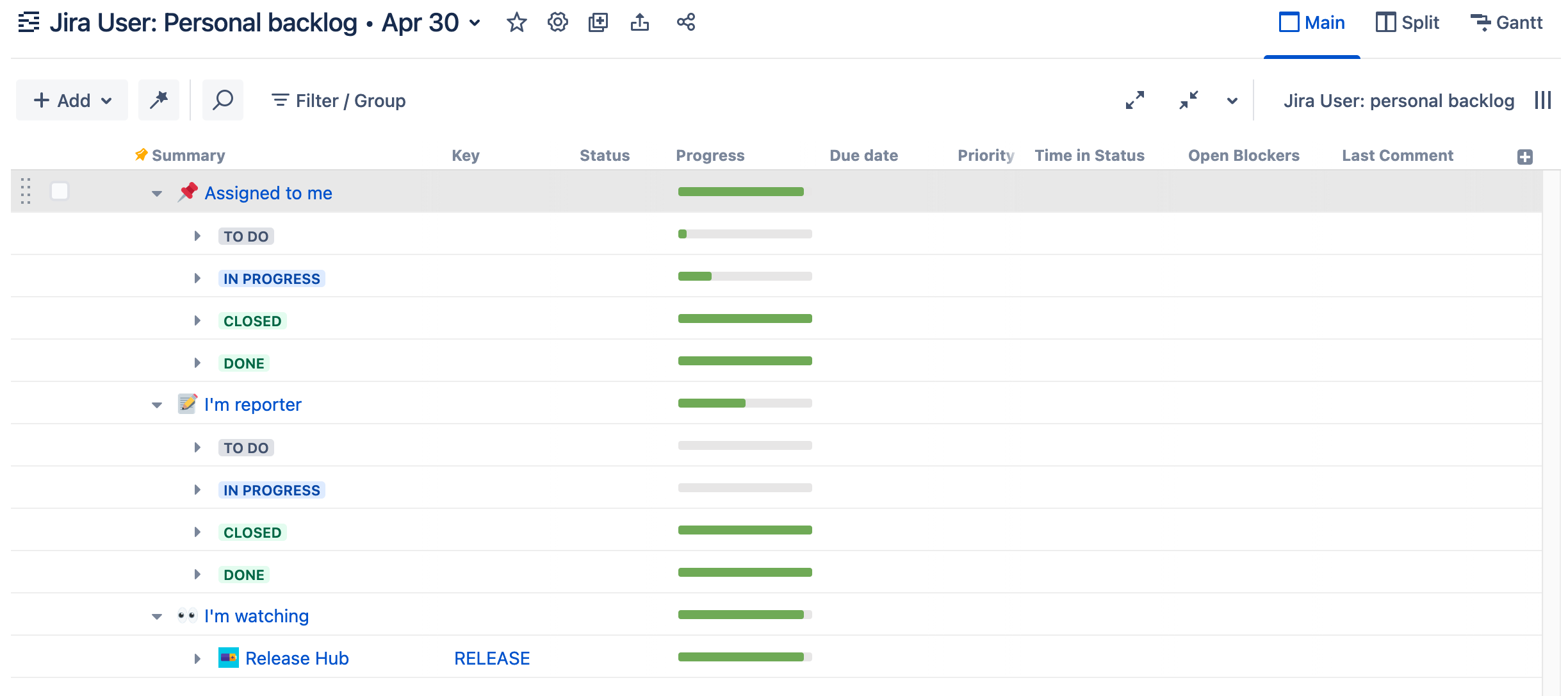
This template creates a structure that shows work items assigned to you, work items you reported, and any work items you’re watching. Each group contains subgroups based on the status category of each work item.
Sprint planning, team backlog, and release management
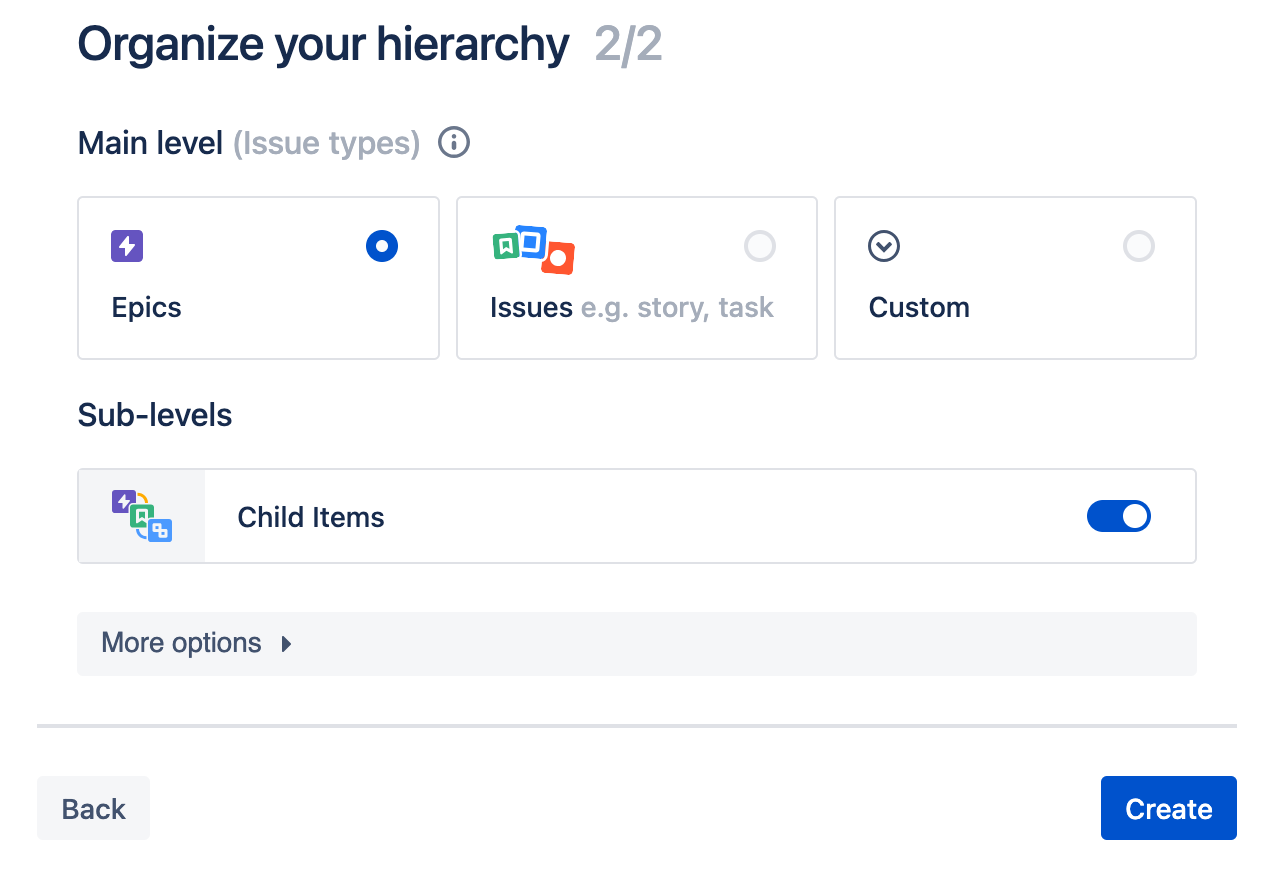
Follow these steps when setting up a board with this template:
-
Select one or more spaces or boards to use as the source for your work items.
-
Organize the hierarchy for your new structure.
Gantt charts and sprint planning
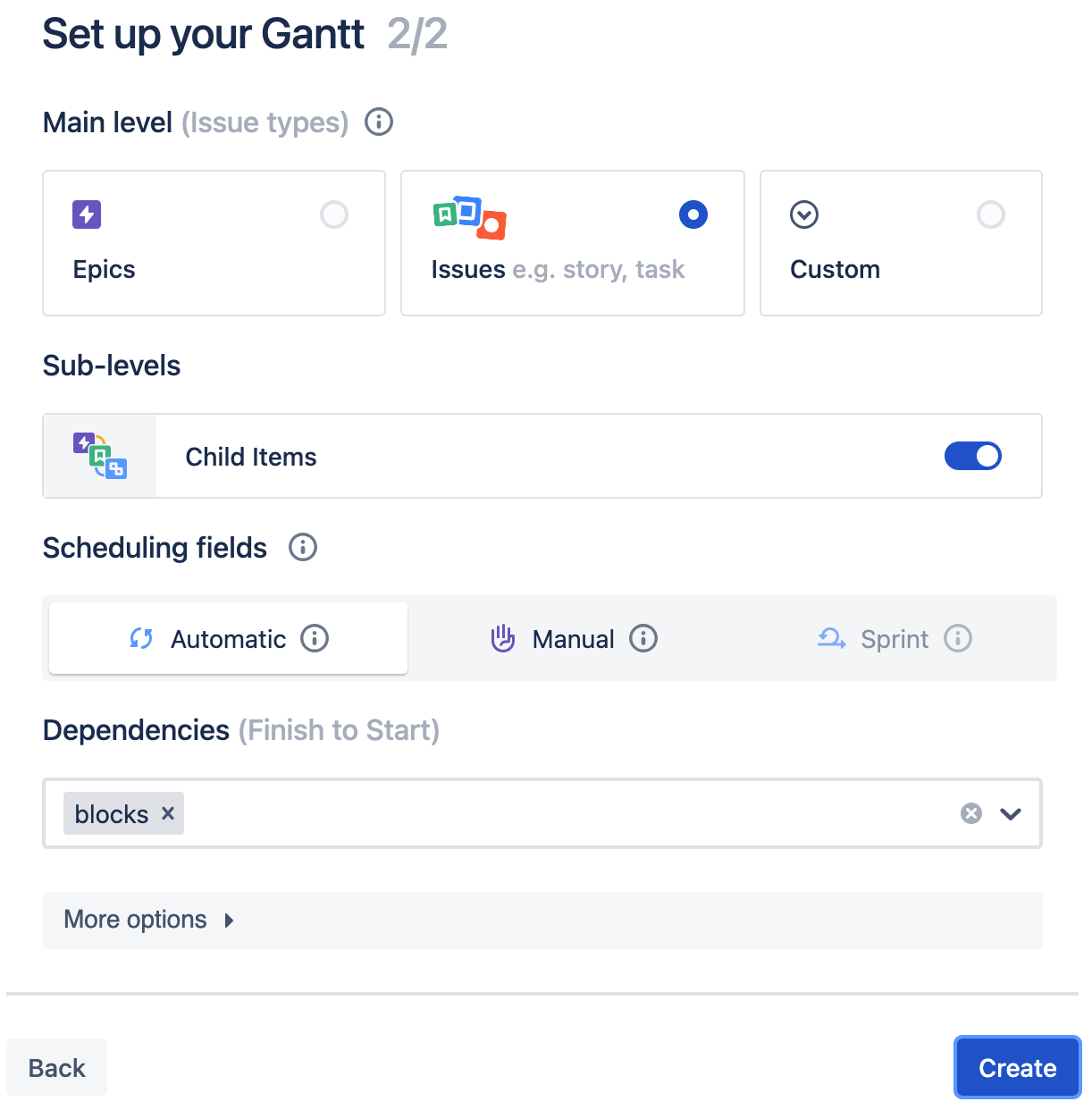
Follow these steps when setting up a board with this template:
-
Select one or more spaces or boards to use as the source for your work items.
Gantt sprint planning templates can only use boards as the source.
-
Organize the hierarchy for your new structure.
-
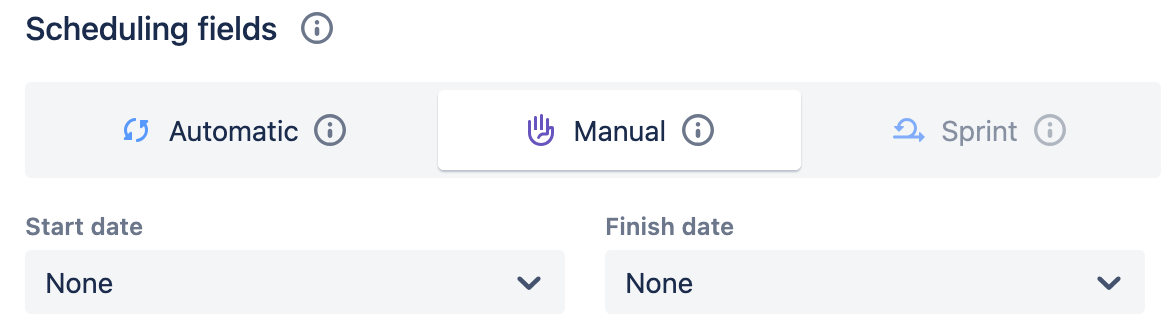
Select the fields to use as the basis for your Gantt’s schedule:
-
Automatic: Sets up your schedule based on the work items' dependencies and estimates.
-
Manual: Define the fields you want to use for the schedule’s Start date and Finish date.
-
Sprint: Uses predefined sprints for your schedules. This is selected by default when creating a Sprint planning template.
-
-
Define any Finish to Start Dependencies.
More options
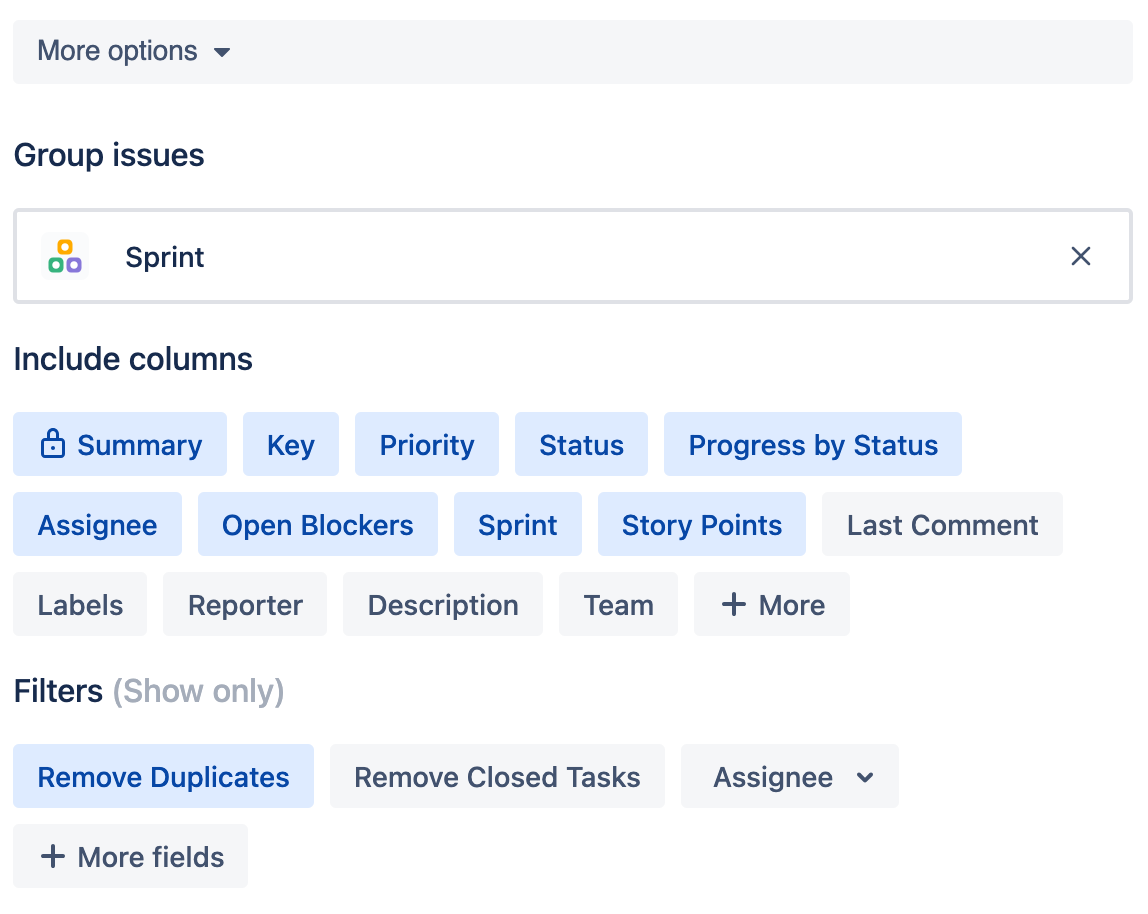
Expand More options for any template to:
-
Select how to group work items.
-
Select the columns you want to include on your structure.
-
Select the filters you want added to your structure.