Structure OKRs offers a built-in solution for tracking goals and key results.
Structure OKRs is only available as part of Structure Advanced Edition.
Admin onboarding
Structure and Jira admins will go through a built-in onboarding guide when they use Structure OKRs for the first time. This onboarding guide lets you create your first cycle, add labels to your OKRs, and invite others to create Structure OKRs.
Goals
Goals define the main objectives you want to track during a cycle. Goals are defined through their area of focus. When you create a goal you define this scope as Company, Department, or Team.
None of these labels contain definitions within the OKR system; they exist to help you organize what you plan on achieving during a cycle and you can nest goals within each other regardless of this label. For example, you can have a Team goal at the primary level and nest Company goals underneath it.
Cycles
Goals use a cycle to define the time period it’s estimated to run through. Structure admins define these cycles in the OKR board’s settings to make them available when any user creates a goal.
Key results
Key results define measurable objectives that provide progress towards a goal. When you set up a key result and link a work item or structure to it, you can enable automatic progress tracking. This option reports the progress towards a result by checking for linked work items transitioned to a Done status. If you want to manually track the progress, you can set a key result to measure percentage, numbers, or a binary setting.
Weighting
You can assign a weight to key results and goals nested under a primary goal. The weight applied to an item impacts the amount of progress that item applies to the primary goal’s overall progress. Higher numbers assign more value to that item, and lower numbers lessen the value of an item.
Filters and search
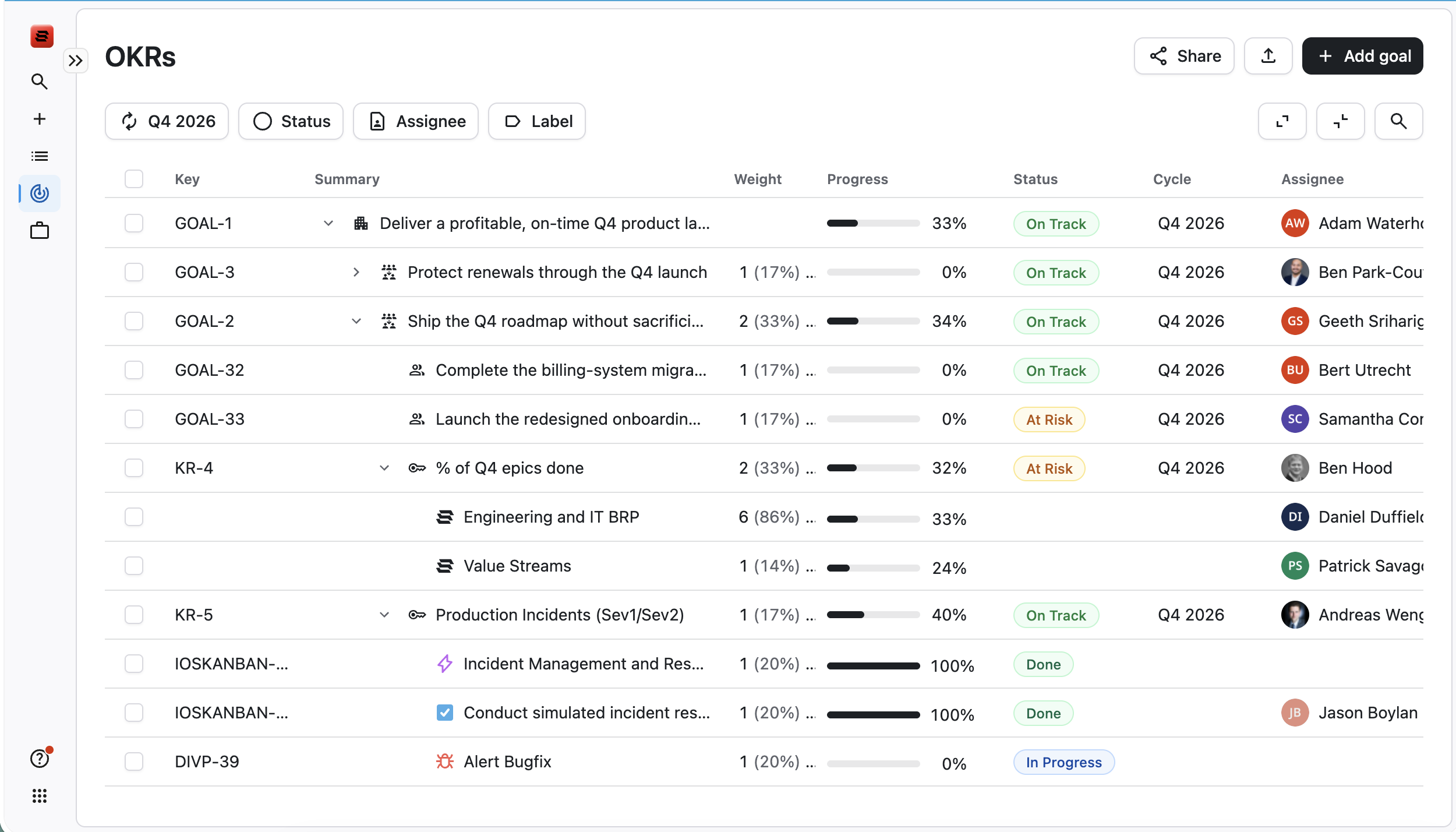
When viewing the list of your OKRs, you can filter the list based on cycle, status, assignee, and label.

You can also use the built-in search feature to narrow down the displayed OKRs and find exactly what you need. Search only finds items based on their Key and Summary fields.
Jira modules
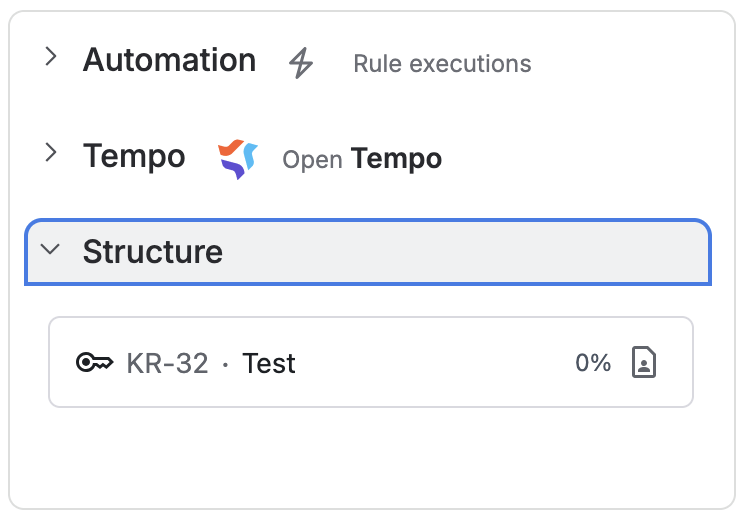
Key results linked to a work item display under the Structure heading in the right-side column when viewing a work item in Jira. You can select the OKR item to go to the page that contains the item.