
Structure OKRs are only available as part of Structure Advanced Edition.
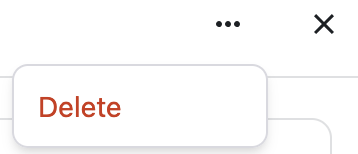
Select :moreOptionsHori: > Delete, to remove a goal or key result. Removing a goal with nested items will also remove those nested items. You will see a confirmation dialog that mentions this warning before you can finish the removal. Select Delete to continue with the removal.
Deleting a goal or key result will never remove work items or structures, even when linked.