
Structure OKRs are only available as part of Structure Advanced Edition.
You can nest goals based on your needs and organizational methods. Additionally, you can edit the weighting of any nested items to change the percentage of work they apply to the parent item.
Nest Items Under a Goal
You cannot move nested goals to another primary goal after creation.
To do so, select the goal’s Summary from the list to view it, then select +Add nested items. If you want to add a goal, you need to select Company, Department, or Team as before.
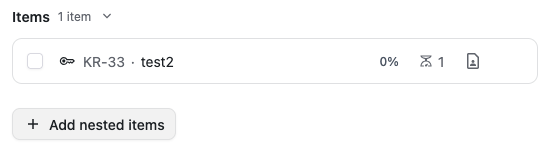
Nested goals have the same options as primary goals, except in place of labels, you can select a Weight for the goal.
Adjust the Weight of an Item
You can assign a weight to key results and goals nested under a primary goal. The weight applied to an item impacts the amount of progress that item applies to the primary goal’s overall progress. Higher numbers assign more value to that item, and lower numbers lessen the value of an item.