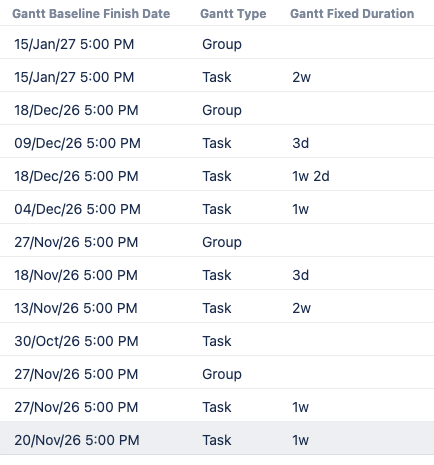
You can create columns in Structure that use Gantt fields as their source. Displaying Gantt fields as columns in your structure lets you view details of your schedule, tasks, groups, and milestones without the need to open the Gantt view.
Some of the fields you can use are baseline dates, fixed durations, and progress. Go to our List of Gantt Fields article to view the whole list of available fields.
Adding a Gantt Field
To add a Gantt field column:
-
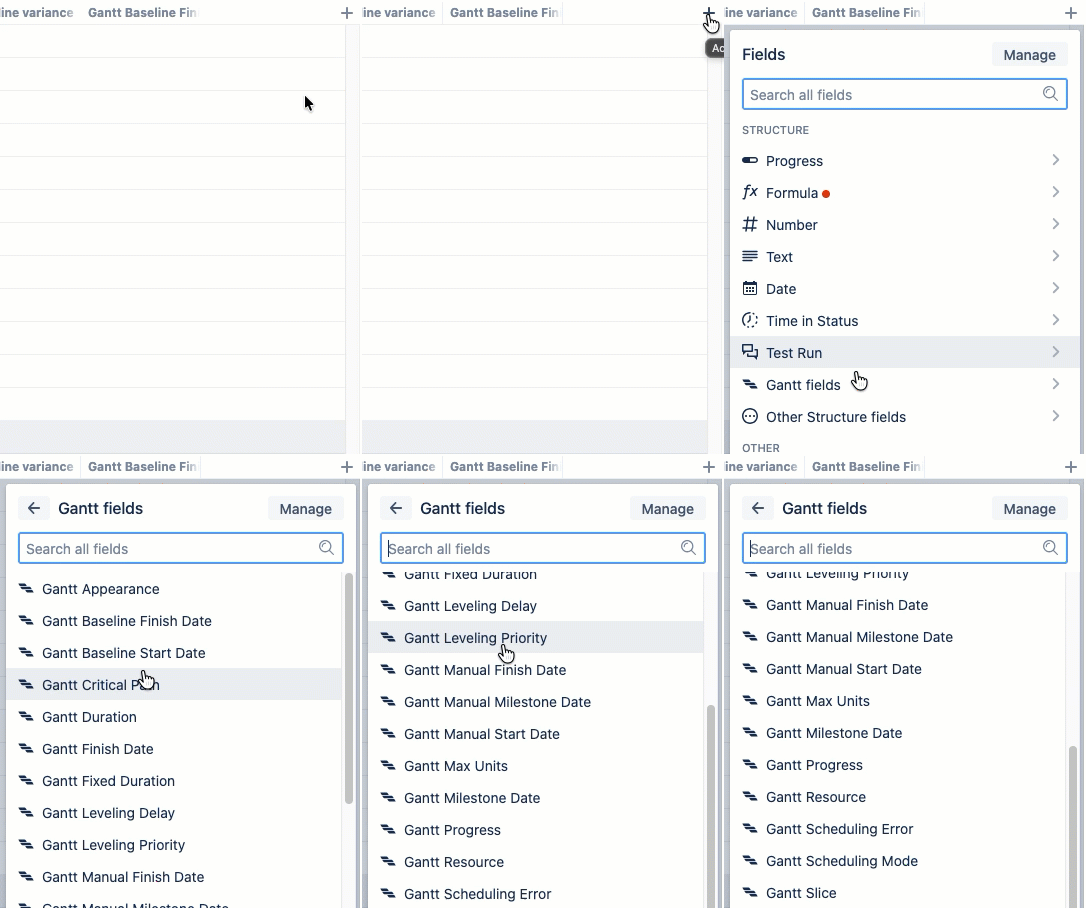
Select :addNewPlus:Add a column > Gantt fields.
-
Select the field you want to add.
-
Configure any settings that are available.
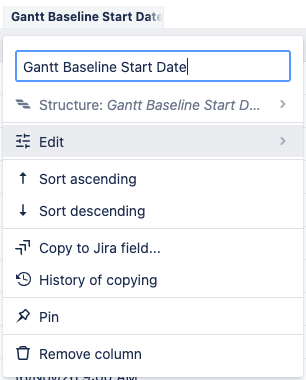
After adding a column, you can open the column options menu to view the field it uses, adjust its sorting, and remove the column. For fields with additional settings, you can select Edit to view and change those options.