
Setting up Roles in Loop makes it easier to identify and assign the right teams and team members for work, as well as to evaluate plans and plan changes.
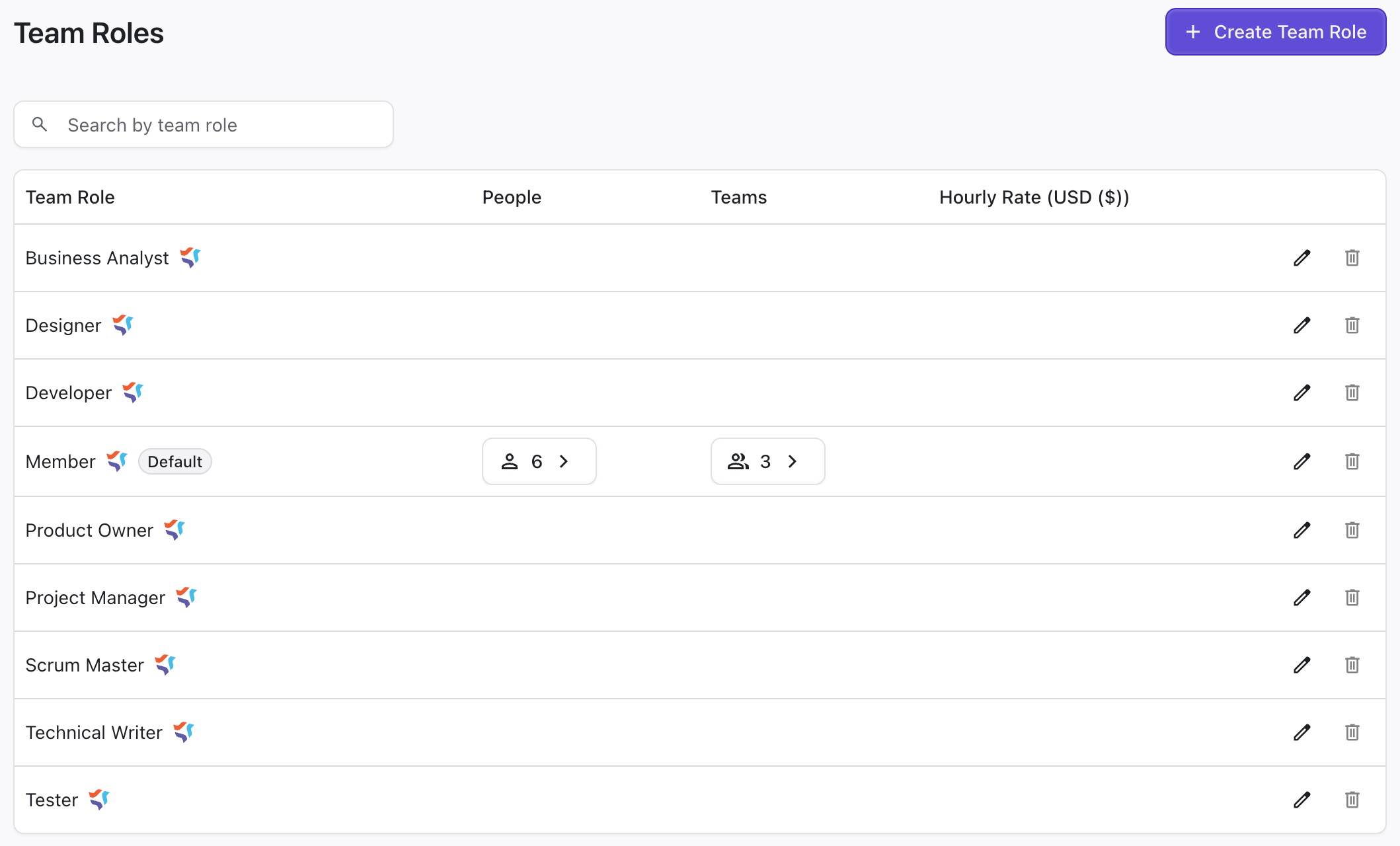
Creating Roles
To create a new role, open the Roles settings and click + Create Team Role.
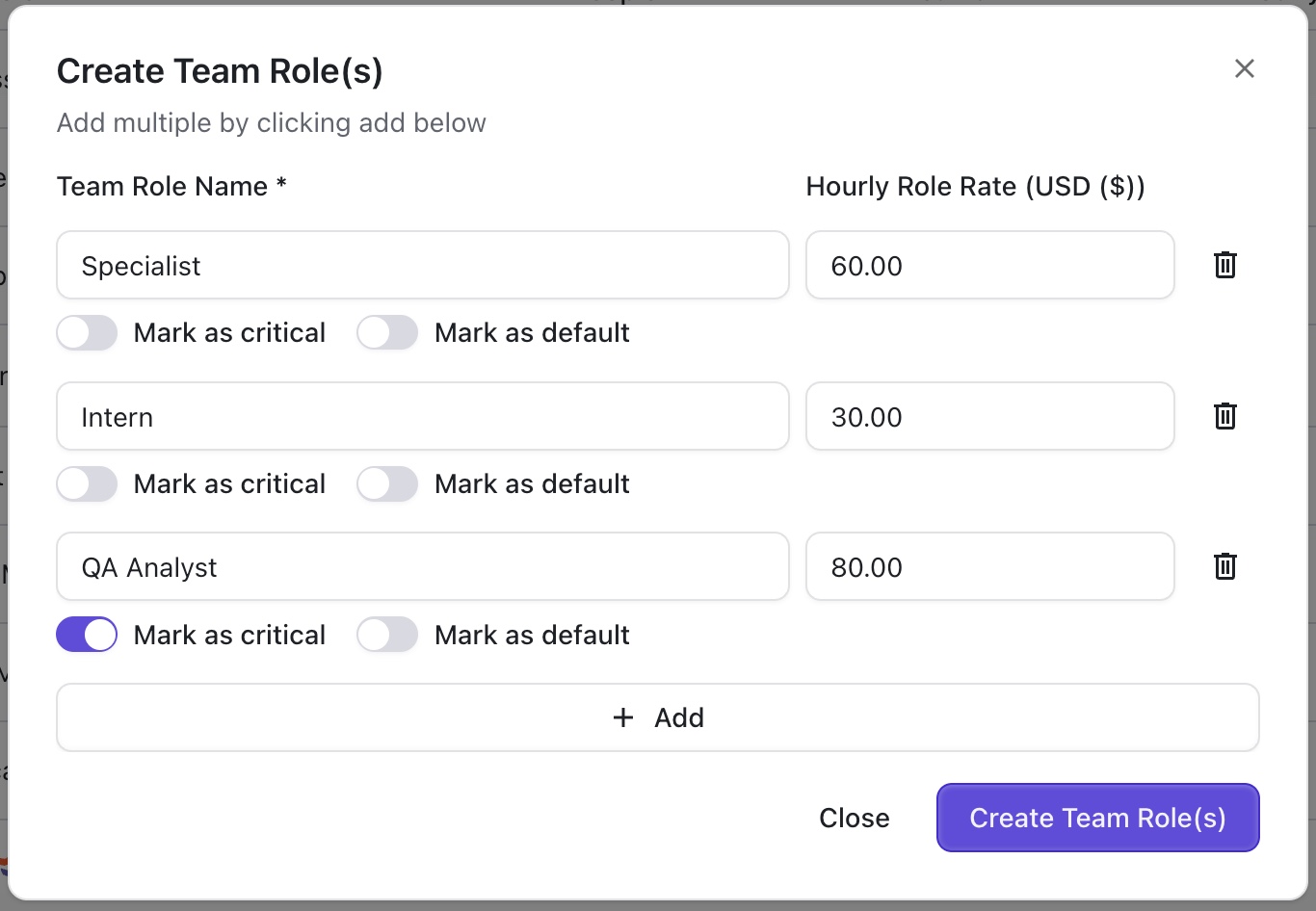
You can set up multiple roles at one time. For each role, you can specify:
-
Name
-
Standard hourly rate for the role
-
Whether the role is critical
-
Whether it should be the default role