
Setting up Skills in Loop makes it easier to identify and assign the right teams and team members for work, as well as to evaluate plans and plan changes.
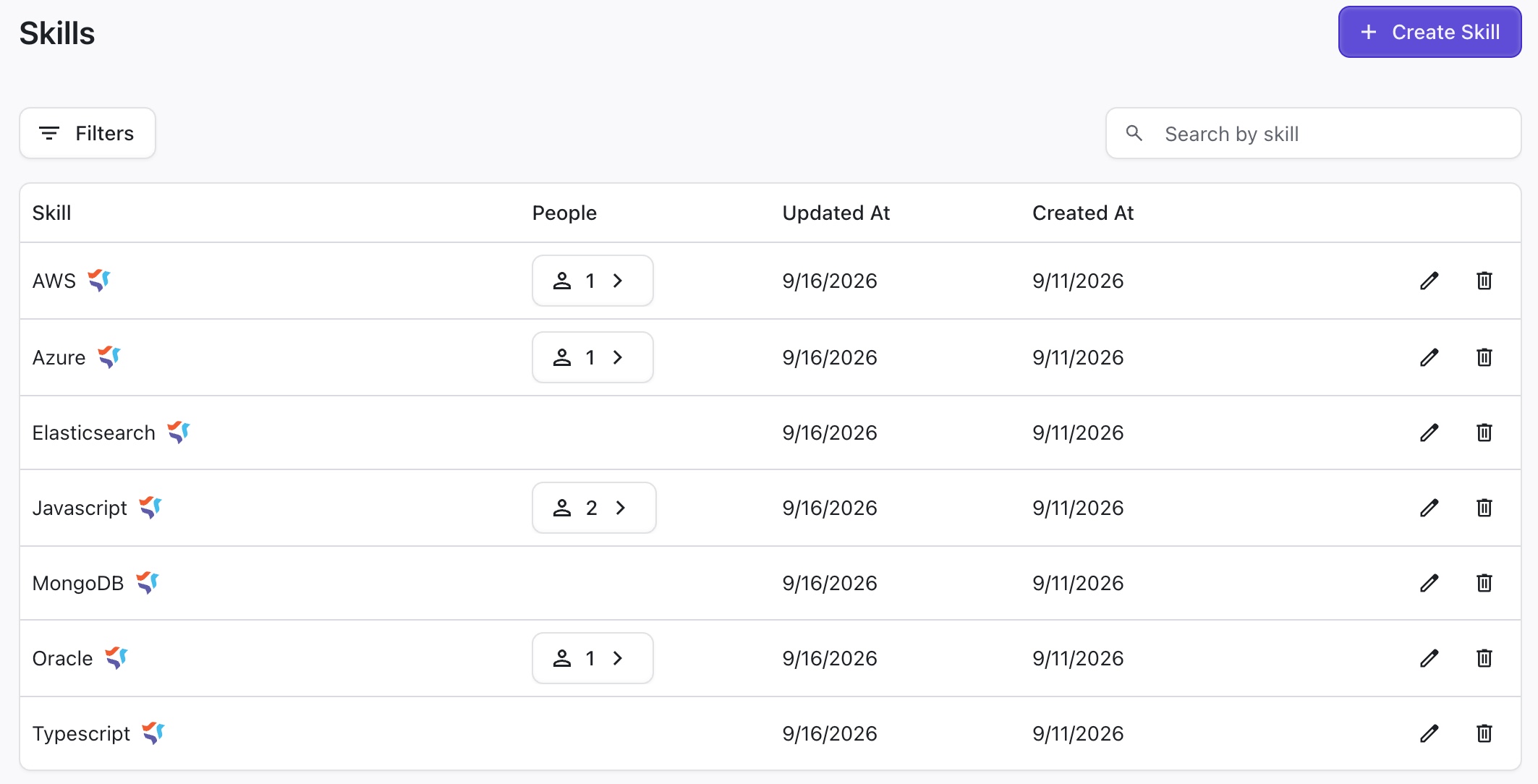
Creating Skills
To create a new role, open the Roles settings and click + Create Skills.
Assigning Skills to Team Members
To assign skills to team members, open the People settings and:
-
Select individual members to edit their skills
-
Select multiple team members to bulk edit their skills