
The Effort Estimation settings are used to estimate the amount of time required to complete each work item.
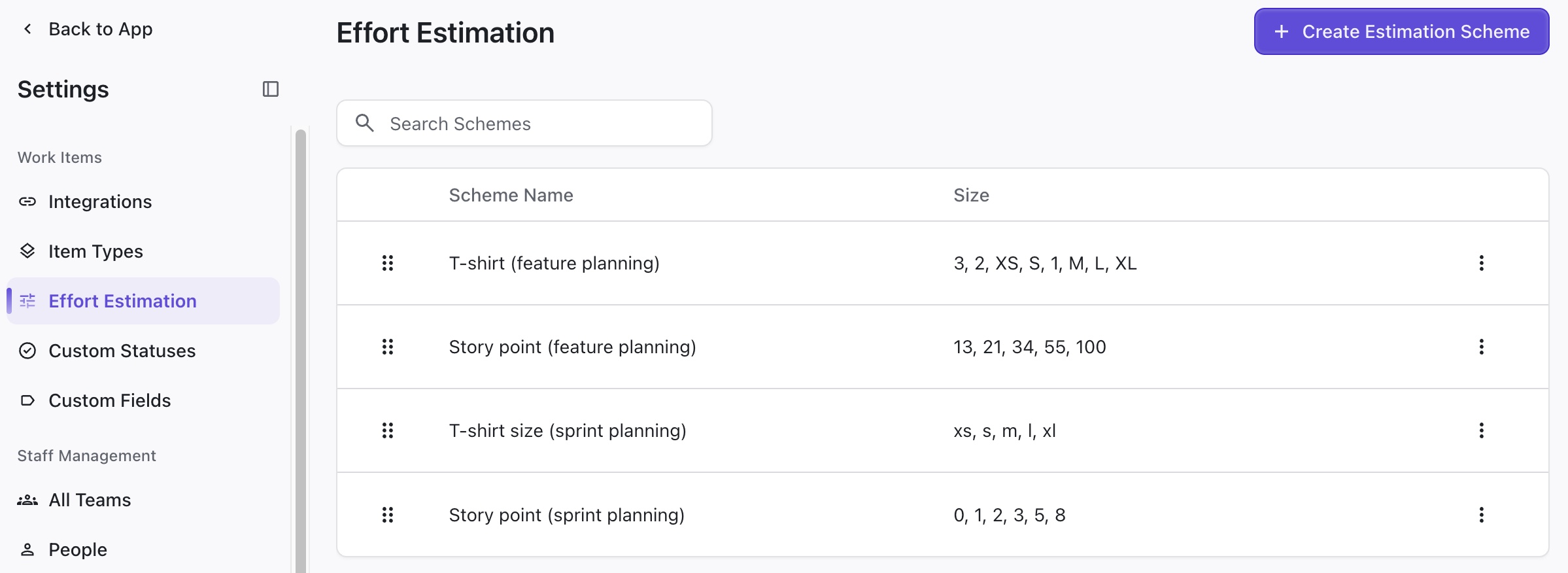
Loop uses ranged estimates, so it can more accurately predict when work items will start and finish.
Importing Estimate Values
When you set up an integration, you can select the Effort Estimate field used within that project.
-
If the estimate field matches an estimation scheme in Loop, Loop will apply the scheme settings and ranged estimates to the imported work items.
-
If the estimation field does not match a current estimation scheme, a new scheme will be created, and you will need to update the time range for each value in the scheme.
Editing an Effort Scheme
To adjust an effort scheme:
-
Locate it in the Effort Estimation settings.
-
Click the three dots to the right of the estimation scheme’s name.
-
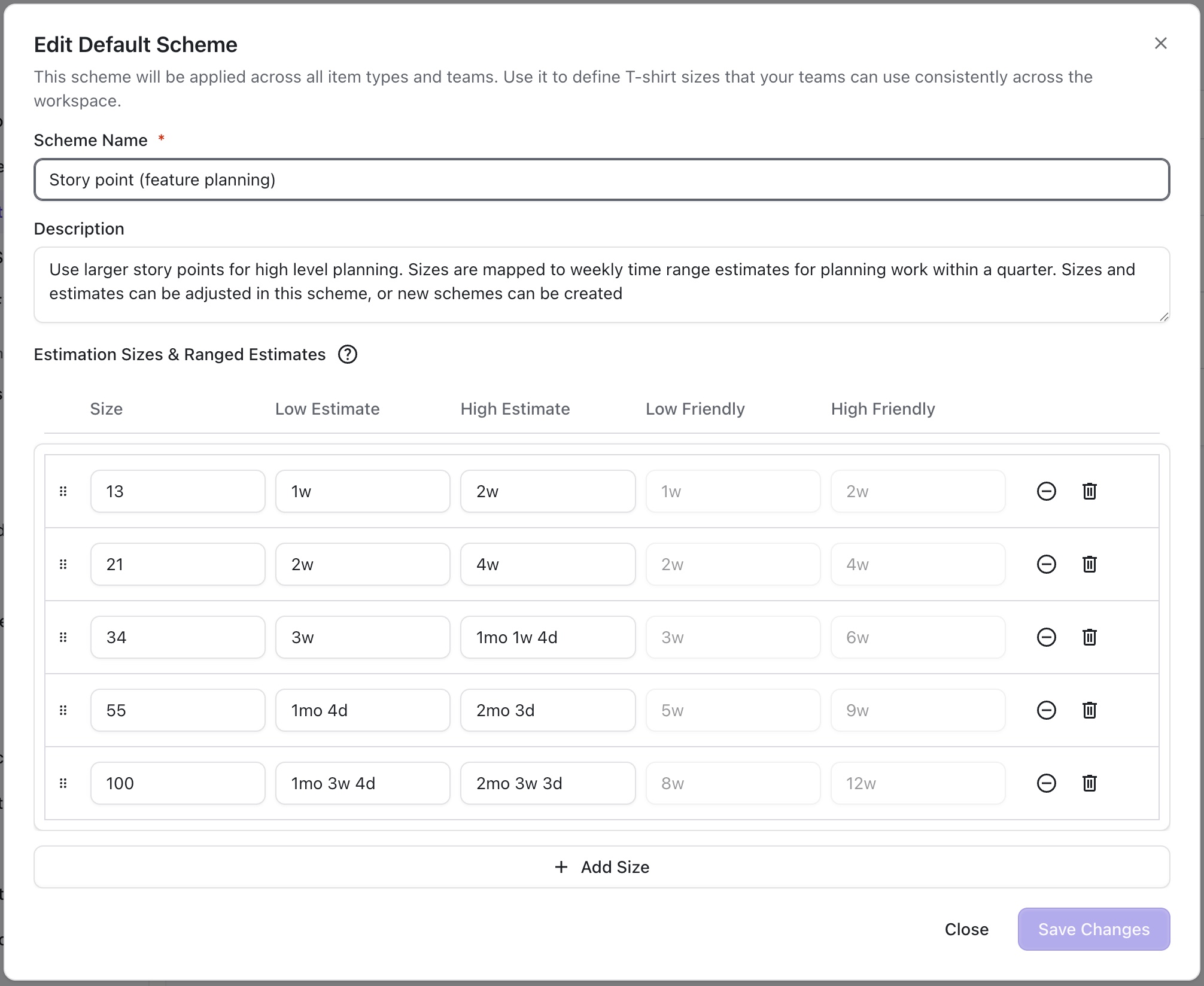
Select Edit.

You can edit:
-
The scheme name
-
The scheme description
-
Estimation sizes - the effort sizes that can be assigned to items
-
Ranged Estimates - the estimated time range required to complete this size effort