
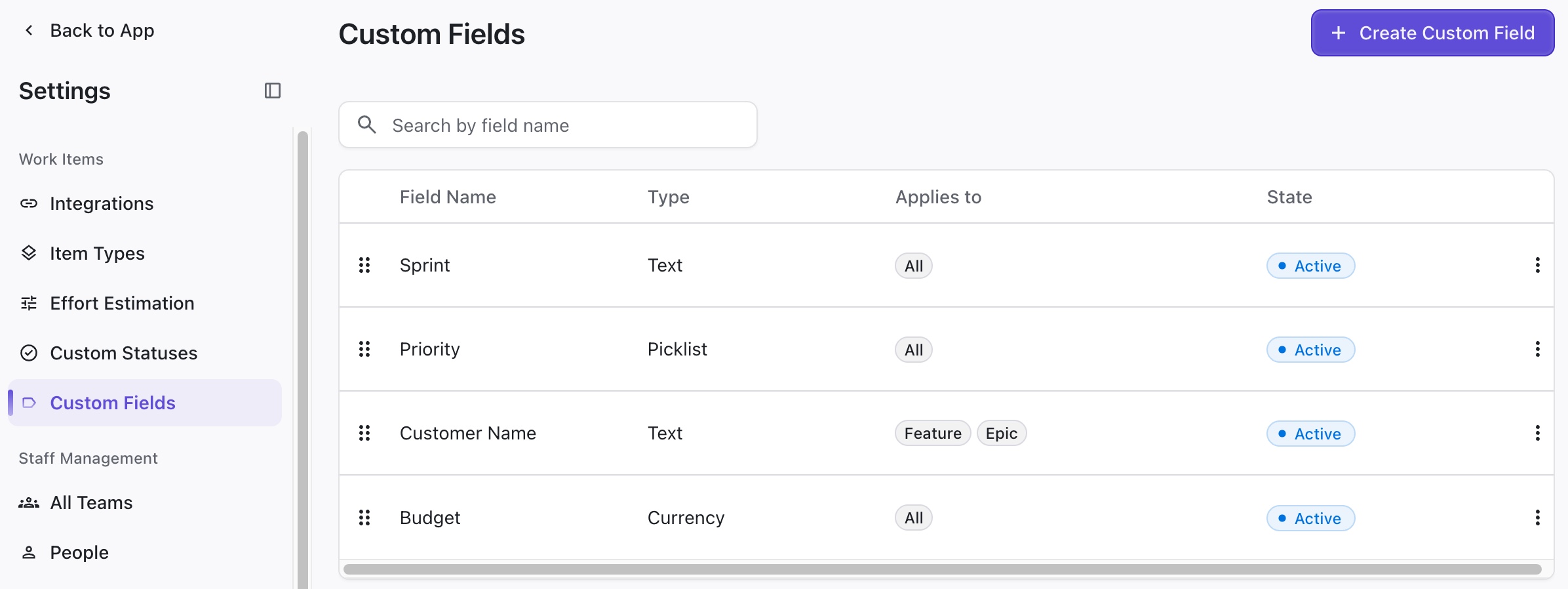
You can create and manage custom fields within Loop to track specific data within your workflow.
When importing items, you have the option to map custom field values from the integrated platform to custom fields in Loop.
Creating a New Custom Field
To create a new custom field, go to Settings | Custom Fields and click + Create Custom Field.
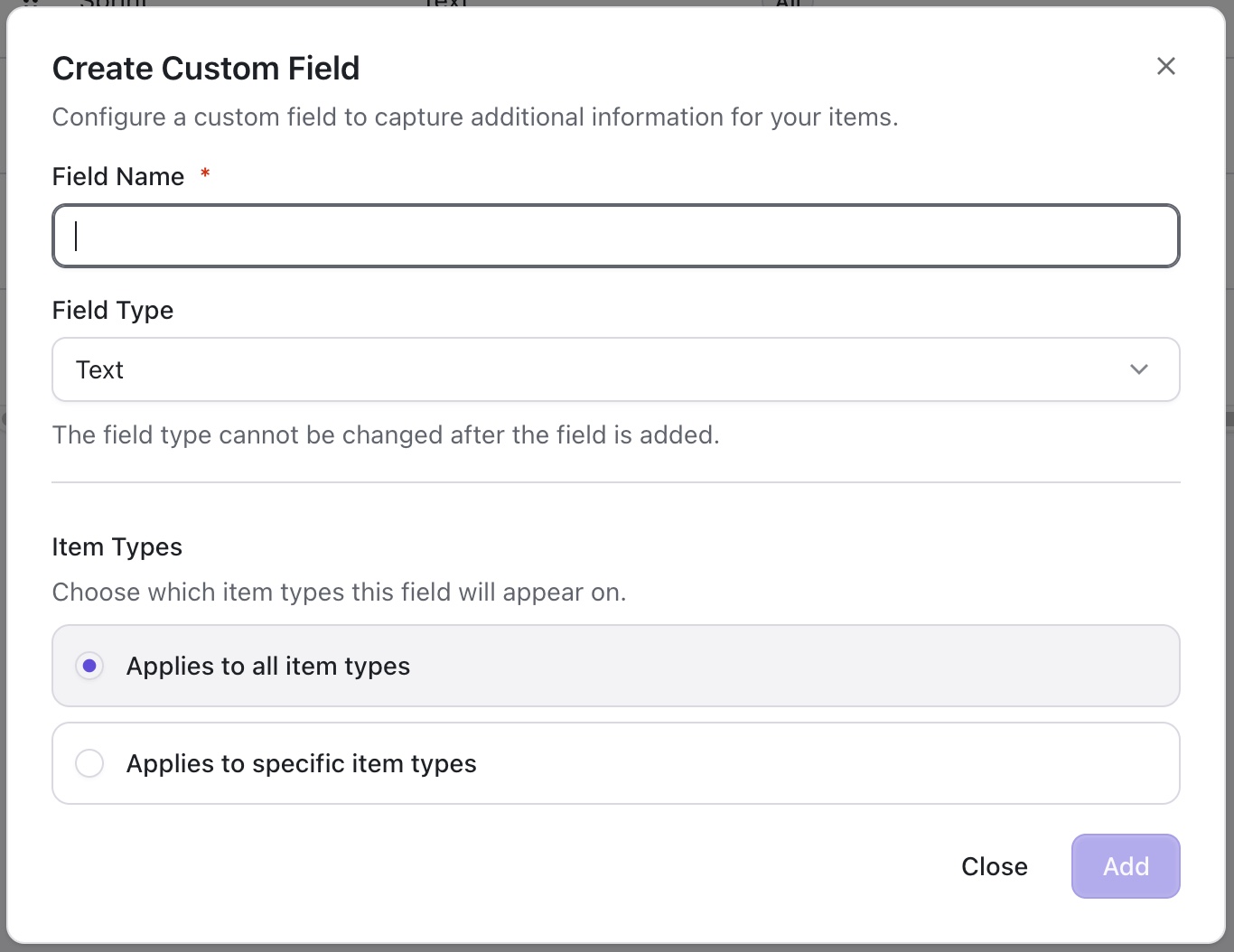
The options available for custom fields vary by field type.
For fields with preset values:
-
To add new values, enter a value and click Add.
-
To reorder values, use the drag bar to the left of each value.
Editing and Deleting a Custom Field
To edit or delete a custom field, click the three dots to the right.
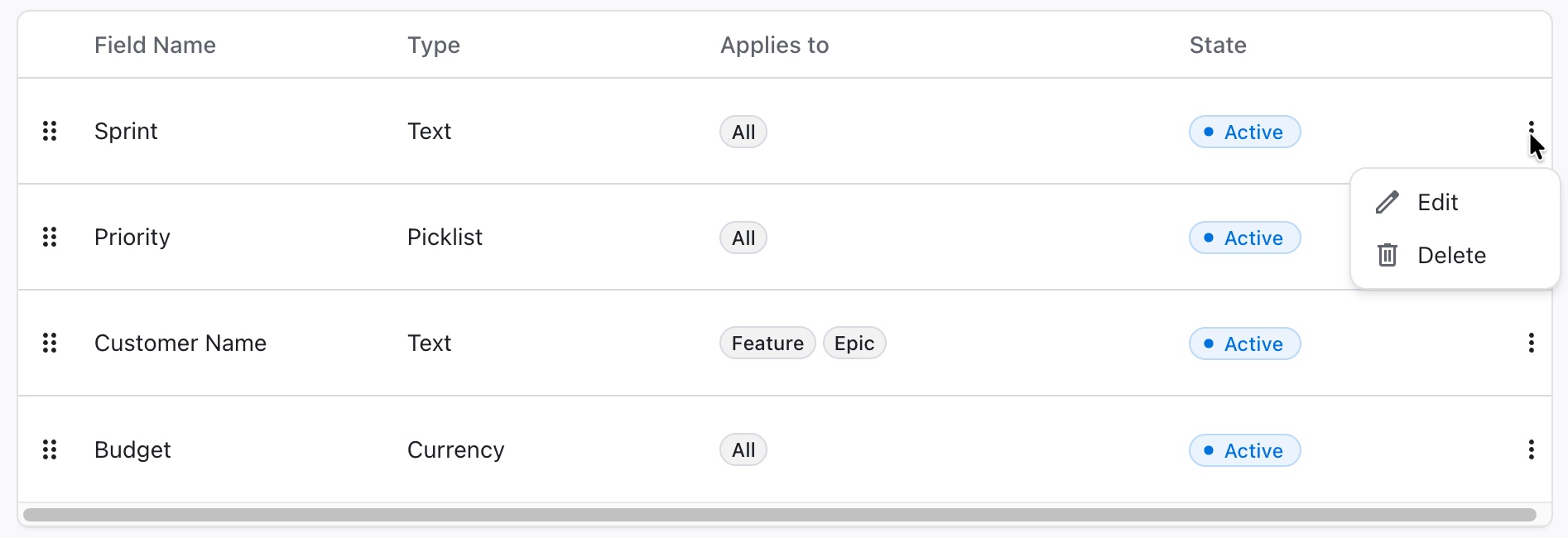
Deleting a Custom Field cannot be undone.
When you delete a custom field, it also deletes any associated integration field mapping.