
To delete a scenario:
-
Select the scenario name at the top of the window to open the Scenarios selection window.
-
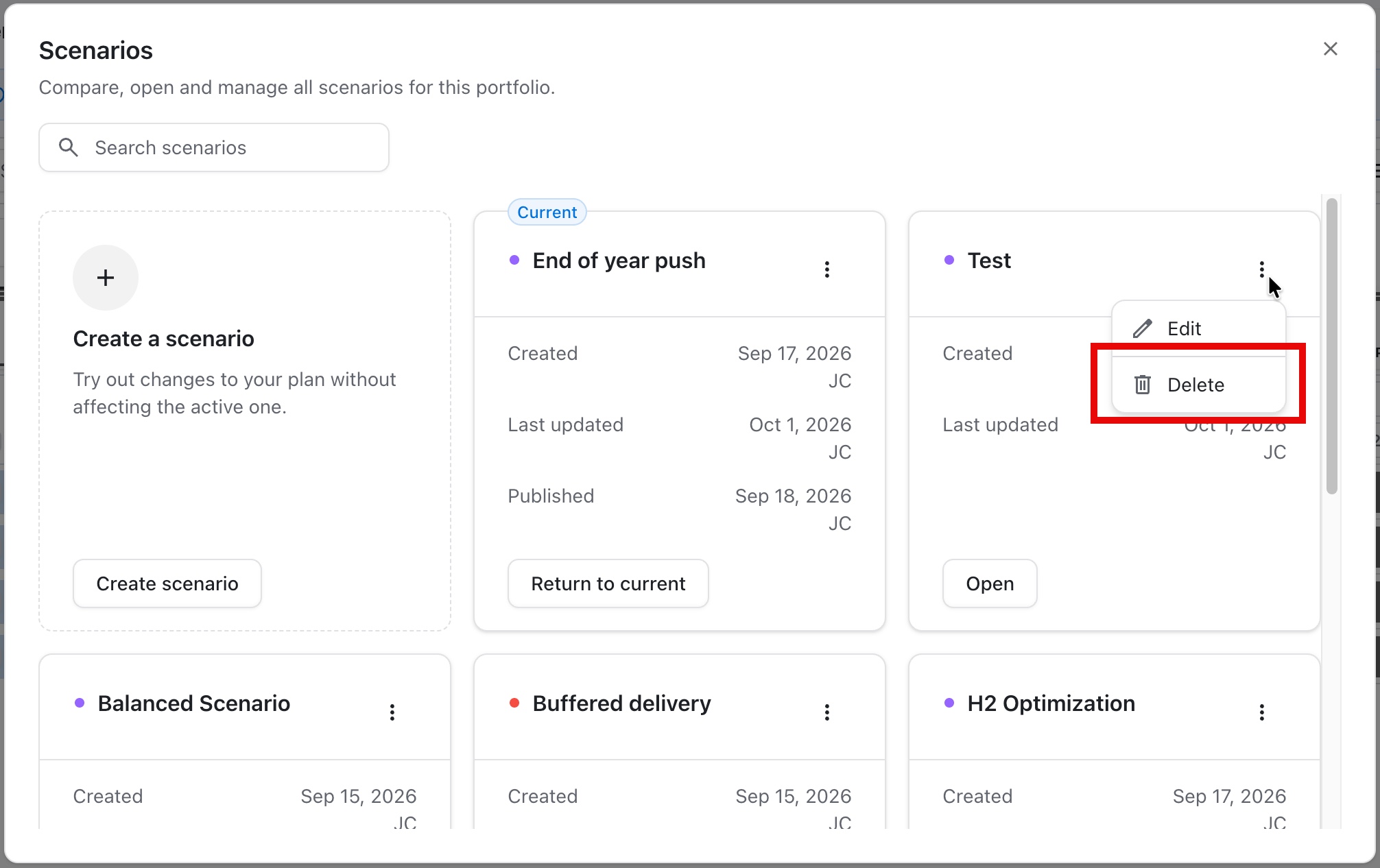
Locate the scenario you want to delete and click the three dots (…).
-
Select Delete scenario.
This action cannot be undone!
Deleting a scenario does not affect the live portfolio or integrated platforms.