
Once you have a schedule that aligns with your parameters and priorities, you can update your Portfolio and integrated platforms to reflect the dates on your Timeline.
To activate a scenario, click the Activate Scenario & publish button.
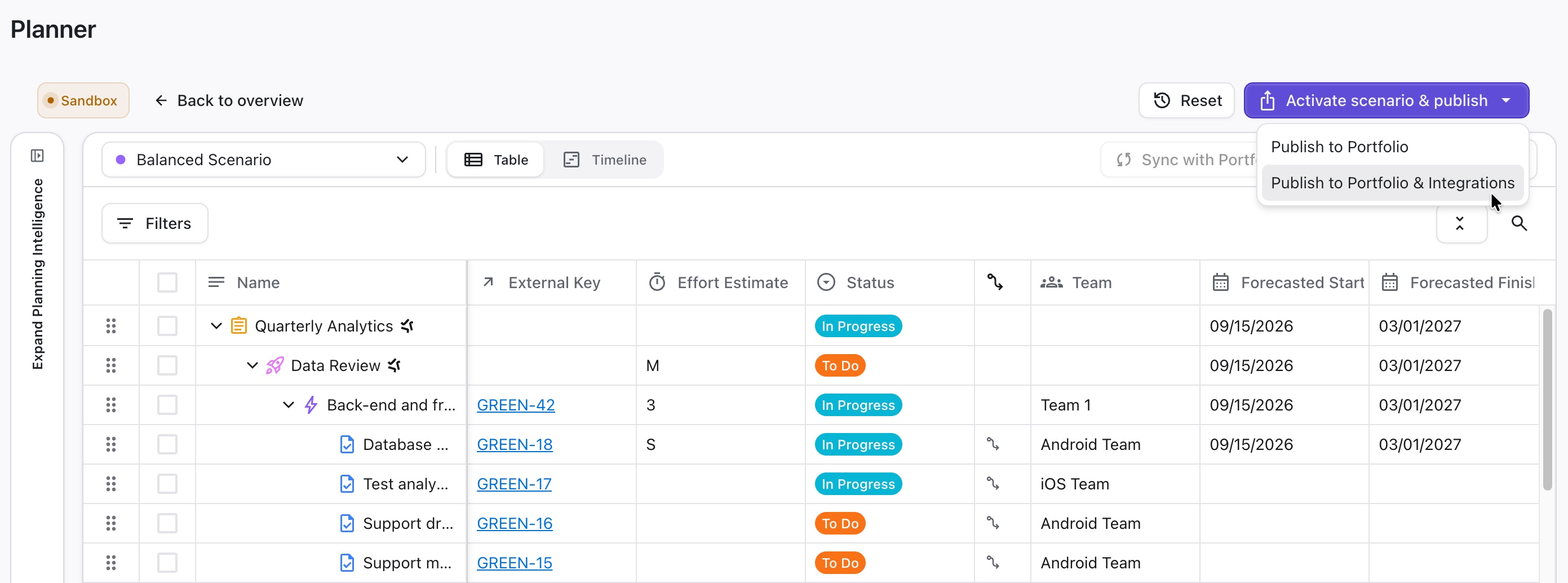
You have two publish options:
-
Publish to Portfolio - updates changes in your Portfolio. This will not overwrite any data in your integrated platforms. You can push these changes later using the Sync with Integrations option in Portfolio, but if you pull items from your integration first, you might lose these changes.
-
Publish to Portfolio & integrations - overwrite existing data in the Portfolio and your integrated platforms.
After you activate a scenario, you can return to it to make any necessary updates, then reactivate it as needed.
Activating a scenario overwrites existing values in the Portfolio and integrated platforms. These changes cannot be undone.