
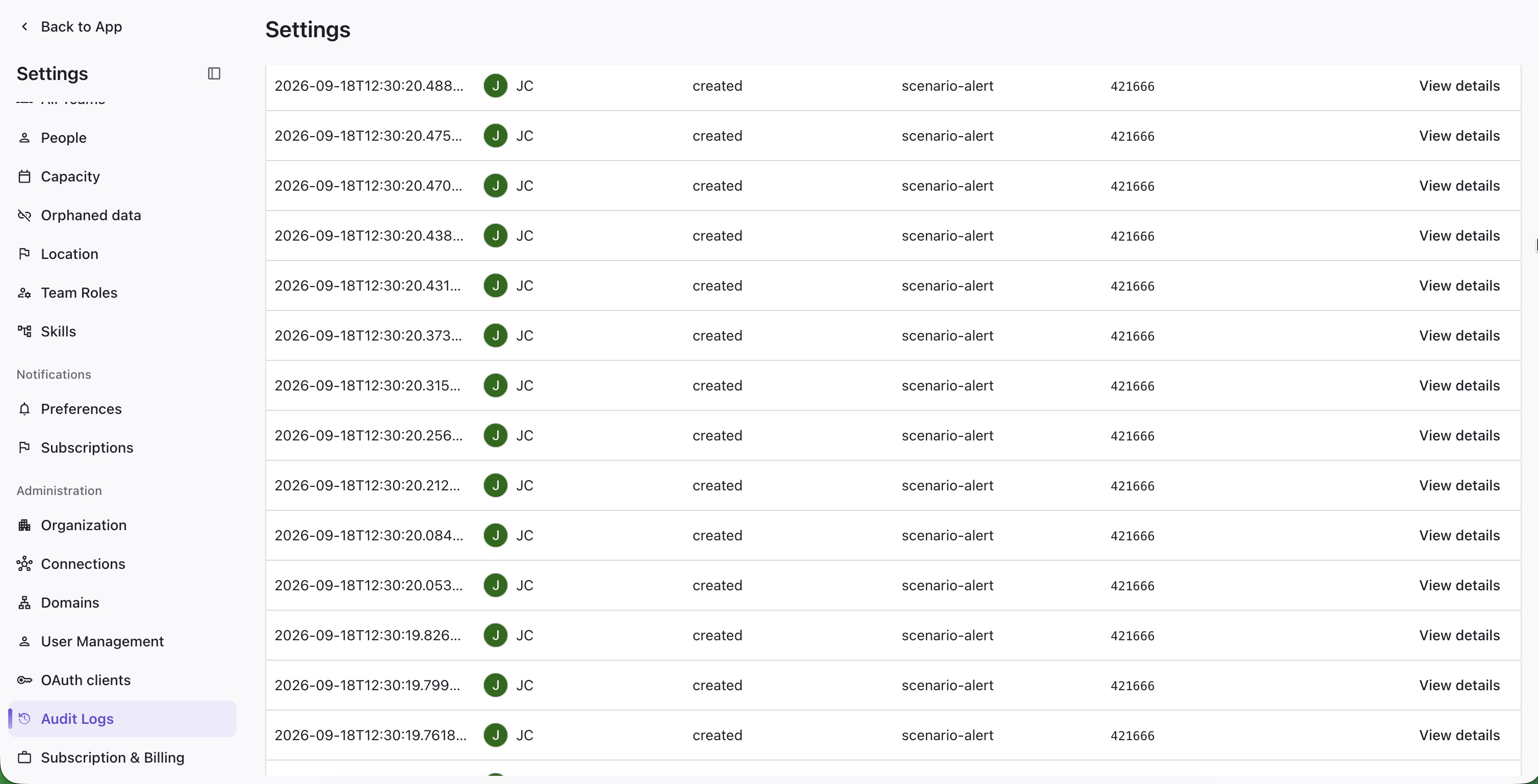
The Audit Logs provide detailed information about changes made in Loop.
To view audit logs, go to Settings | Audit Logs.
Filtering the Audit Log
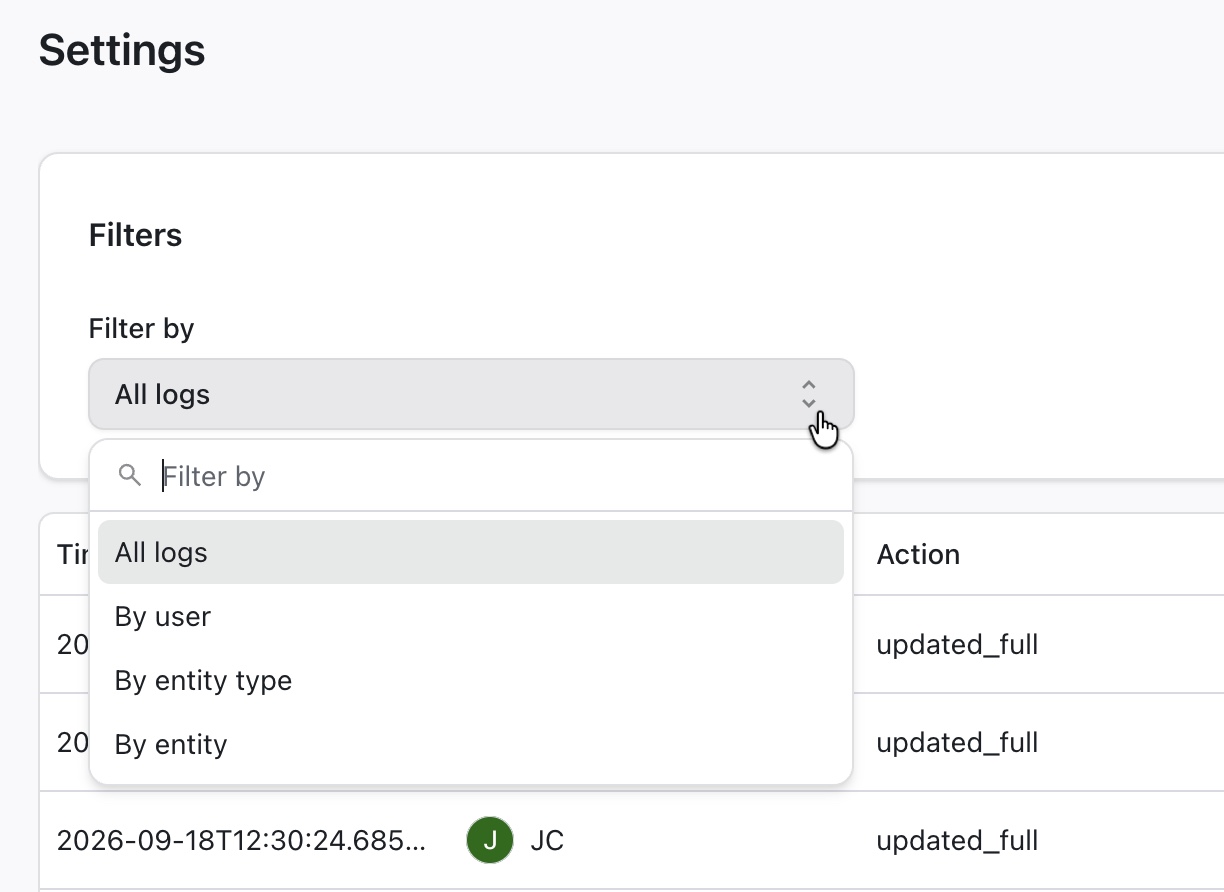
To filter the audit log, open the Filters menu at the top of the screen and select the filter type.
You can filter by user, entity type, or entity ID.
Viewing Details
To view details about a specific log, click View details. This will open the Entity Details screen, where you can view specific information about the changes to the loop entity.
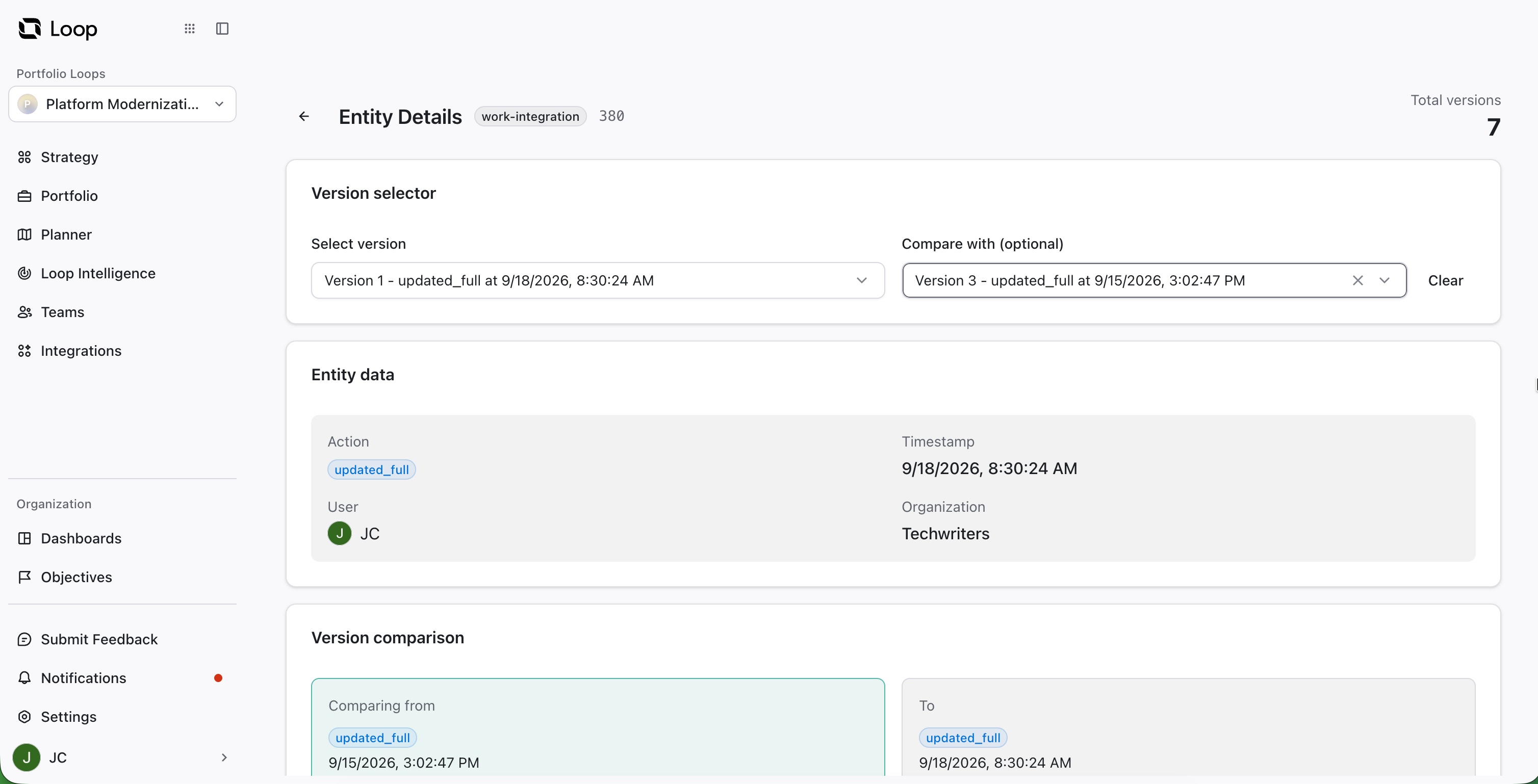
To compare changes, select the versions you want to compare in the Version selector section at the top of the screen.