
Choose the location where your Custom Charts data is hosted to meet data management requirements for your company, or for regulated industries. You need to enable this feature from the Features tab in the admin settings for Custom Charts.
Data residency is only available on the Cloud version of Custom Charts.
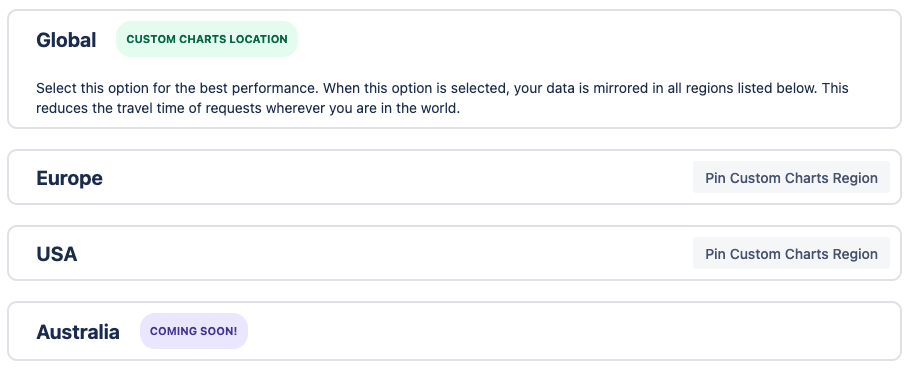
Go to the Data Residency tab to view and manage the options for data residency. The following locations are available:
-
Global
-
Europe
-
USA
We recommend you use the default Global option unless you need to meet specific requirements. Select Pin Custom Charts Region to host your data in that region.
Changing locations only moves your Custom Charts data. There is no impact to the data residency for your Atlassian instances.