
The Structure Insights window shows the progress and priority of work items in the active structure. Only work items with a due date are included in this report.
Select Insights to open the report window.

The insights panel is only available for structures with less than 10,000 total work items. Structures that exceed this limit while the insights panel is open may need to switch to a main, split, or Gantt view to close the panel.
If your structure has over 5,000 work items, the insights panel will load after a short delay.
Work item progress
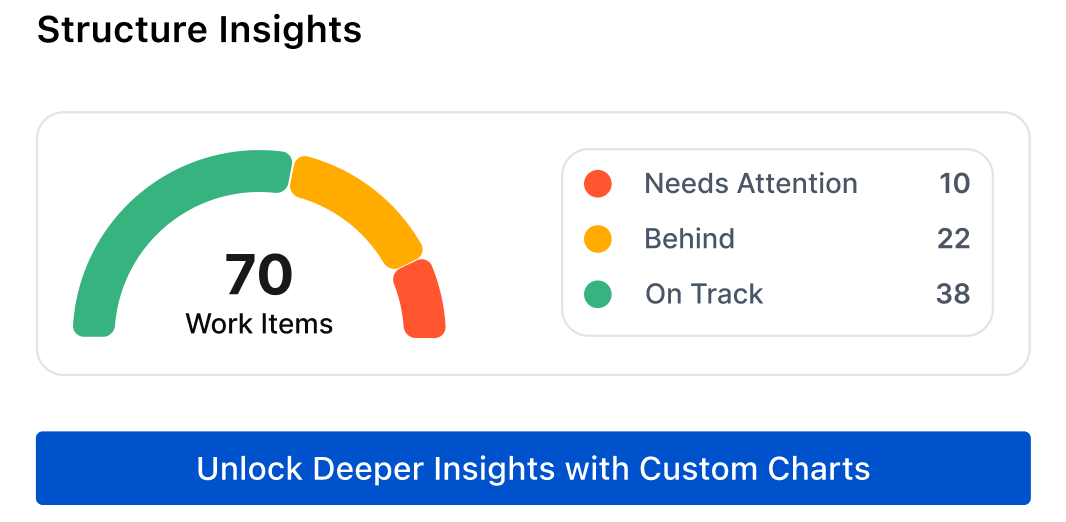
This section of the insights window shows work items based on their current progress. Select Unlock Deeper Insights with Custom Charts to open the Atlassian Marketplace listing for Custom Charts.
Work item priority
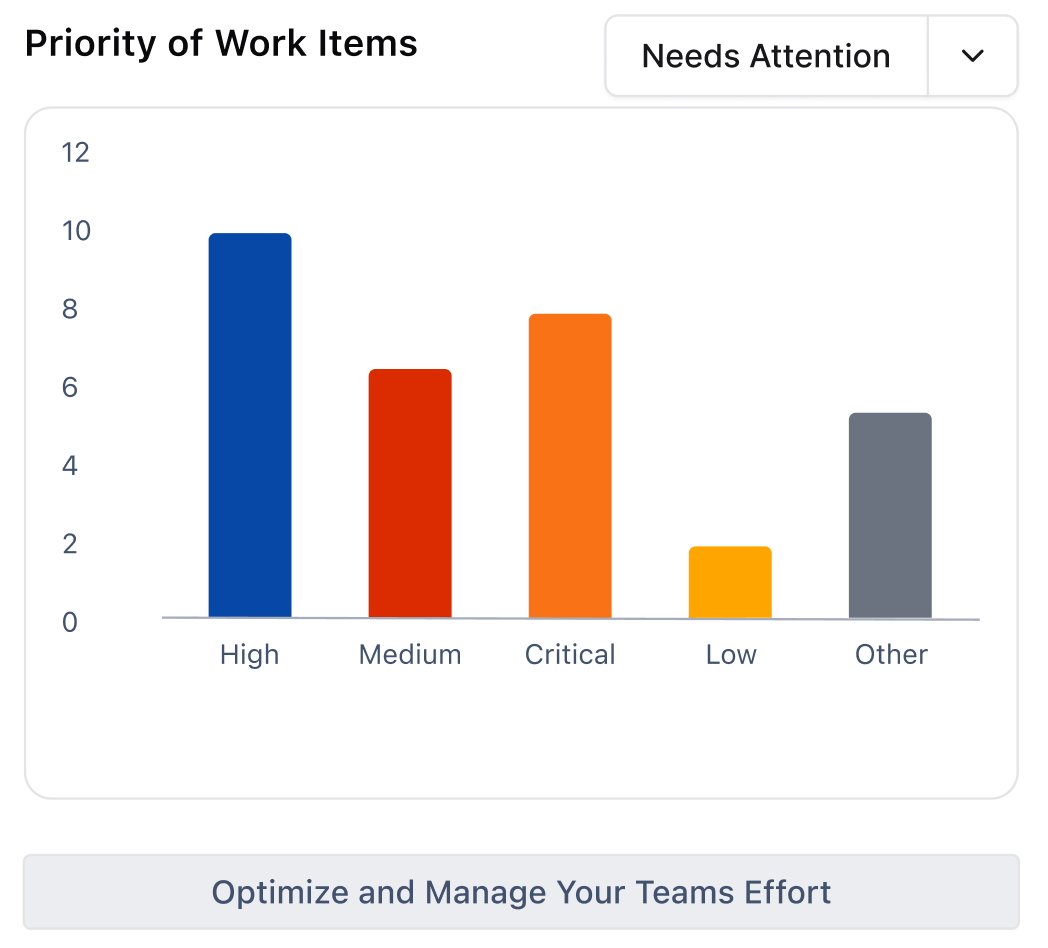
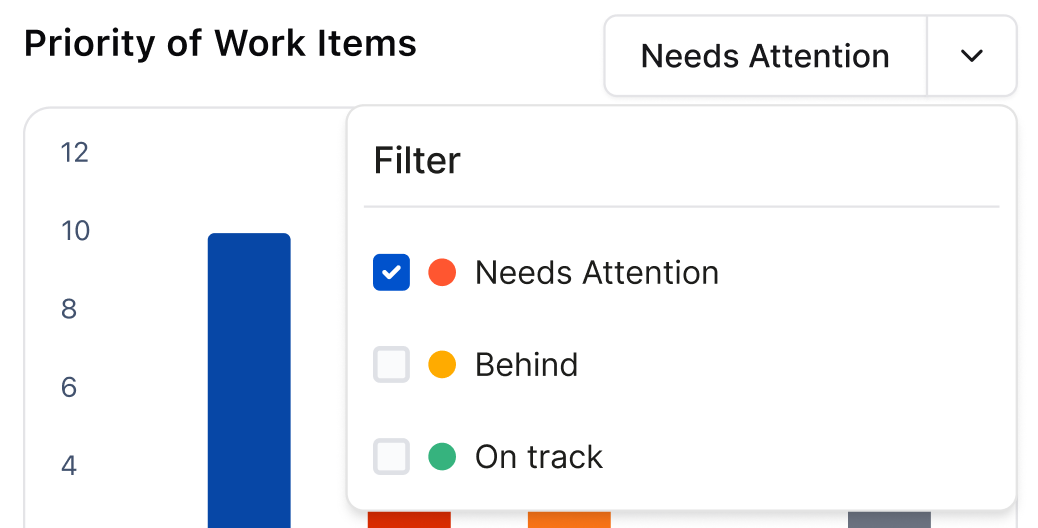
This chart shows each work item based on their set priority. Expand the dropdown to filter the displayed results.
You can select multiple filters, but at least one filter must be active at all times.
Select Optimize and Manage Your Teams Effort to open the Atlassian Marketplace listing for Timesheets.