
Selecting Parent as the value for chart by or group by segments adds Parent Field options to their respective option tabs. Charts that use Parent data have this setting enabled by default. Toggle Enhanced parent calculation and hierarchy filtering to turn this feature on or off.
To customize your chart’s hierarchy:
-
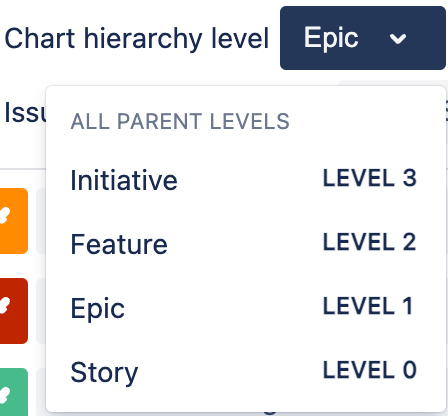
Select a Chart hierarchy level to choose the work item type used at the parent level of your chart.
-
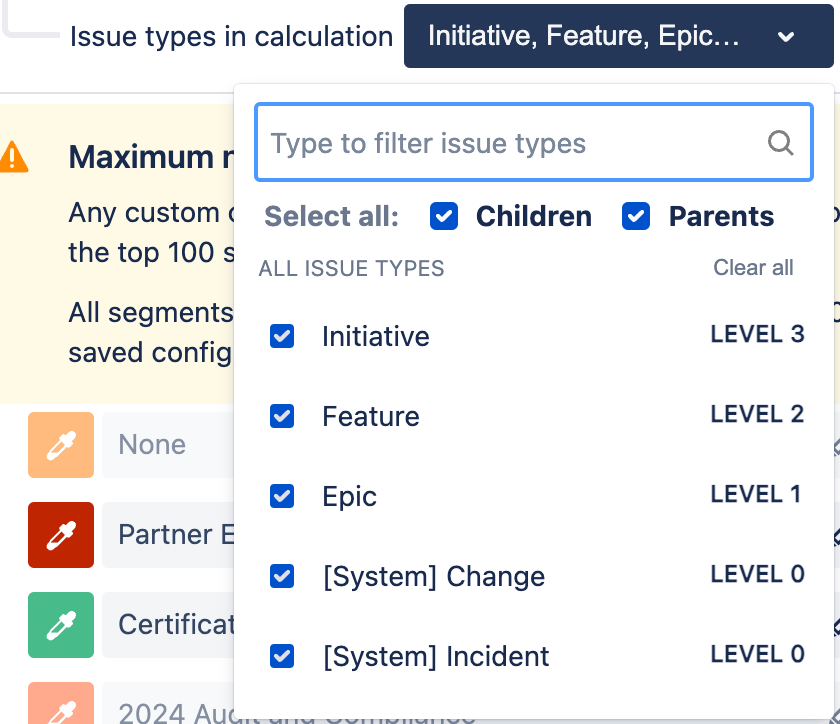
Select Issue types in calculation to customize the types of work items to display. You can select individual types, or select Children or Parents to display all children or parent types respectively.
-
Select Update preview to display your changes in the live preview.