
This feature is only available through our Early Access Program (EAP). If you are interested in participating in the EAP, please complete our registration form.
Included in Structure Advanced, this feature lets you view and edit data from multiple Jira instances in one structure. Consider using it after an acquisition to track data from different Jira instances. It is also useful if you have separate instances for each department, or if you need separate instances to comply with security regulations.
The following limitations apply:
-
Cross-team PI Planner is not supported.
-
Structures with multiple instances must have fewer than 10,000 items.
-
Automation does not merge fields from separate instances, even if they share the same name.
-
Gantt Charts do not support agile scheduling and slices.
-
No Tempo Apps integrations.
Enable Cross-Jira views
When you have access to this feature on your instance, it adds the Connect to Jira Cloud API section to your Jira Admin settings for Structure.
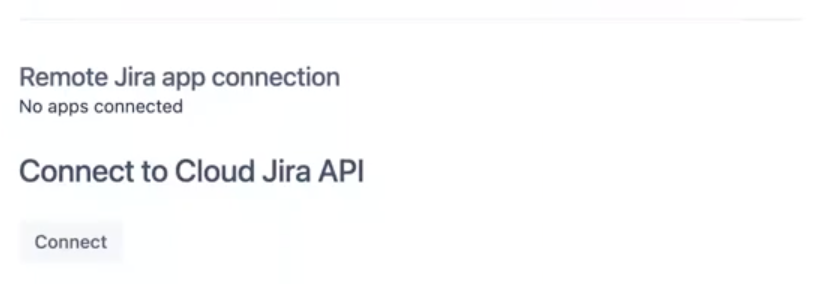
To connect multiple Jira instances:
-
Select Connect.
-
Select the Jira instance you want to connect from the Install app on menu.
-
Select Accept.
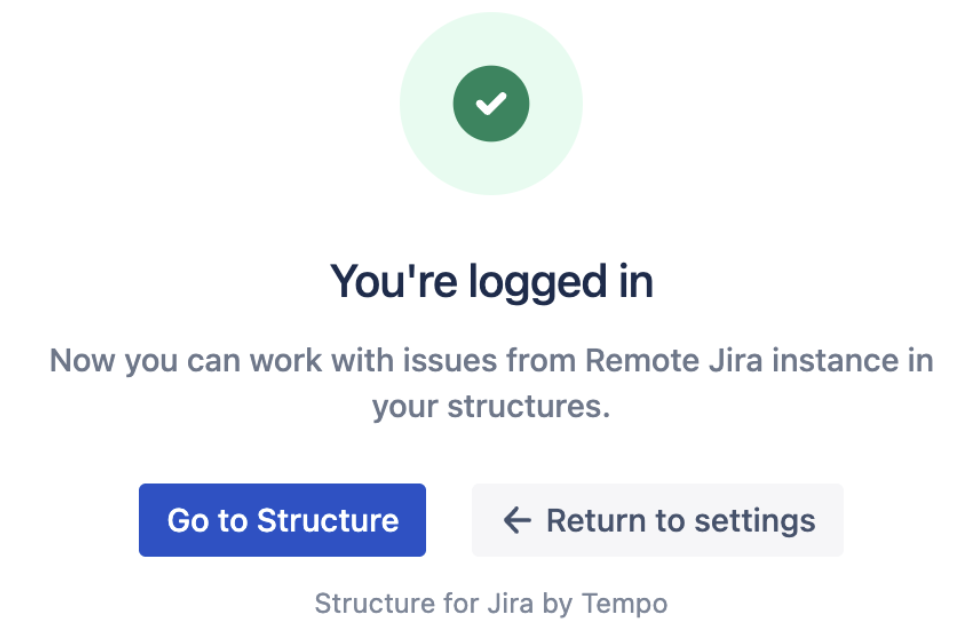
After successfully connecting an instance, you will see the following message. Repeat the previous steps for each Jira instance you want to connect.
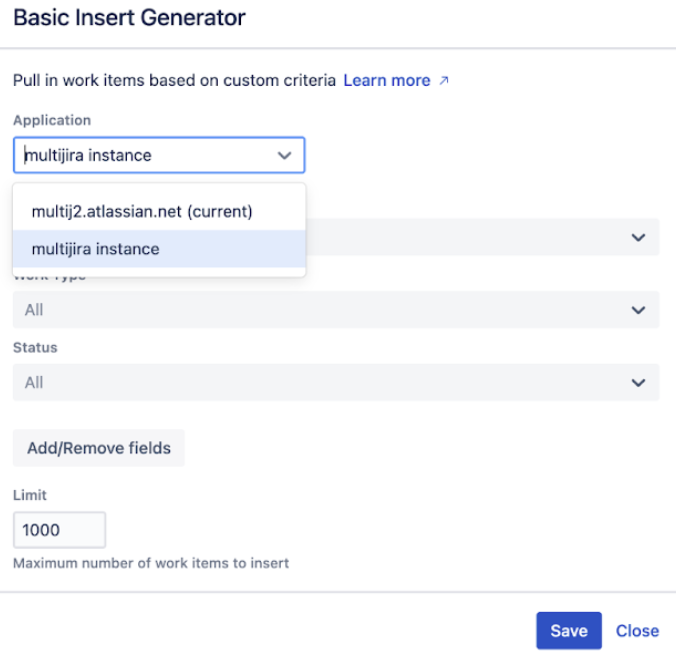
After connecting additional instances, you can select them from the Application menu when you add a generator.
You must be logged in to any Jira instances you add connections for. If you’re not logged in, Structure will display a login button you can use.