
Without a Jira API token, the export may be limited to 10,000 users, and inactive users will not be included.
-
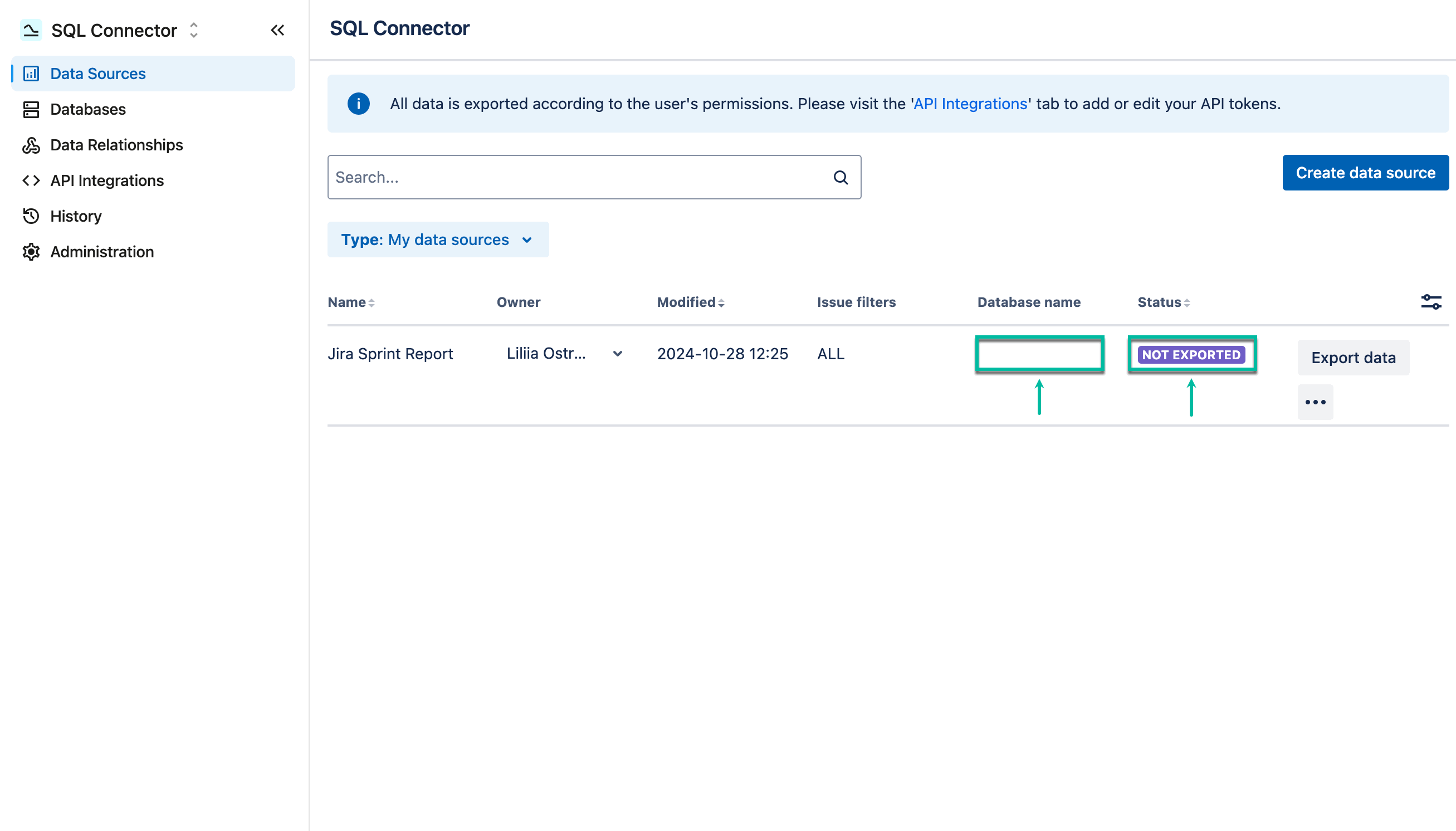
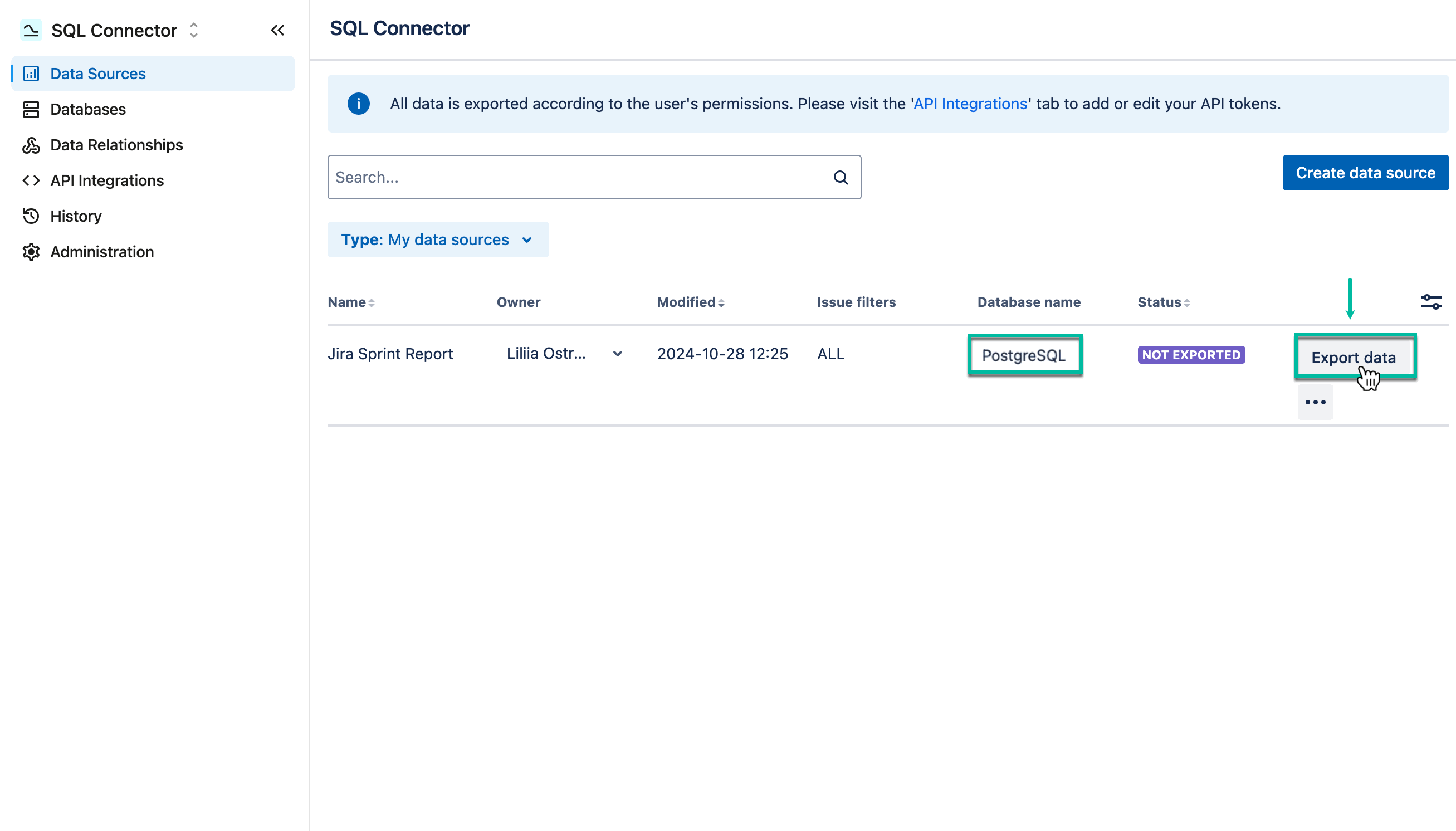
The newly-created data source has the NOT EXPORTED status and doesn’t have a database connected to it.
-
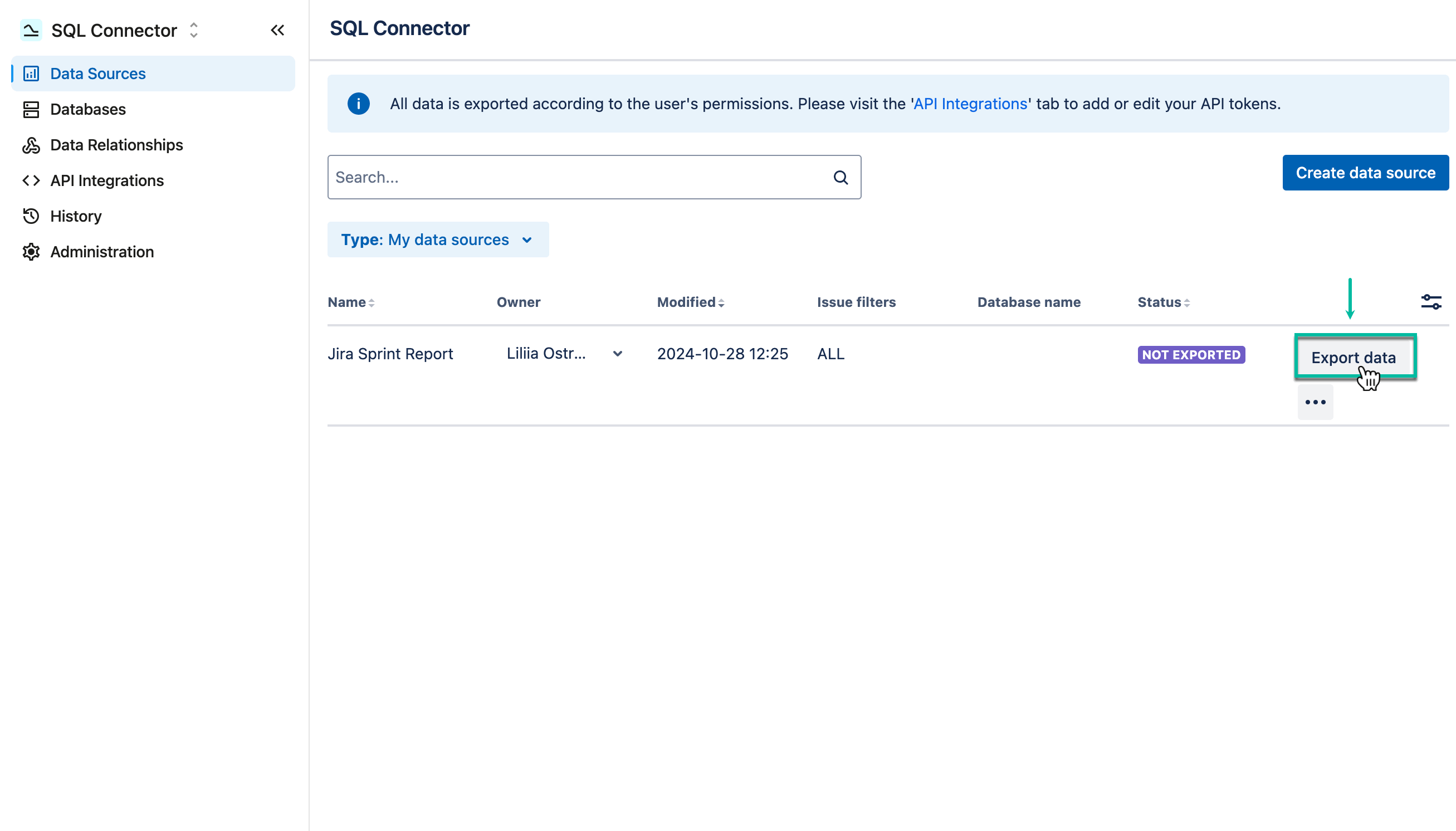
Select Export data.
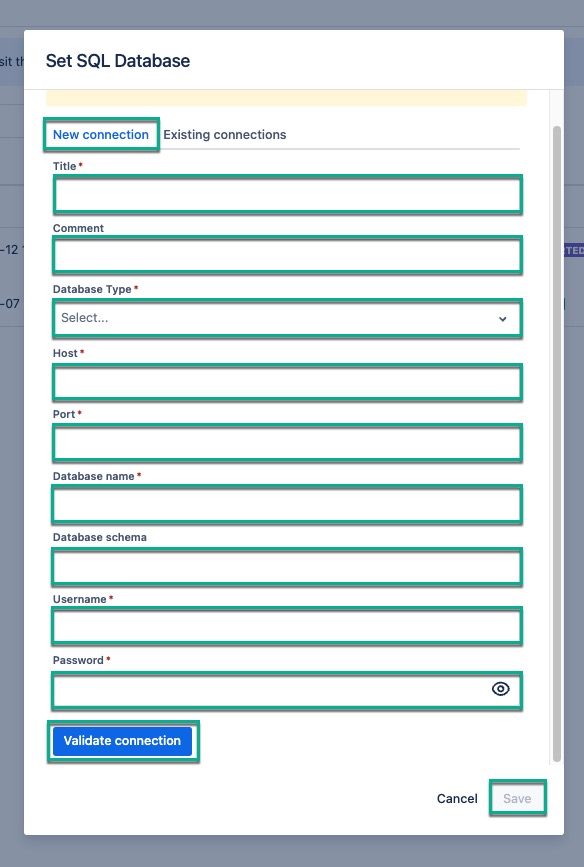
If you may have skipped the creation of a database at the first step, please fill in the form on the screen to add the database configuration. If you have created the database, please proceed to step 2.
If you need more information, please refer to our step-by-step guide on how to add your database to SQL Connector for Jira.
-
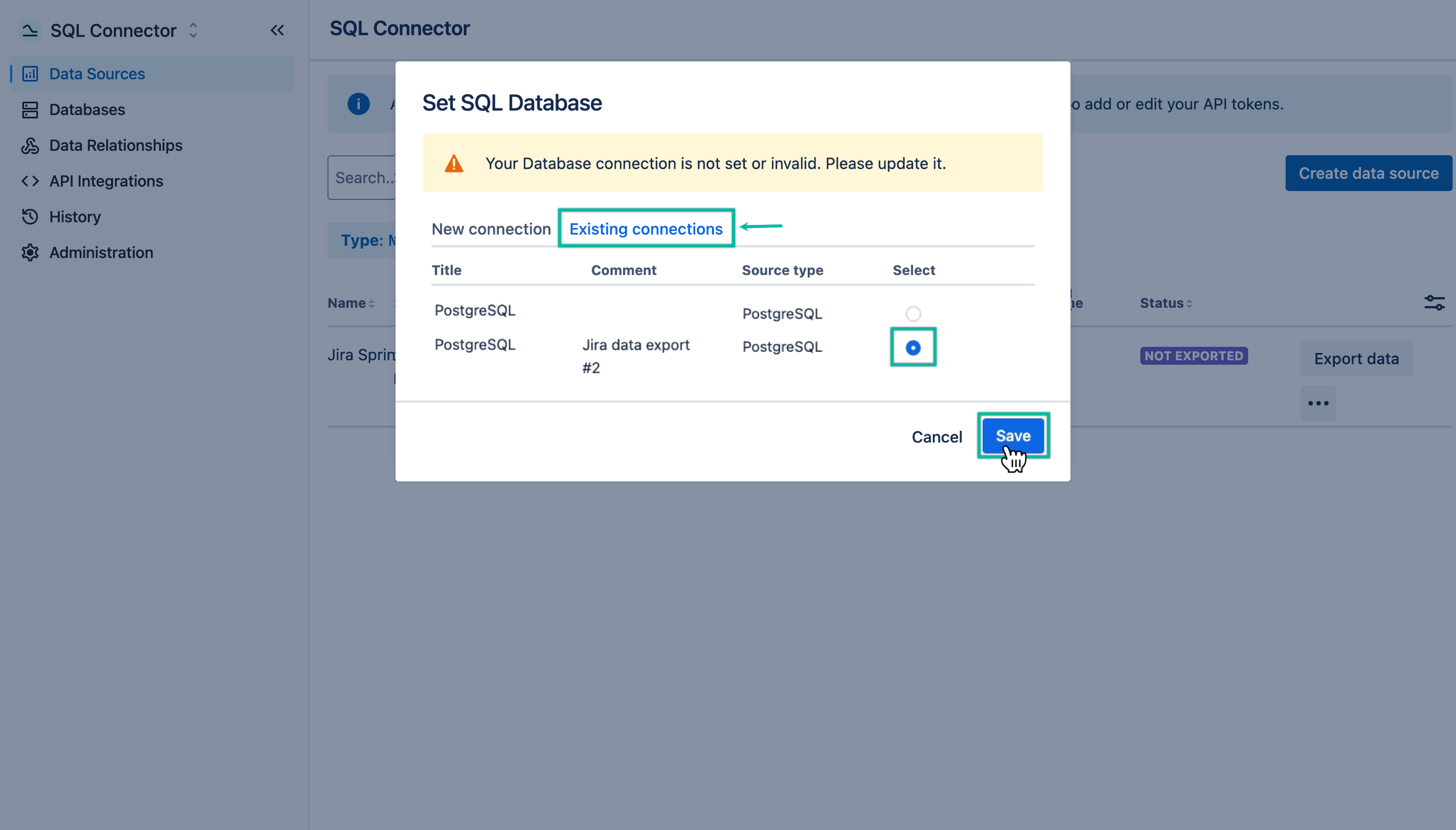
Select Existing connections, select the database you need, and then select Save.
-
Select Export data.
Now, the data source is connected to the database.
-
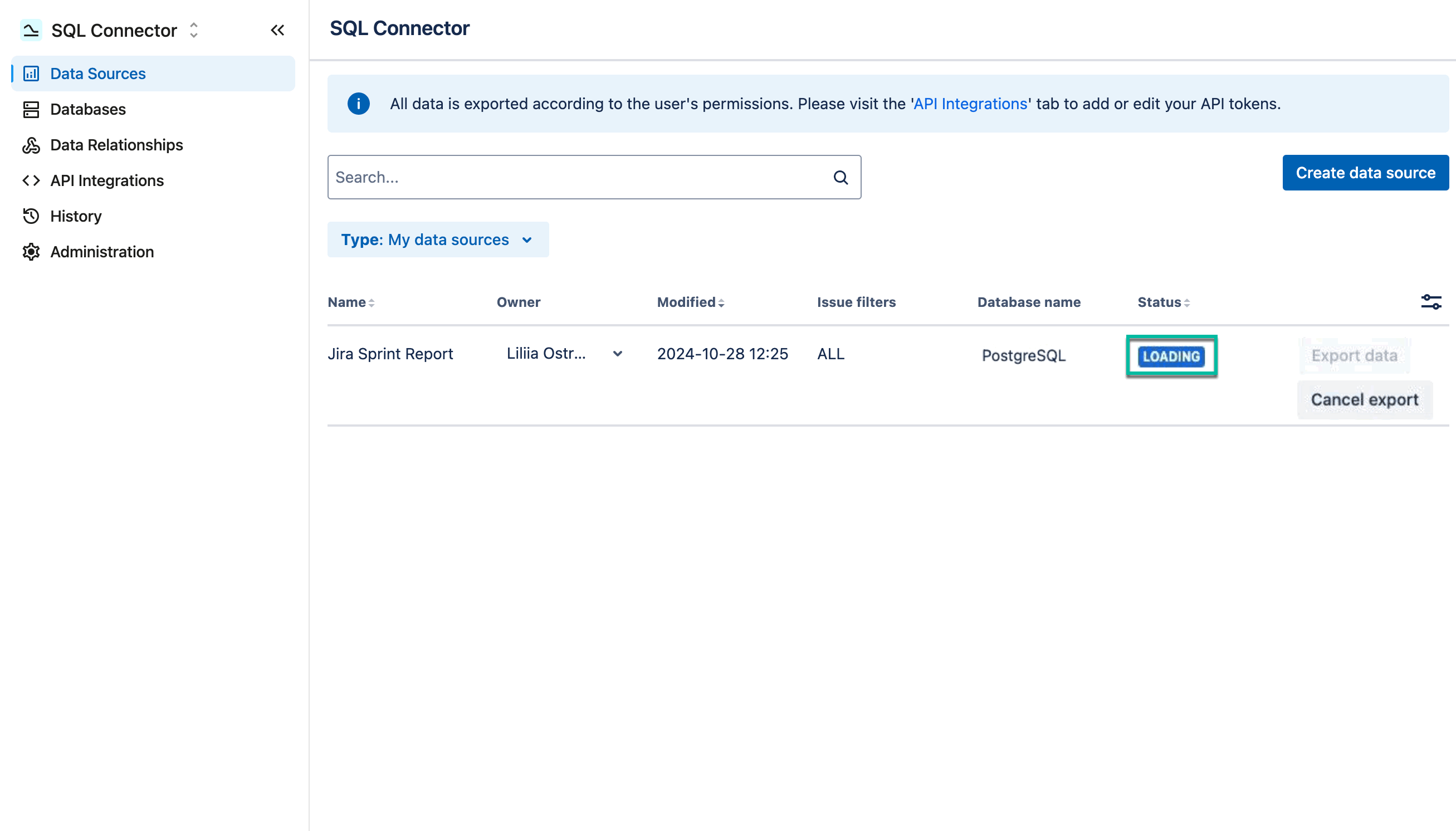
The data source status will be changed to LOADING .
-
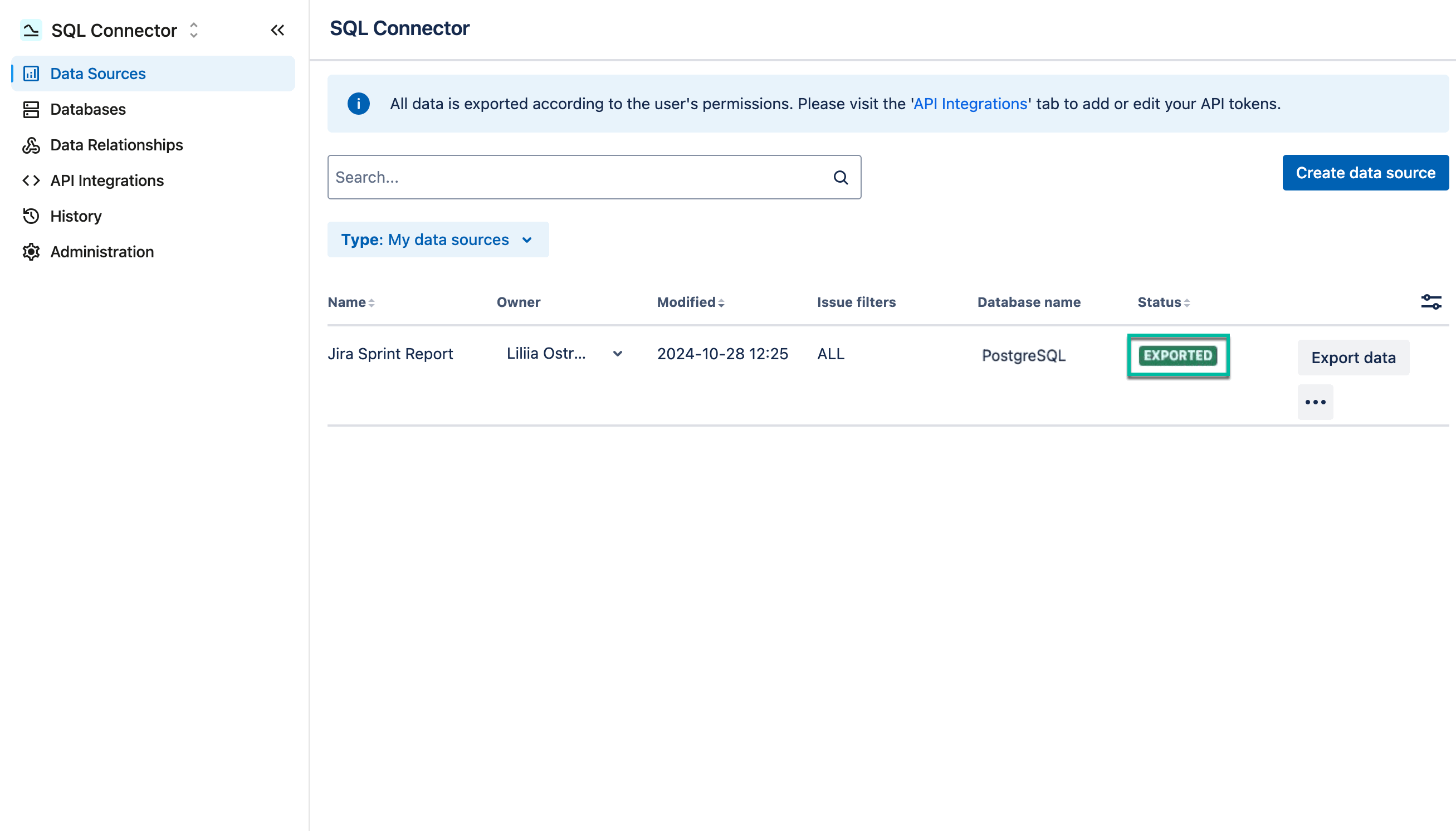
After the export is finished, the data source status will be set to EXPORTED .
-
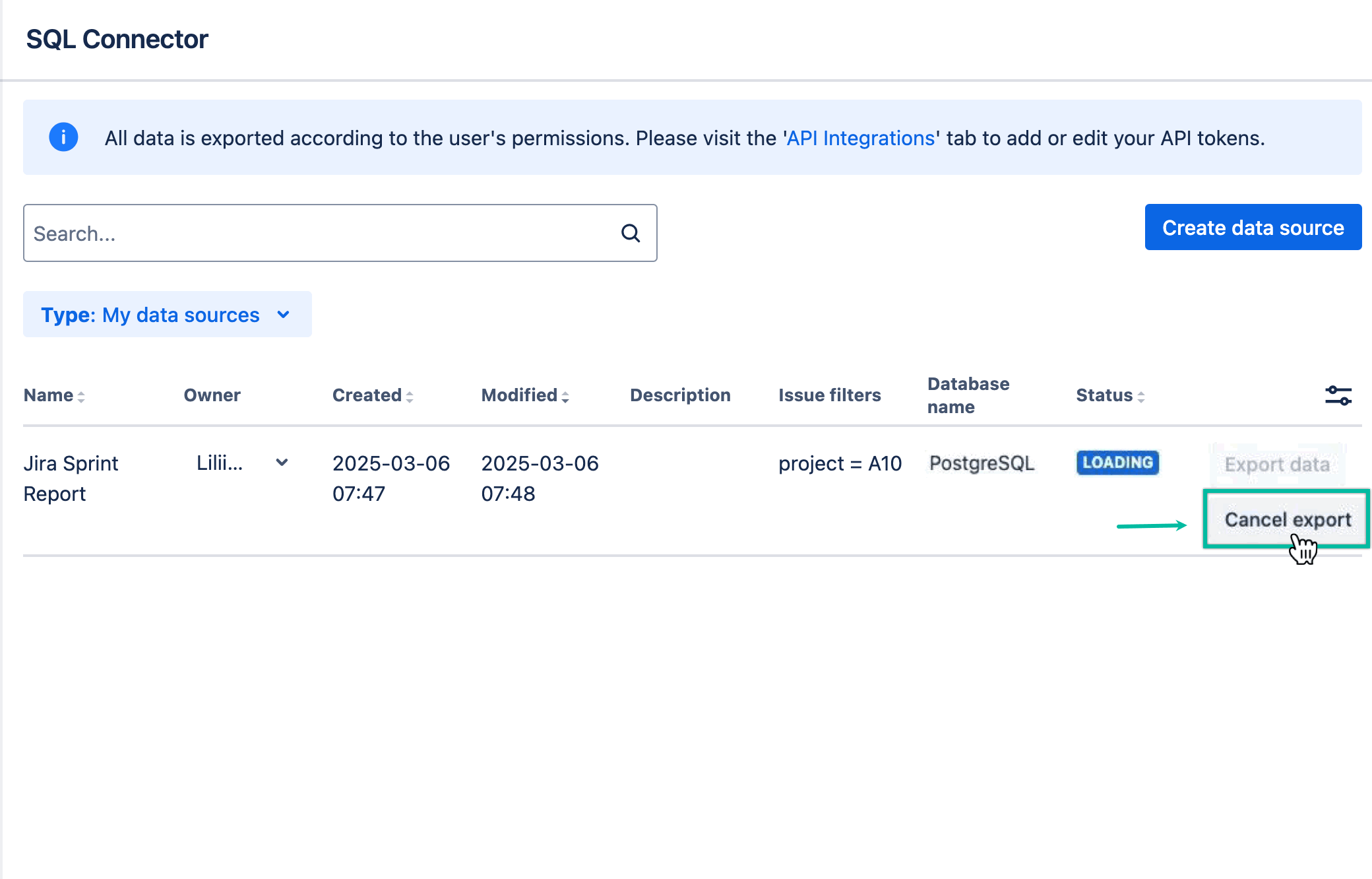
If the export process takes too long, you can cancel it by selecting Cancel export. Any data exported before cancellation will remain in the dataset. The cancellation process may take up to a minute.
Export results
The export results are based on the Jira permissions of the user who triggers the export. This applies to both manually triggered exports and Auto-export.
When Auto-export is enabled, the export runs periodically according to the configured settings. The results can vary depending on who triggers the export:
Data source owner and current user are the same
The export includes the data configured in the data source that is available to the user based on their Jira permissions.
Data source owner and current user are different
This can occur when a user exports a data source shared with them. The export contains only the data available to that user according to their Jira permissions.
For example, the data source owner may configure the data source to include projects that are available only to them. When another user exports the same shared data source, those projects are not included in their export if they do not have access to them in Jira. As a result, the export results can differ between the data source owner and other users.
Note: When different users export the same shared data source, each user's export is based on that user's Jira permissions.
What’s the next step? Explore the Supported Apps section to discover additional possibilities to enrich your report.