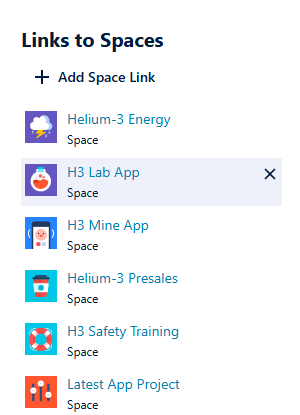
Linking teams to Jira spaces requires the Tempo Team Administrator permission or the Manage Team permission for the team in question.
This page applies to Jira company-managed (classic) spaces. For more information on Jira team-managed (next-gen) spaces, see Jira Team-Managed Space Permissions.
You can link your team to the Jira space they are working on to help you with work item management. This enables you to give Jira work items to your team, and the team can be used in the Jira Work Item search.
Once you've linked your team to a space, you can link them to the Jira work item in that spaceif the Tempo Team custom field is available.
To link teams to their Jira spaces:
-
Select Teams in the Tempo sidebar.
-
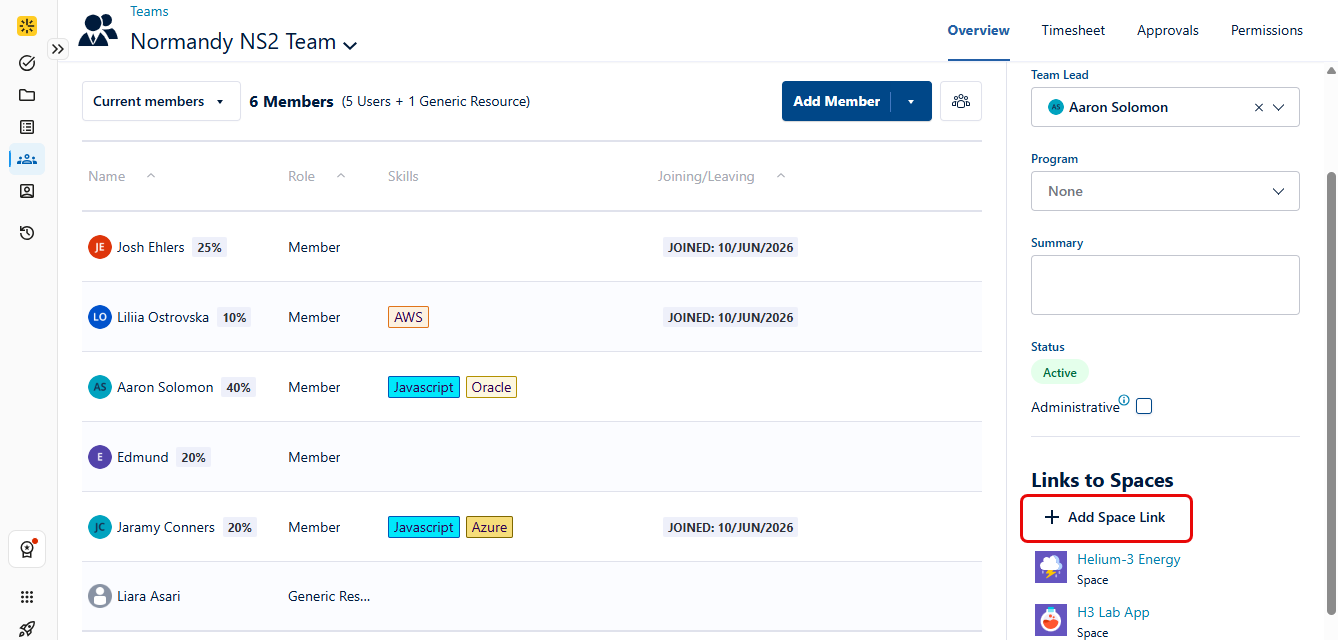
On the Teams page, select the team you want to link to a space.
You can link a team to multiple spaces. You can also link different teams to the same spaces.
-
Select Add Space Link.
-
In the Search spaces… field, type the name of the space to which you want to link your team, and select it from the drop-down list. The space and the team are now linked.
Note that if the Iteration Source for the linked team is set to Jira Board but the Jira Board dropdown is empty, you can manually type the board name in the Jira Board field to locate and select it.
-
To unlink a space from a team, select the x that appears next to each linked space.