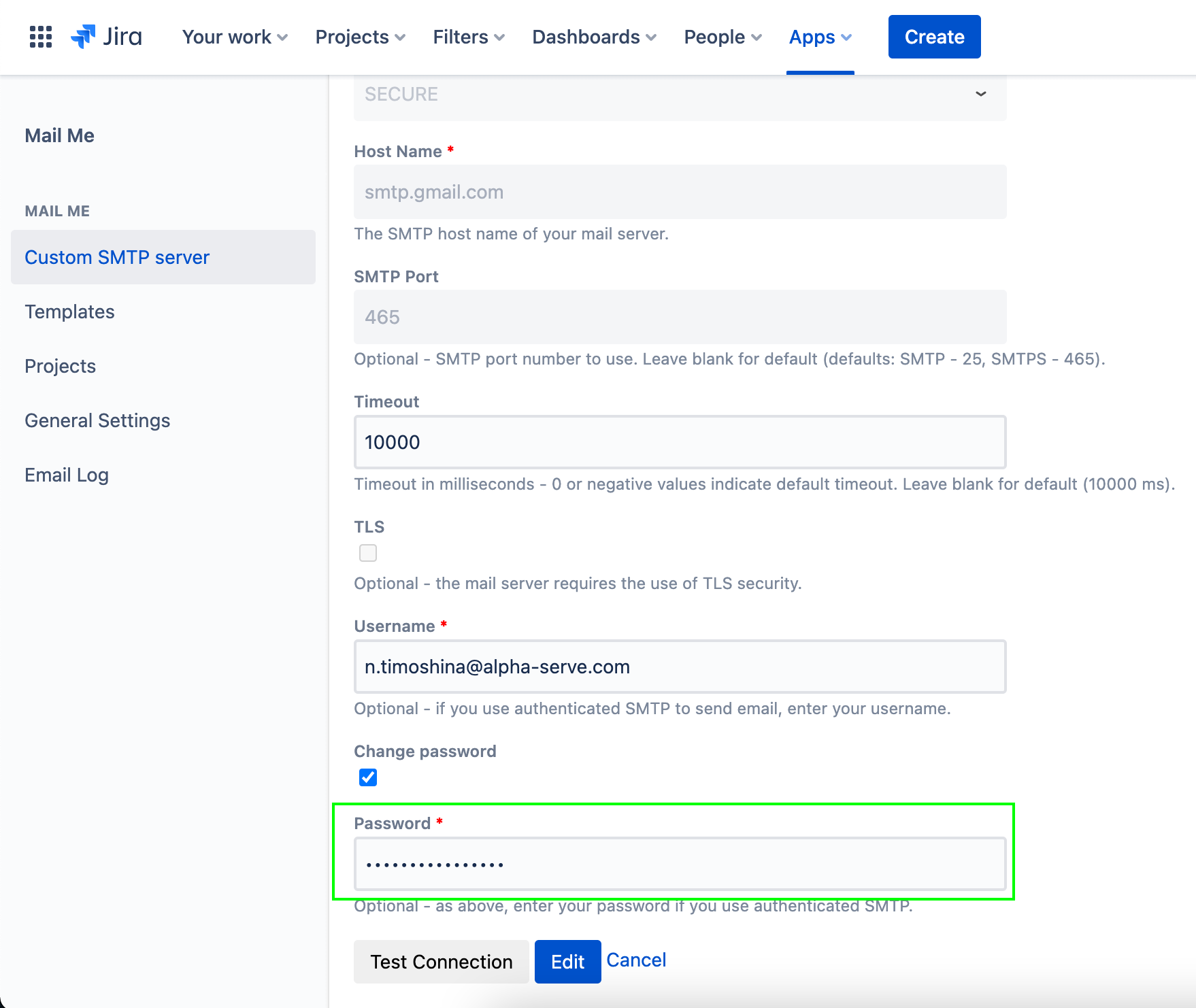
If your Office 365 is set up to use 2-factor authentication (2FA), it’s recommended to create an App password and use it instead of a password during Mail Me Custom SMTP Server setup.
-
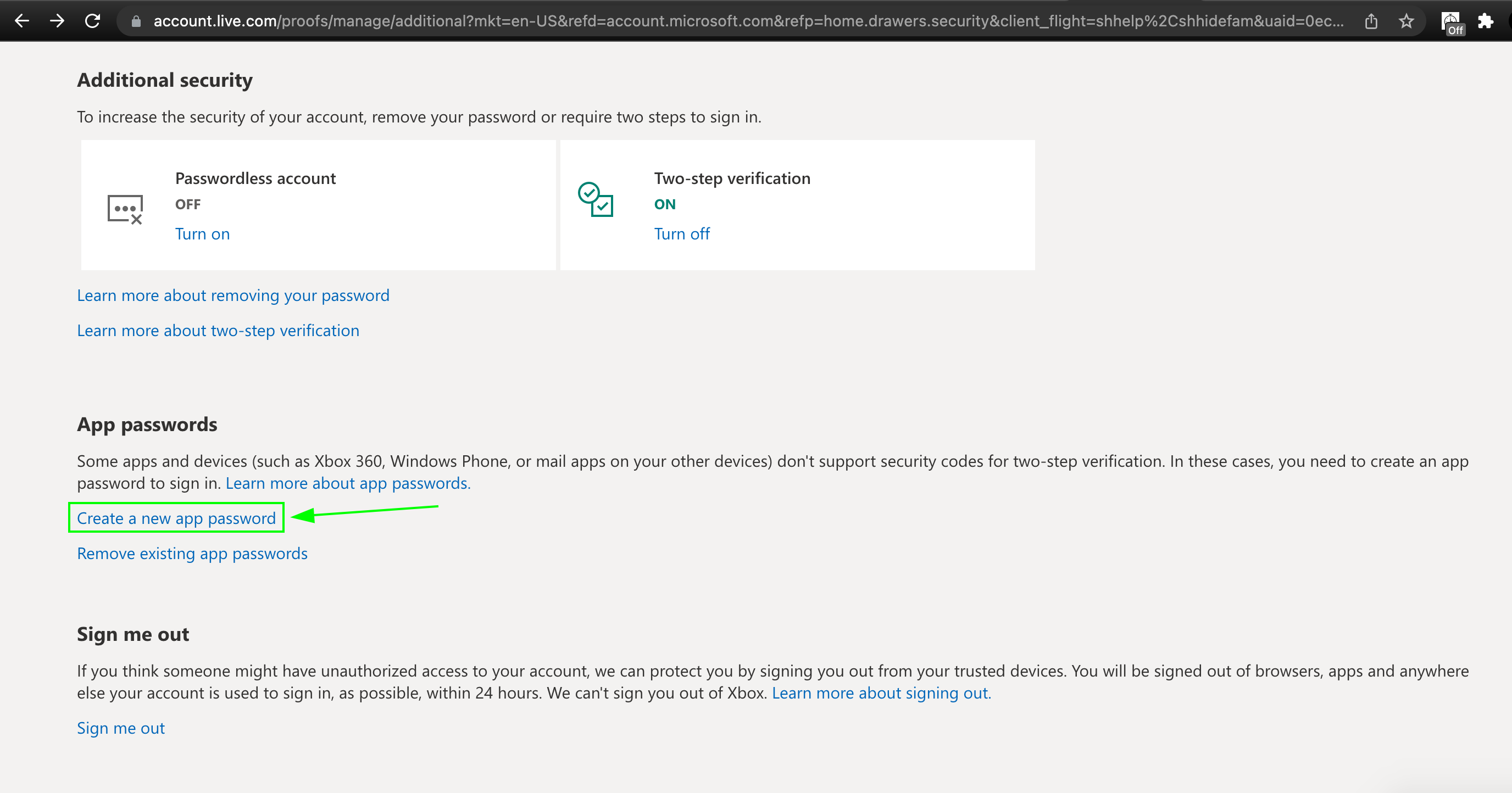
In the Office 365 account Security settings go to App passwords > Create a new app password.
-
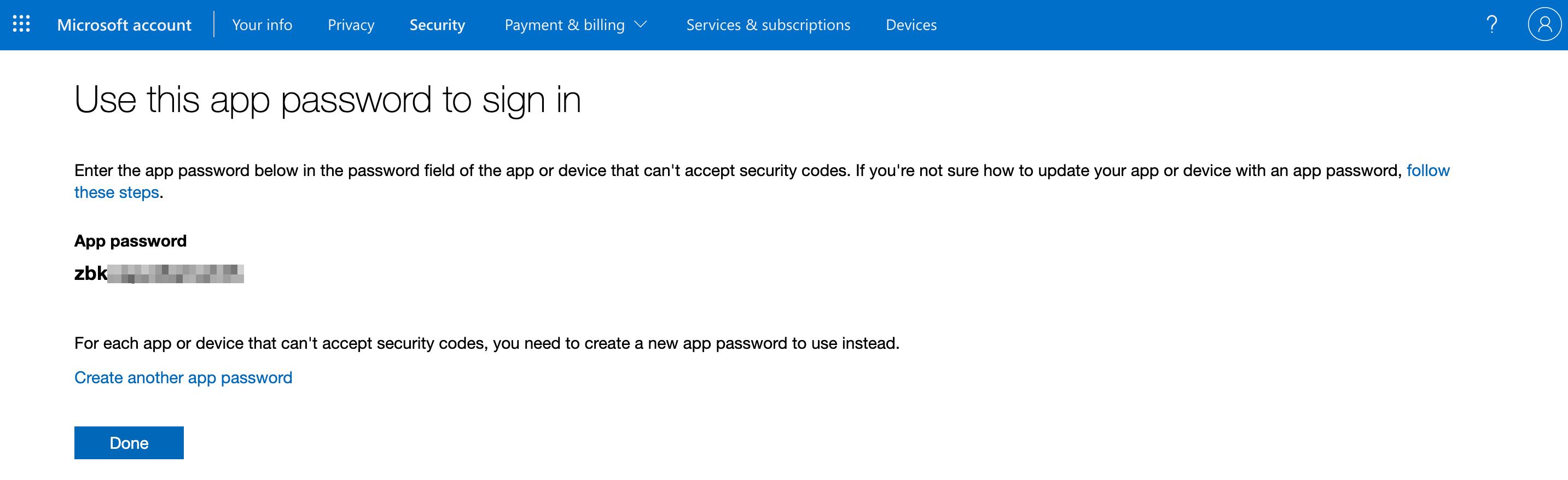
Copy an app password.
-
Paste it into the Password section in the Custom SMTP server set up window.