This page covers the general configuration and sharing options for a data source, including how to set its name and description, and how to grant access to users or groups.
General Settings
-
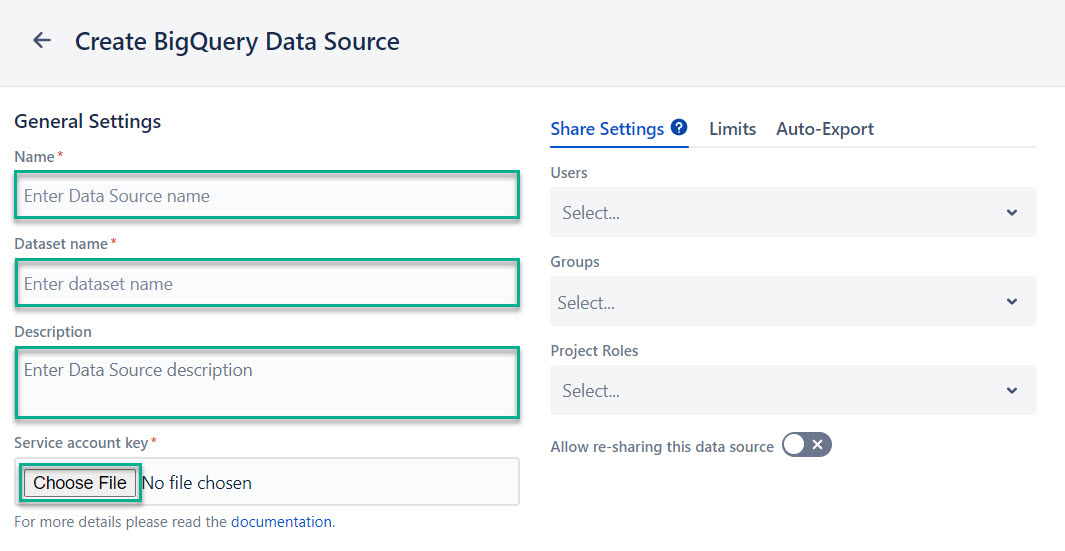
Name* - The name of the data source. This field is required.
-
Dataset name* - The name of the dataset used for exporting data to BigQuery. A dataset is a resource where Jira data is stored. This field is required.
-
Description - A description of the data source. This field can be used to add helpful context or notes. This field is optional.
-
Service account key* and Choose File - This field allows you to select the file of your service account key. This key is used for authentication in BigQuery. The field is required.
Share Settings
These settings define how the data source is shared with users and groups who have permission to use BigQuery Connector.
-
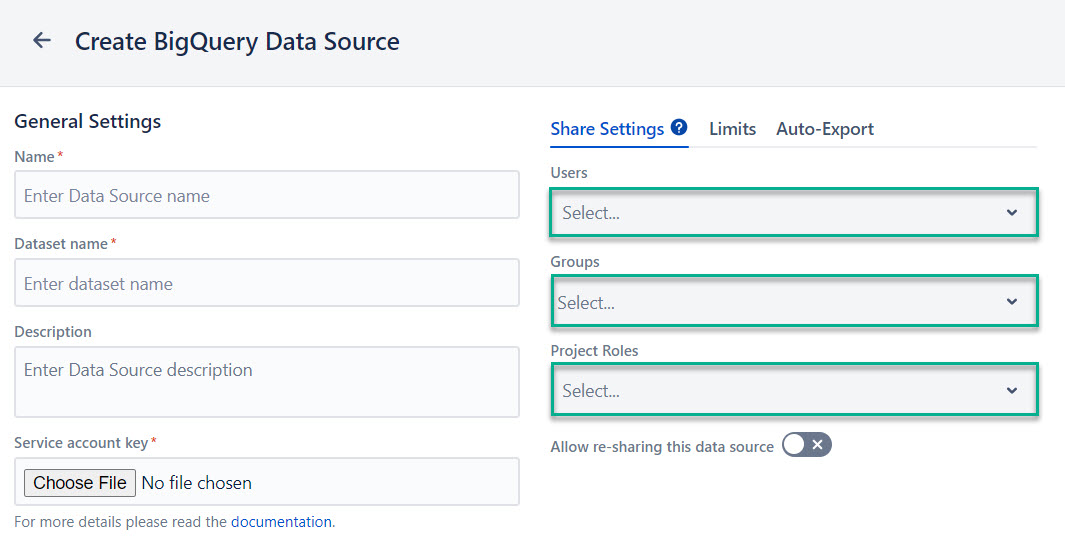
Users - A list of individual users who have access to the app. Users can be identified by username or email address.
-
Groups - A list of groups that have access to the app. You can select as many groups as you want to.
-
Project Roles - A list of project roles that have access to the app. Users assigned to these roles in a project will be able to use the data source.
-
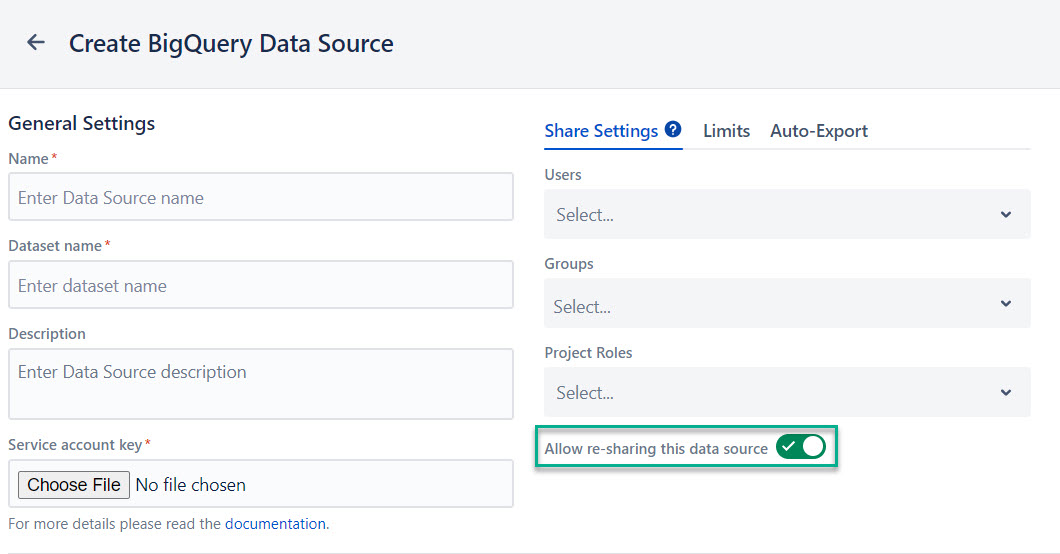
Allow re-sharing this data source - This setting allows users with access to the data source to share it with other users or groups.
Other users who have access to BigQuery Connector for Jira app might not get all data from this data source due to different Jira permissions.