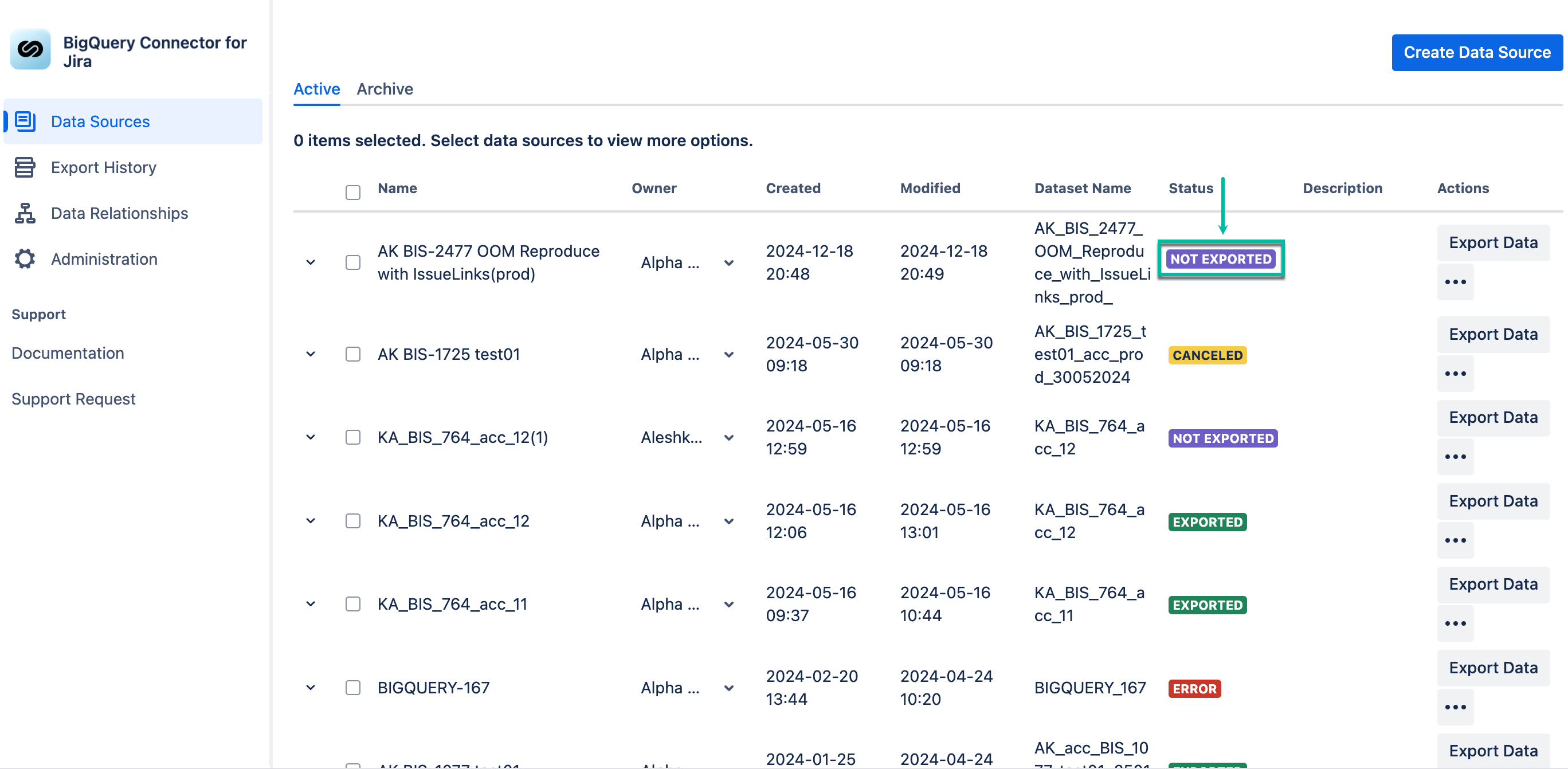
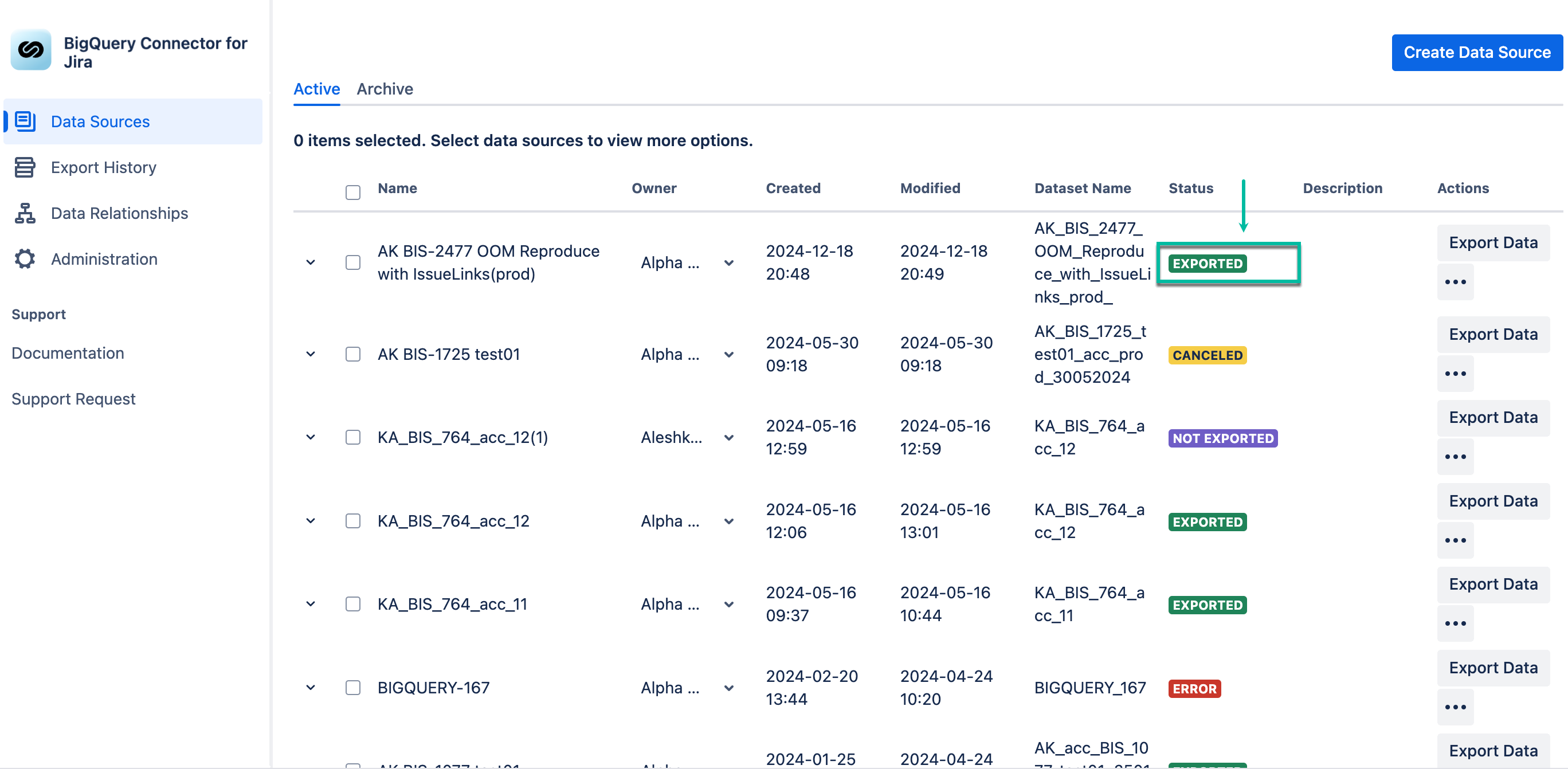
The newly-created data source has the NOT EXPORTED status.
-
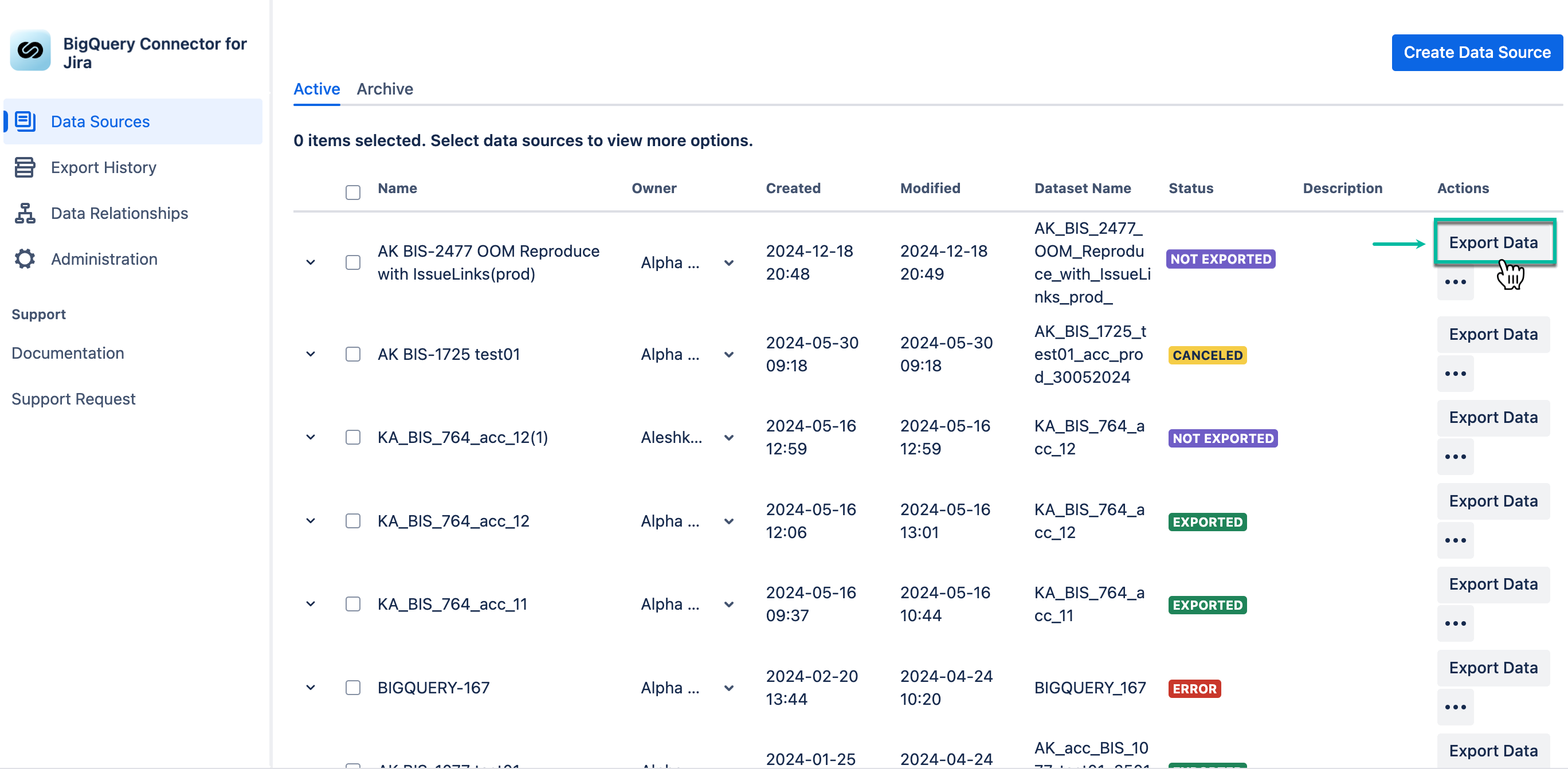
Select Export data.
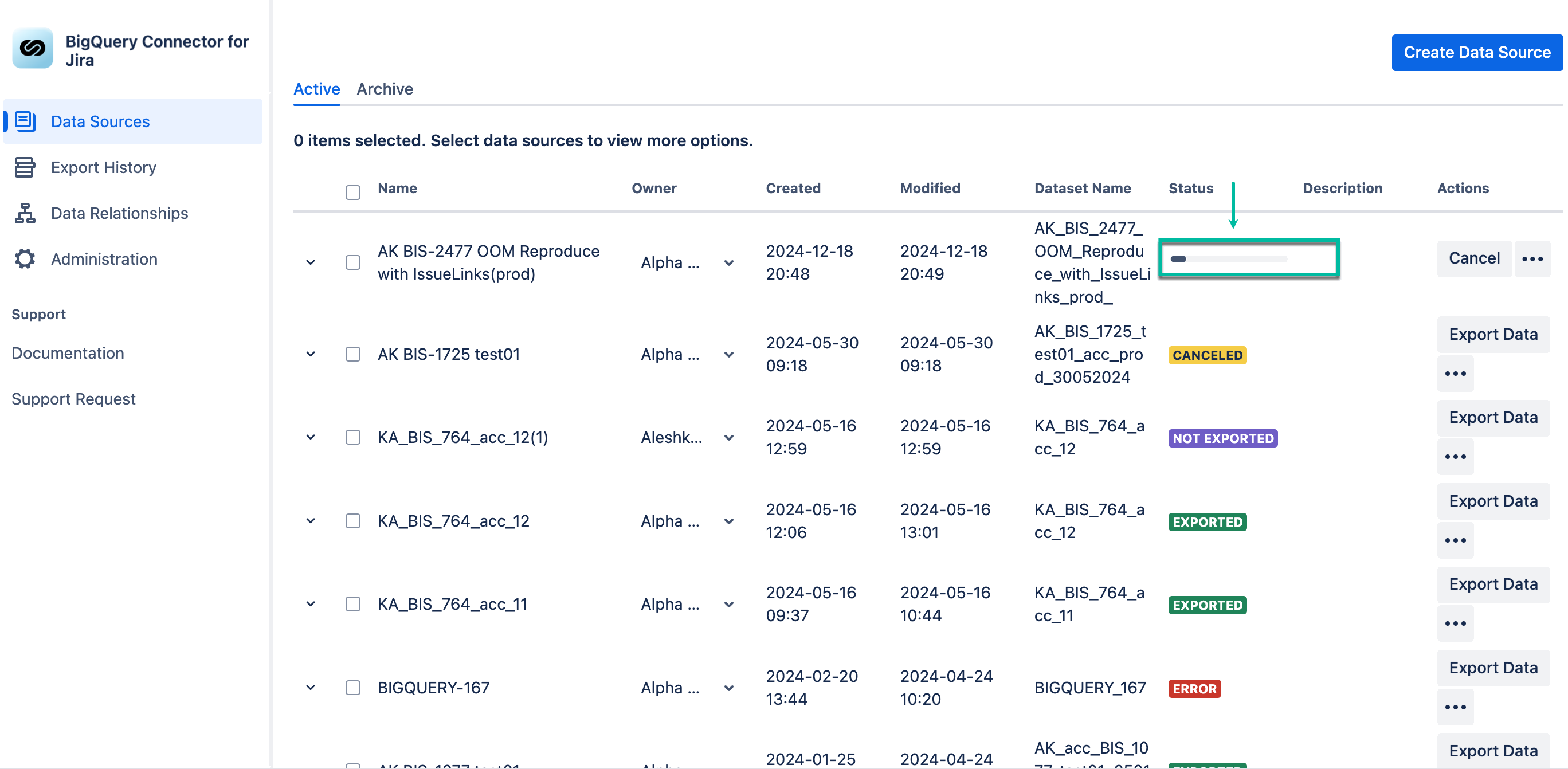
The NOT EXPORTED status will be changed to the progress bar.
After the export is finished, the data source status will be set to EXPORTED.
-
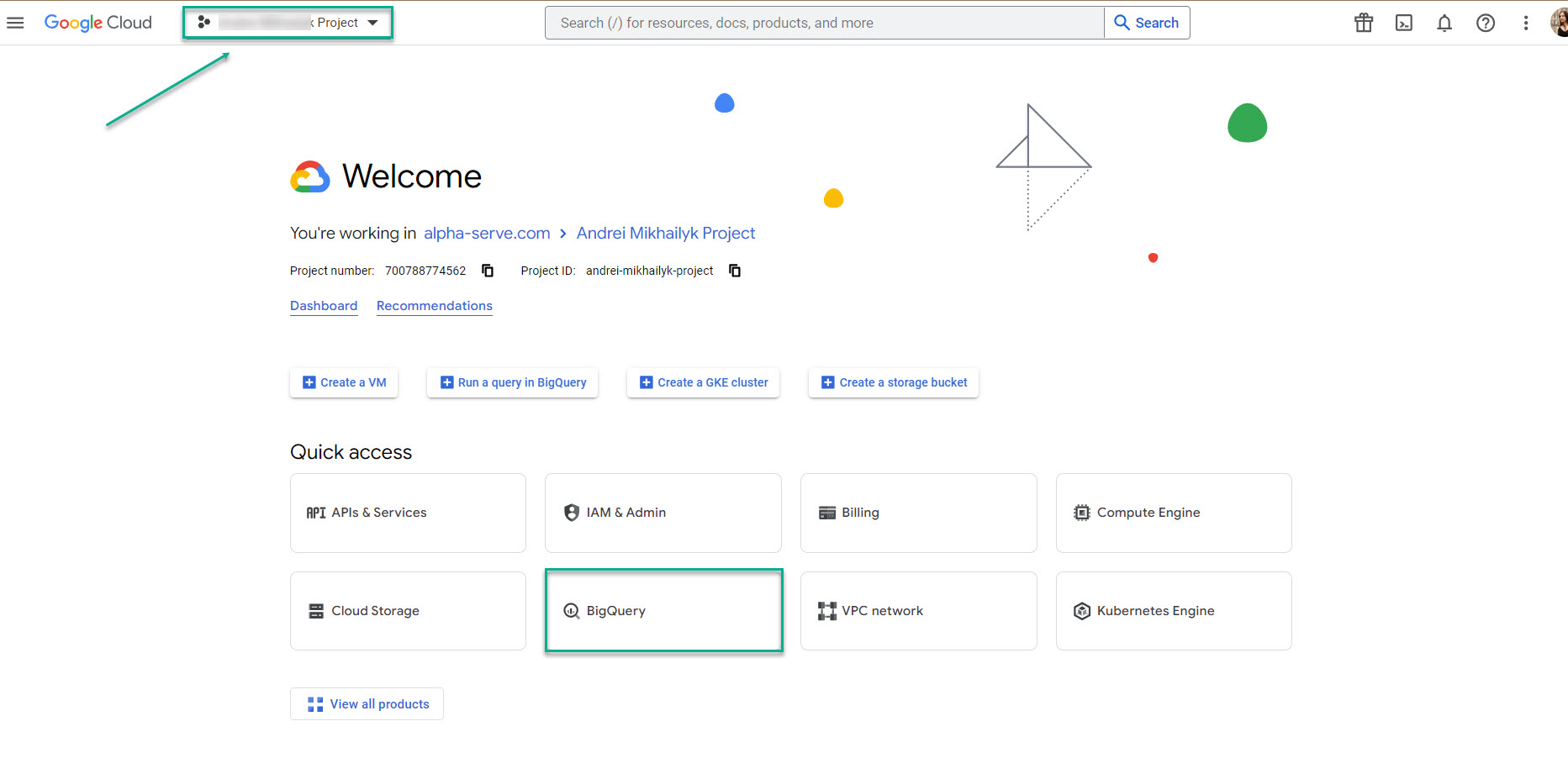
Open your Google Cloud Platform, and then select BigQuery.
Please ensure that the correct project is selected. It’s supposed to be the one where you’ve created the service account key.
-
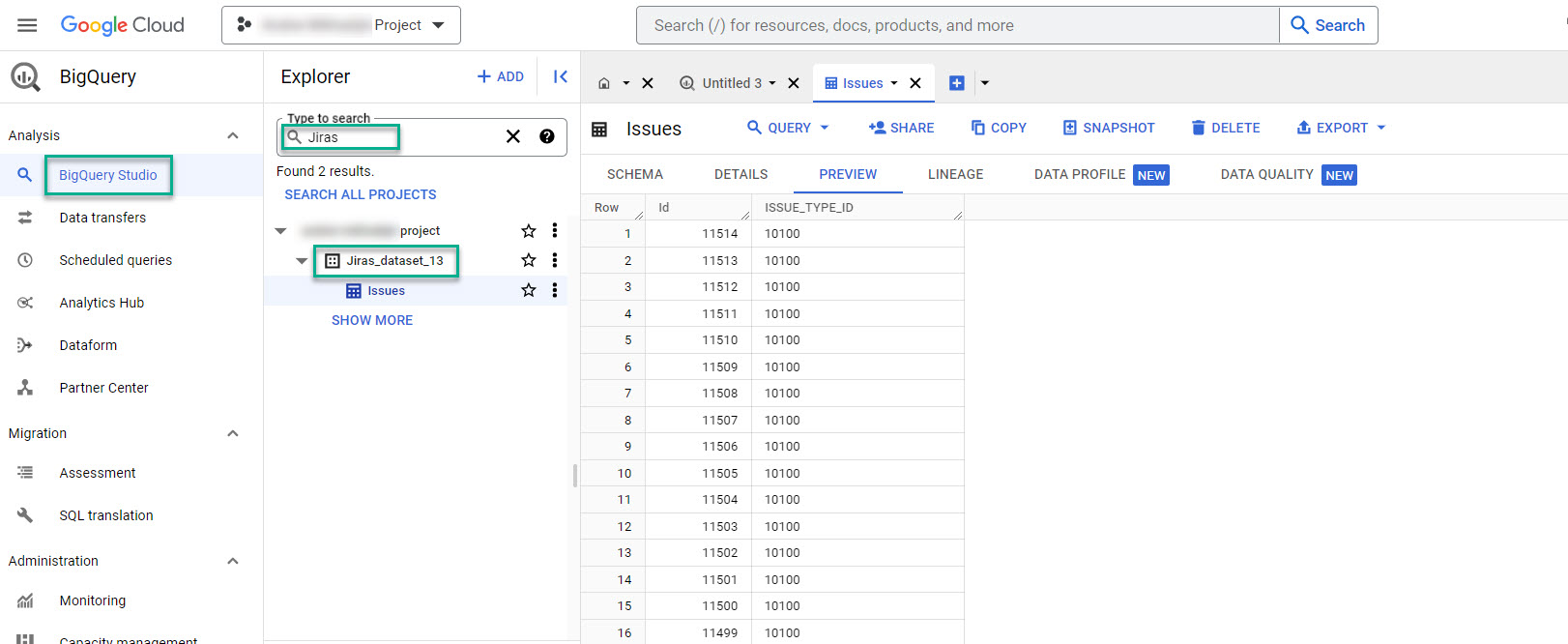
Find your exported data source by the dataset name you used while creating the data source.
In our case, it’s Jiras_dataset_13.
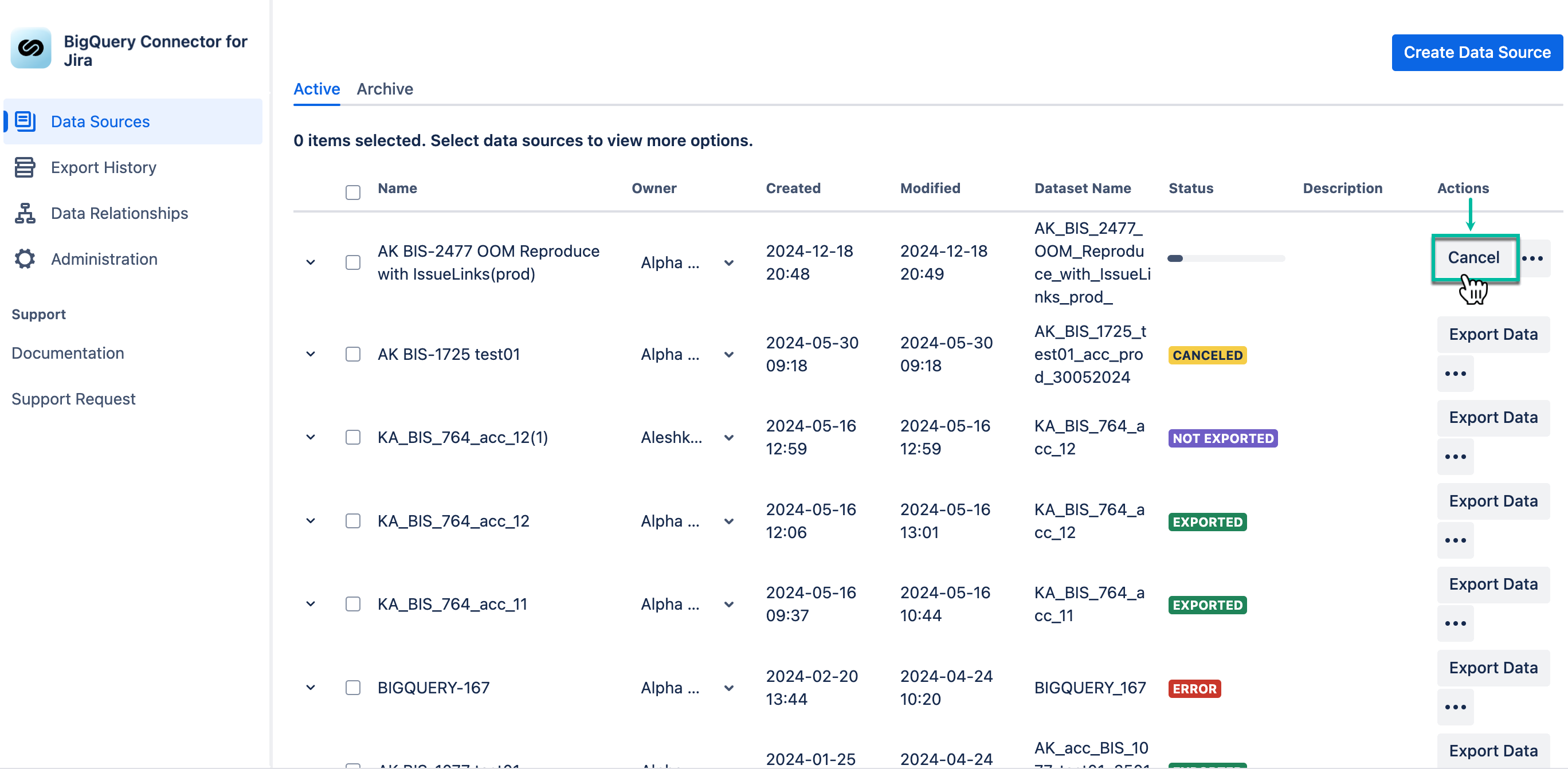
If the export process is taking too long, you can cancel it. Any data exported before cancellation will remain in the dataset.