This section describes the available actions for managing existing data sources, including performing common actions such as editing, sharing, or archiving.
-
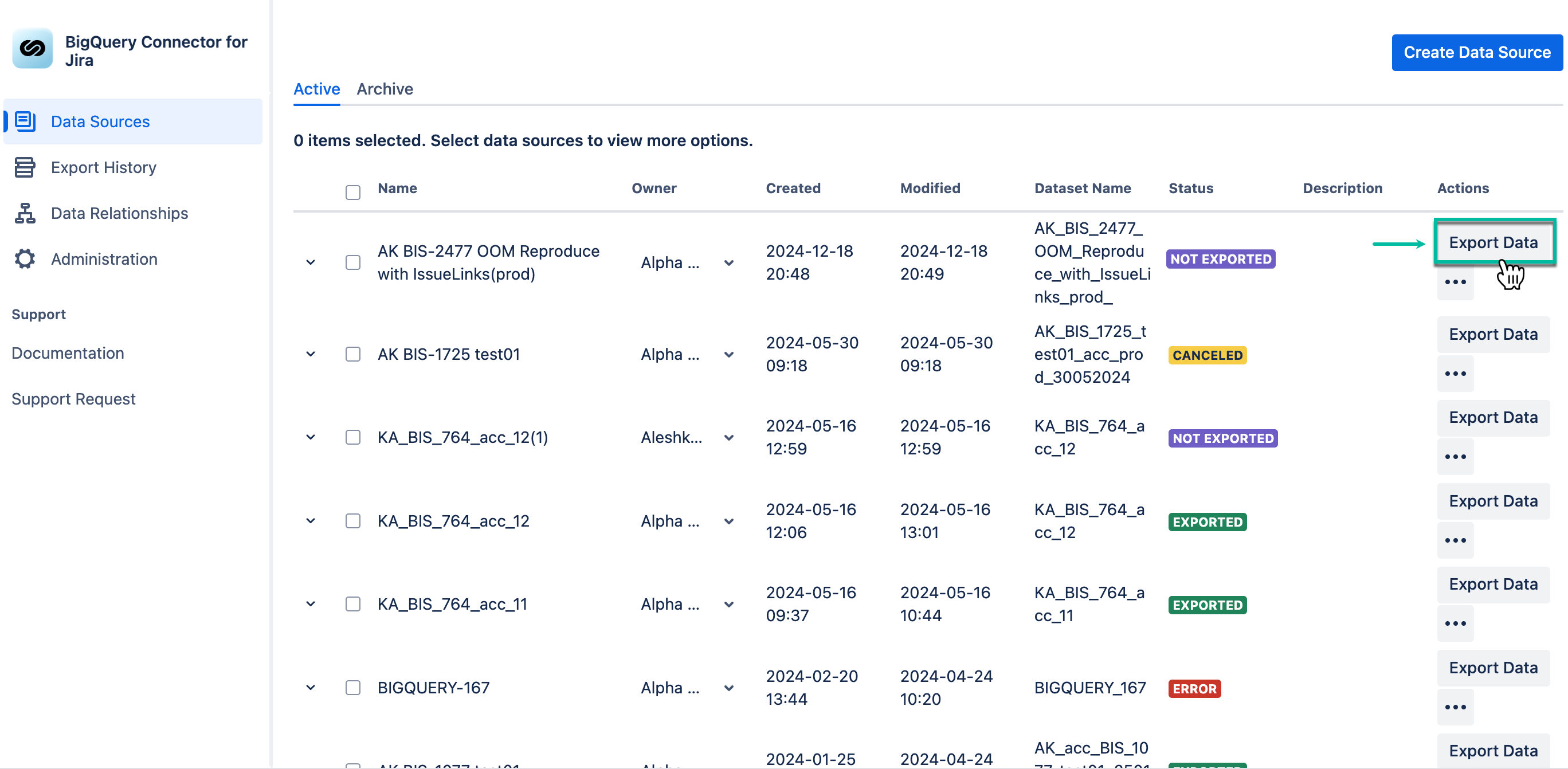
Export data - This button exports the data source to BigQuery dataset.
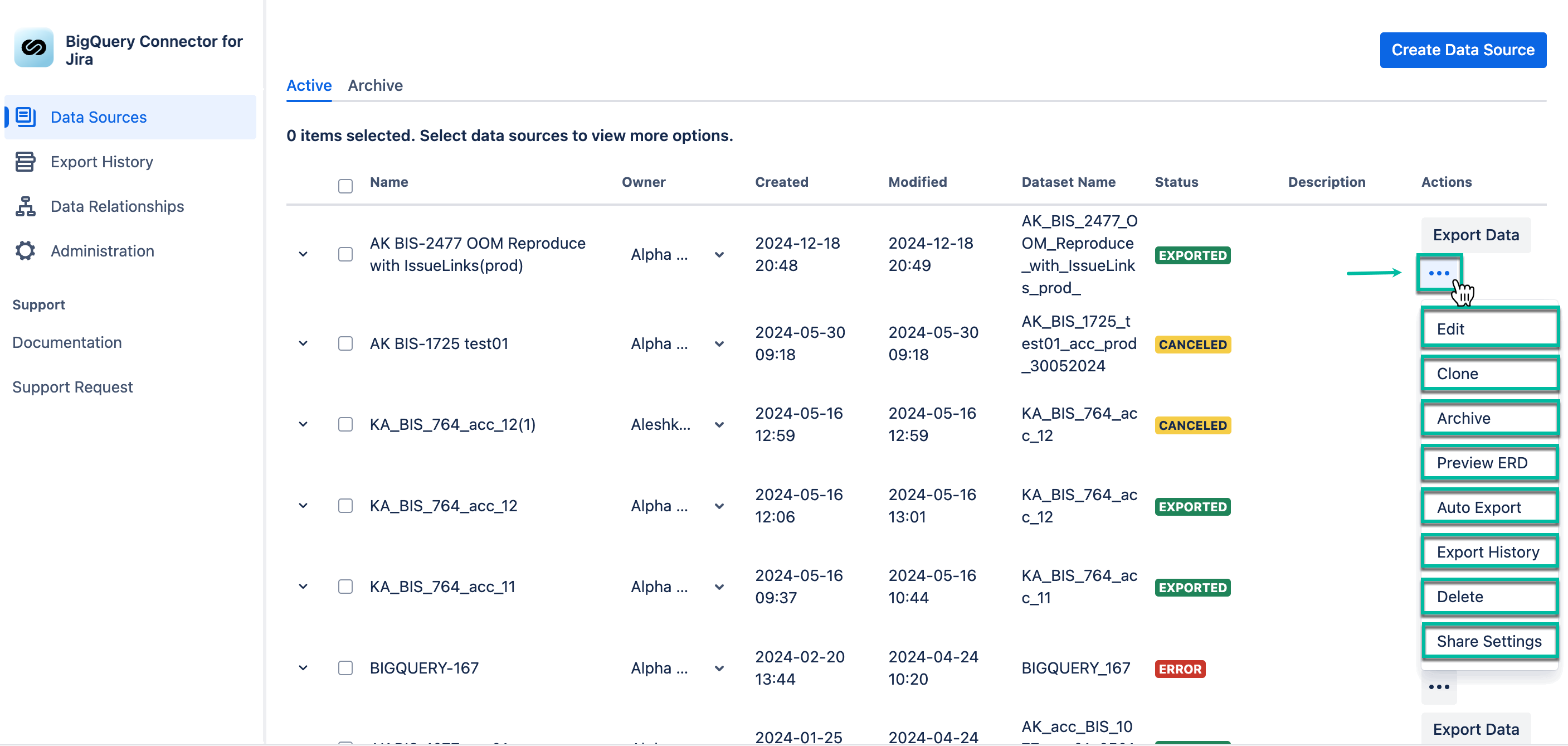
The Actions (three dots) panel introduces you to different actions:
-
Edit - This option allows you to make changes to the data source.
-
Clone - This option allows you to make a copy of the data source.
-
Archive - This option allows you to mark the data source as archived, data source will be moved to the Archived tab.
-
Preview ERD - This option allows you to view the Entity Relationship Diagram for a data source.
-
Auto Export - This option allows you to configure auto-export (auto-refresh) of the data source.
-
Export History - This option allows you to view exports history entities.
-
Delete - This option allows you to remove the data source.
-
Share Settings - This option allows you to distribute the data source to users who have permission to use this app.