
This Issue List shows issues that have the “blocks” linktype using a Scriptrunner Enhanced Search filter. In this example, we’re also displaying the “Updated” date so users can see when the blocking issues last had progress made on them.
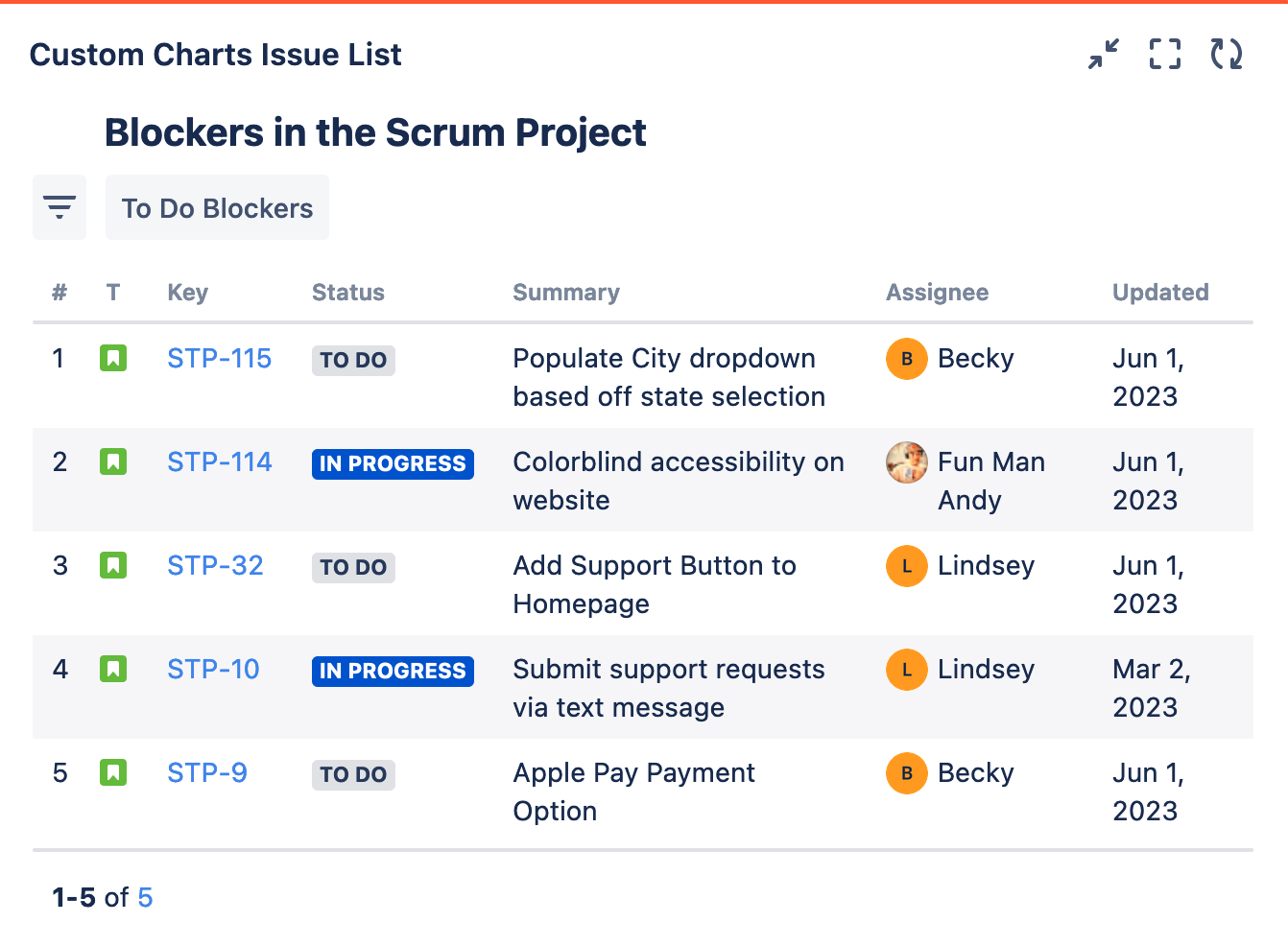
Recreate This Chart In Your Own Instance
Create the Scriptrunner Enhanced Search filter for the issues with the “blocks” linktype using the function: issueFunction in linkedIssuesOf(resolution is Empty, "blocks")
Set up Issue List
-
Set the Source to Saved Filters and select the Enhanced Search Filter you made to query issues with a linktype of “blocks”
-
Add in the following Jira system field as a column on the list:
-
Updated
-
-
Optional: Give your list a title and add any additional fields as columns
-
Click Save or Insert