Shape the future of the Power BI Connector! Share your ideas in our quick questionnaire - click here ⬅️
-
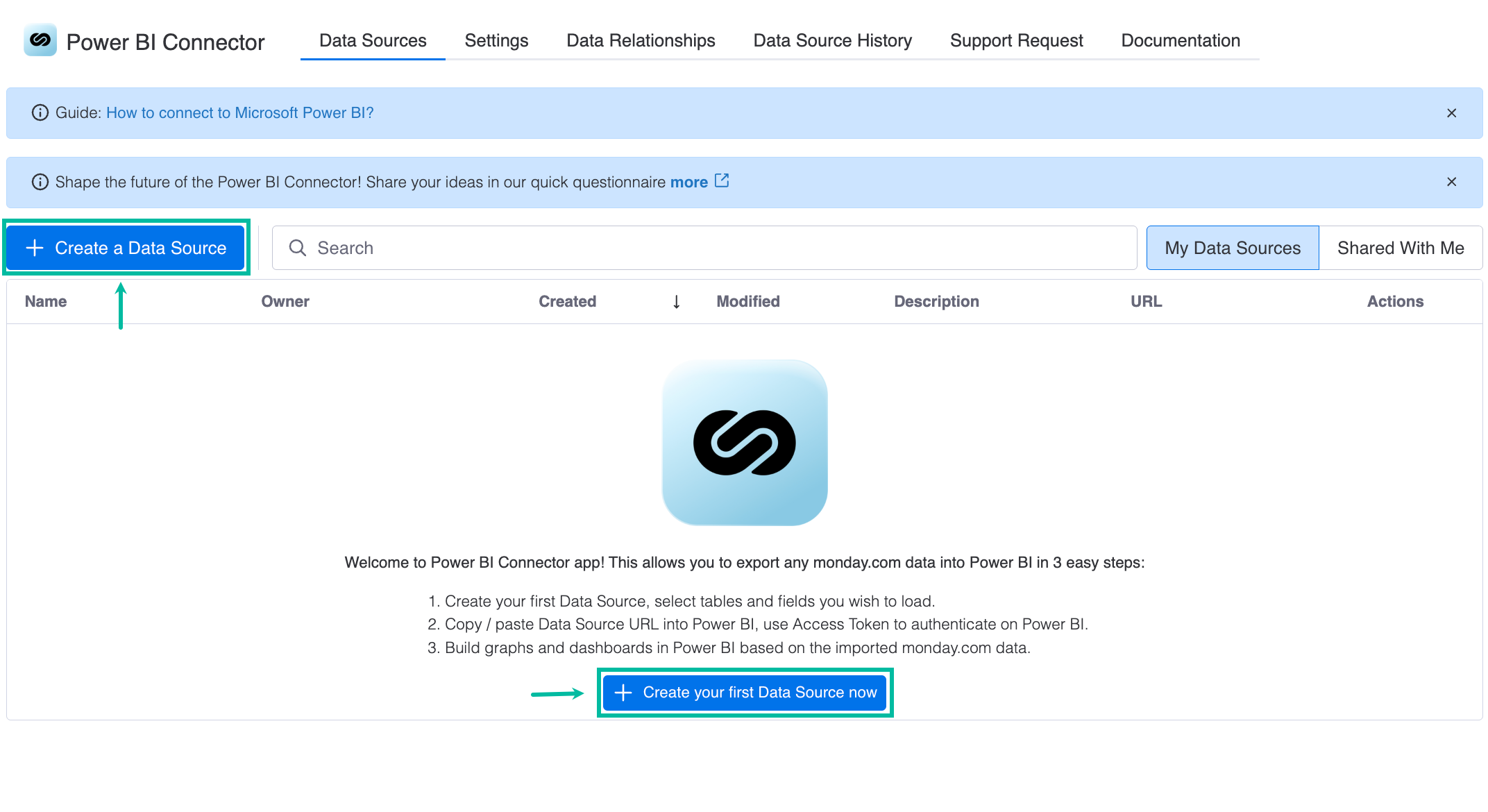
Being signed in to your monday account, select your Power BI Connector widget, and then select + Create your first Data Source now.
-
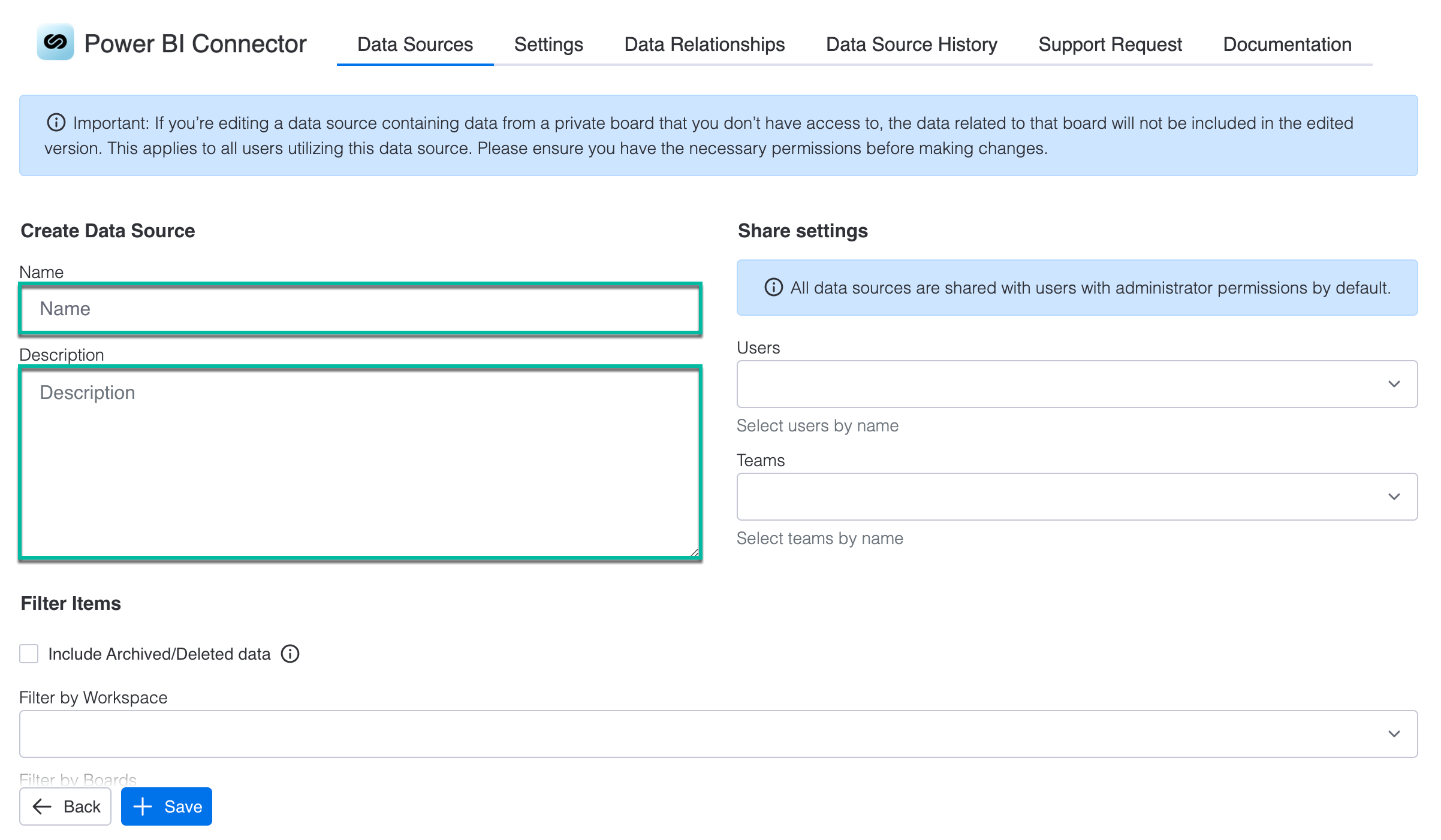
In the Name* field, enter the data source name.
-
In the Description field, enter the data source description.
-
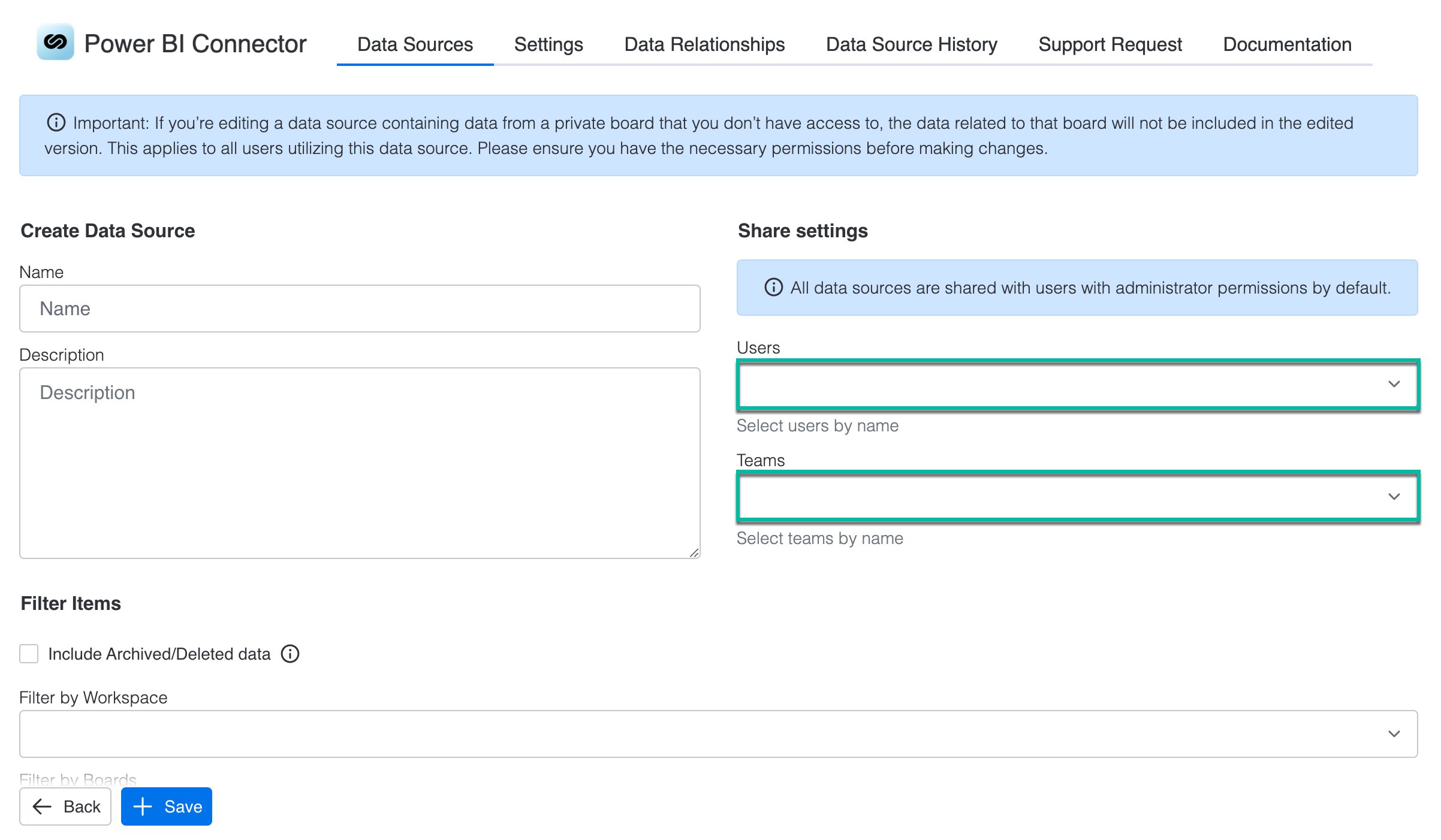
In the Users field, select the user(s) you want to share the data source with.
-
In the Teams field, select the team(s) you want to share the data source with.
-
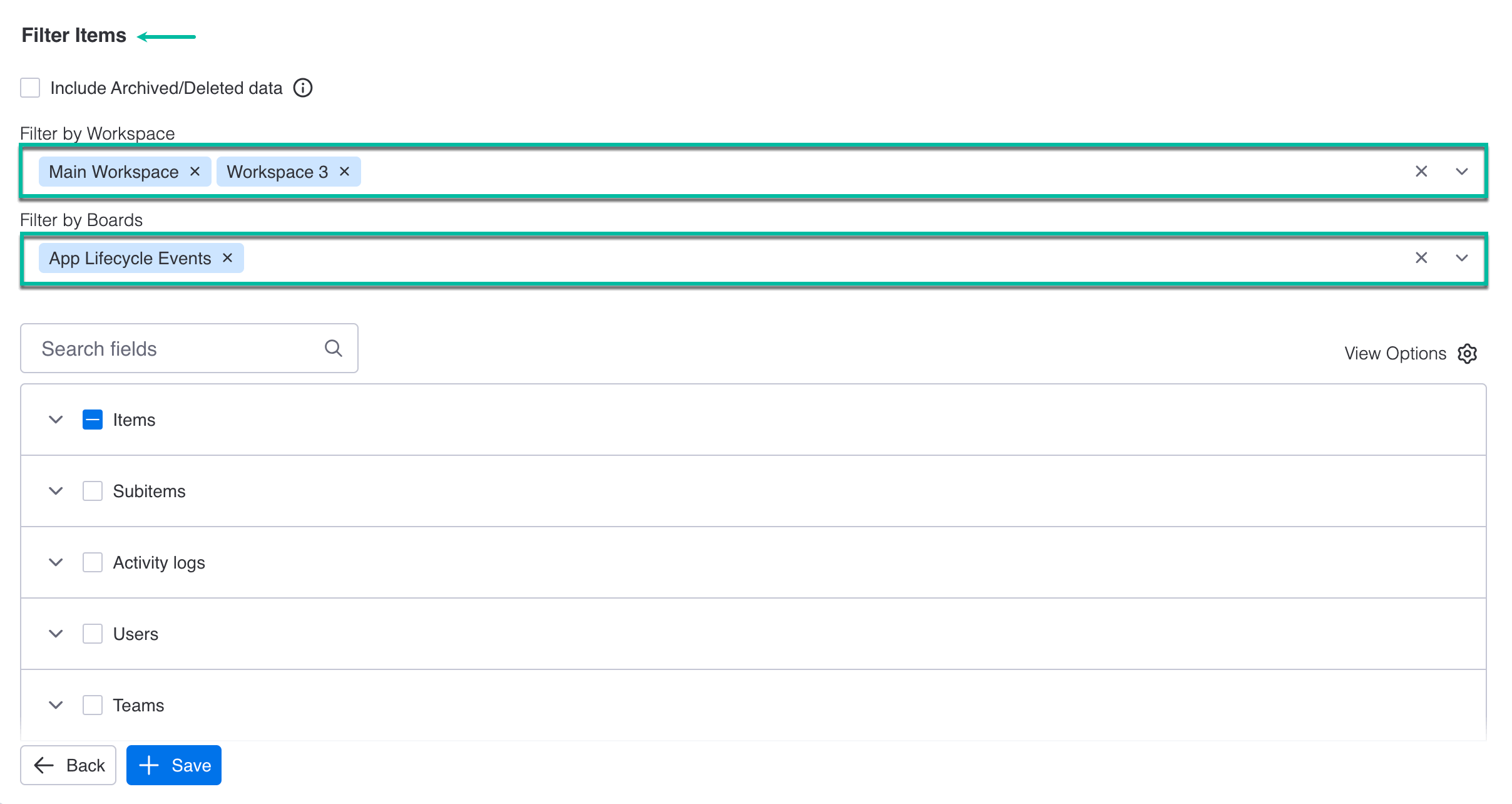
Select filters if needed.
The detailed description of all fields, filters, and buttons, please read in this article.
-
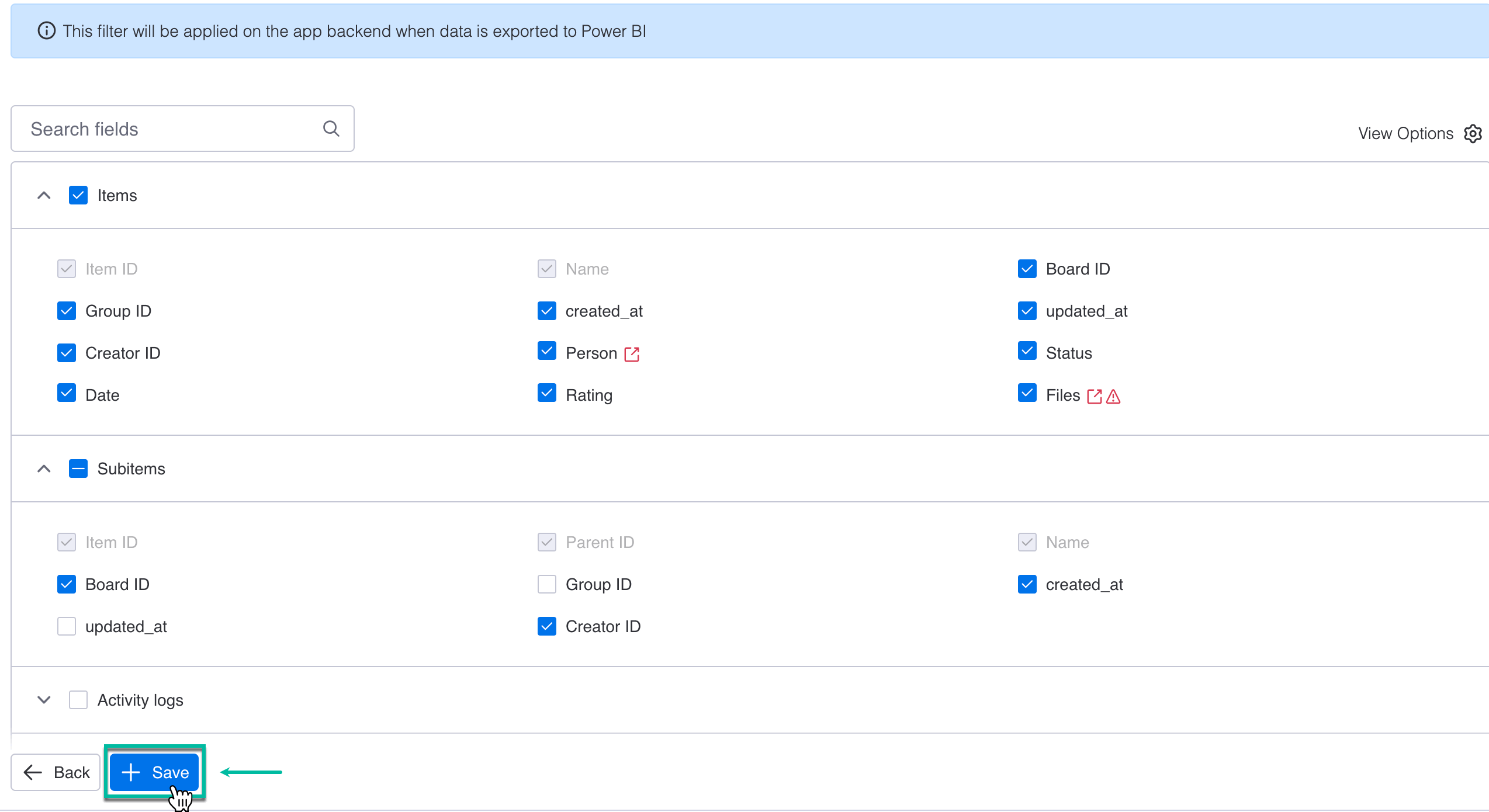
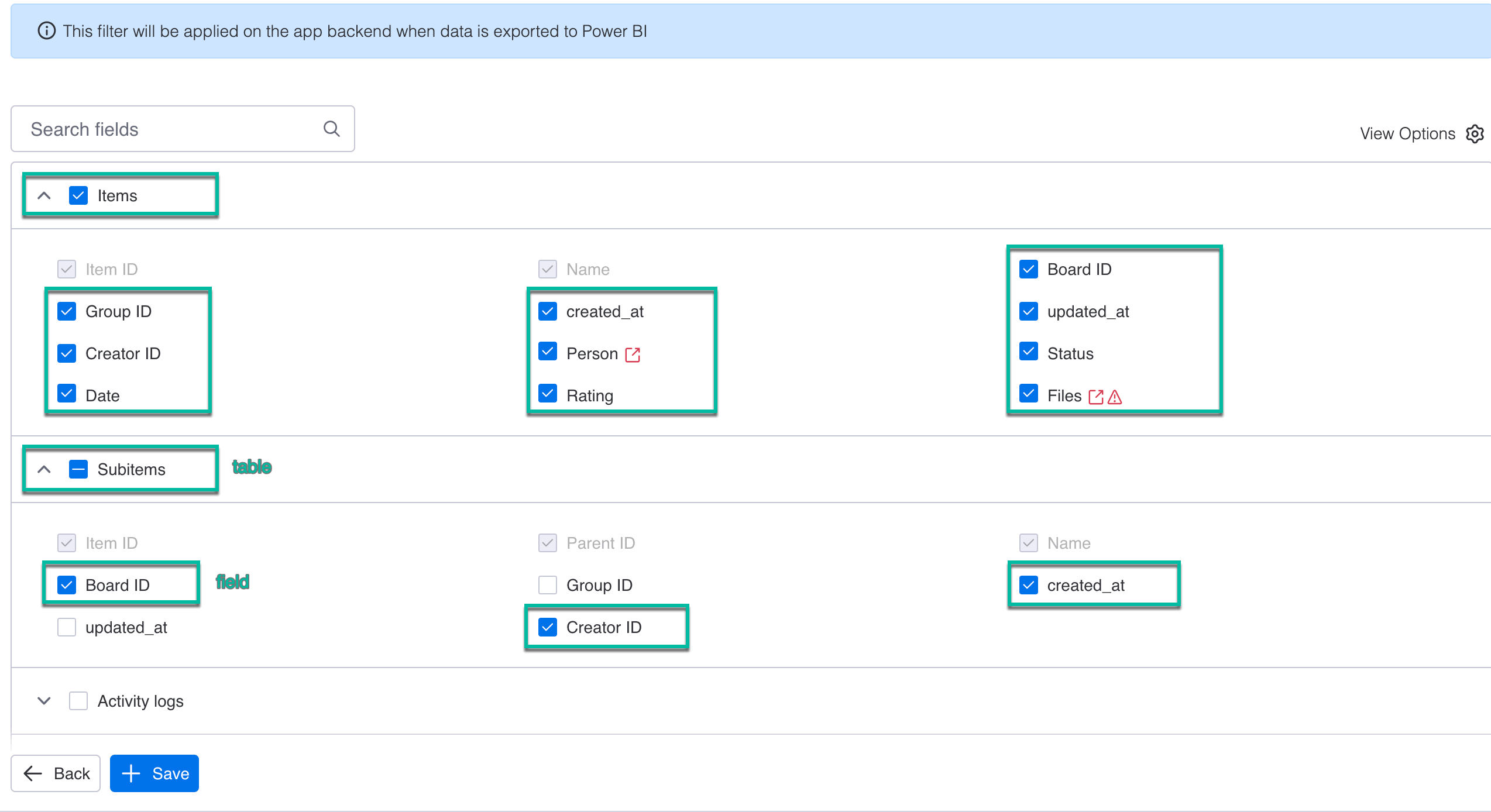
Select all tables and fields you want to be in your data source.
-
Select + Save.