Software Tables Filters
Each exported table undergoes its specific filtering process. Some tables use filters to concatenate data, meaning selecting more items expands the resulting dataset. In contrast, other tables use filters to exclude data by removing specific values.
There are also two types of filtering schema that will be applied to the tables:
-
Filter by Issues (default):
-
This filter is called by Issues because the system initially selects issues from boards to which these issues are linked through corresponding JQL filters.
-
Any set of issues located in the current Jira instance can be linked to each of these boards via JQL filters.
-
-
Filter by Parent Boards
-
This filter is called by Parent Boards because the system initially selects sprints created on the corresponding boards (parent boards) and in this case, JQL filters are not considered.
-
No Software Tables Filters
-
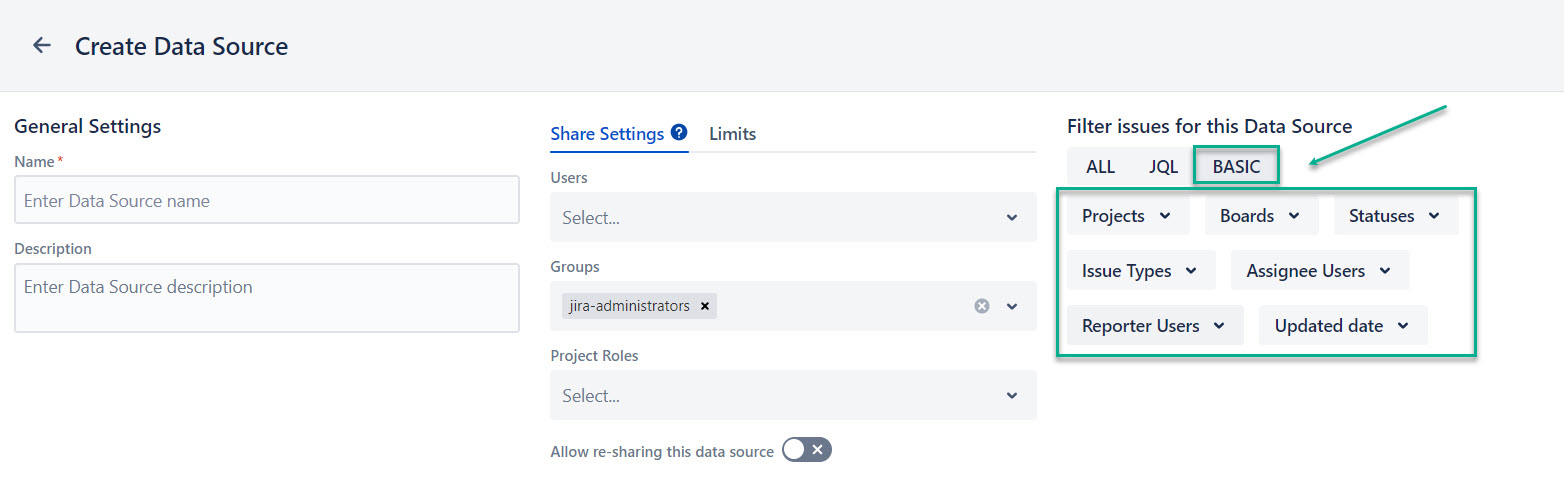
When no Software Tables Filters and no Basic (Boards) filters are applied, the data is exported page by page without filtering.
-
If the Software Tables Filters are not applied, only the Boards filter will be applied for specific Software tables (Sprint Report Charts, Burndown Charts, Board Charts) from the Basic filter for issues.
-
There are no Basic filters applied to the Sprints table, they are ignored for all cases.
-
-
If no Software Table Filters are applied to the Sprint Issues table and only the Boards basic filter is set, the old filtering mechanism is used. The app retrieves issues using the JQL defined by the selected boards and then retrieves the associated sprints for those issues.
-
For information about using Software Table Filters together with Basic filters, see Sprint Issues Table.