
Problem
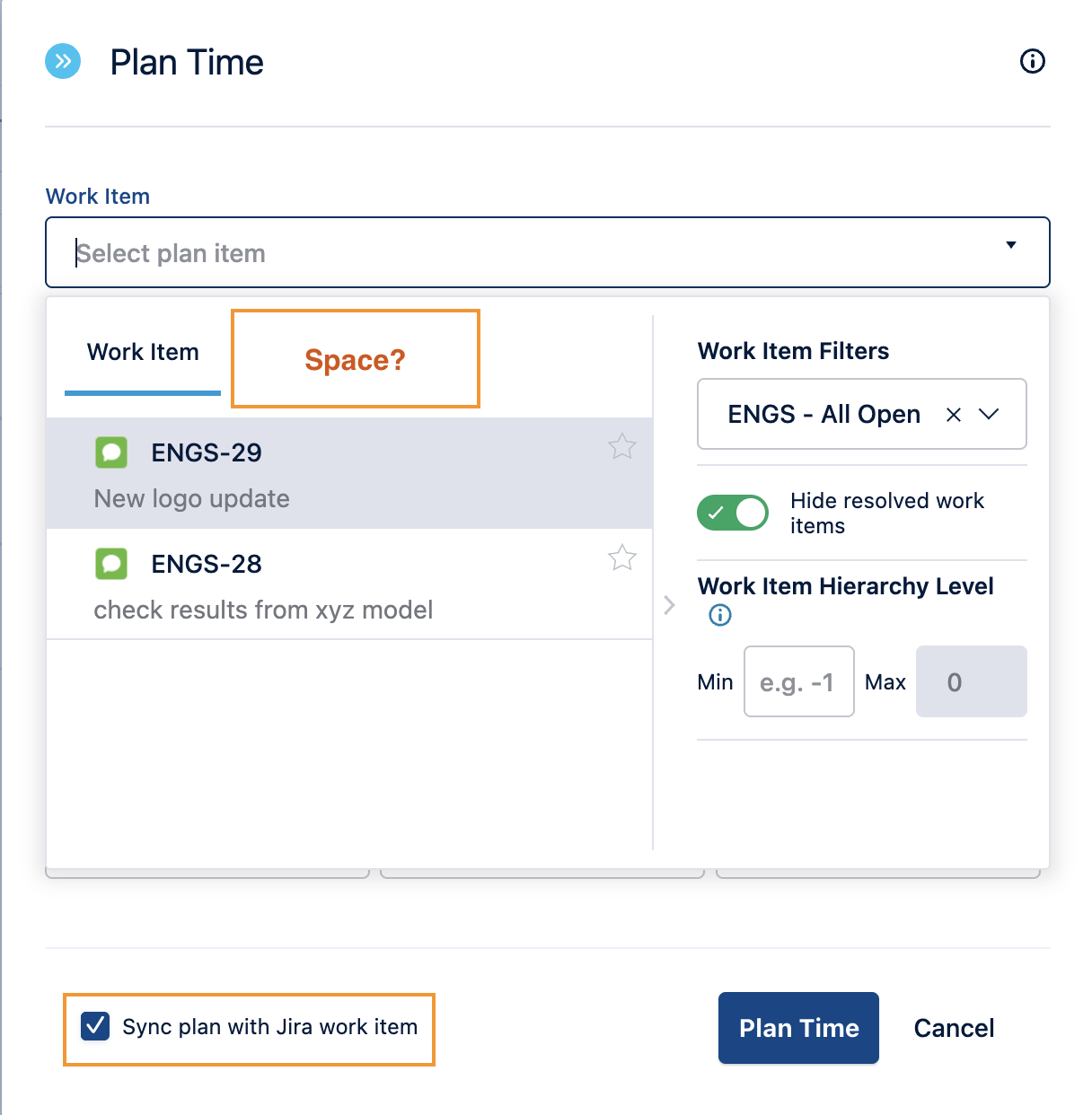
When planning time for a resource in Capacity Planner, the Space option isn't available in the Plan Time form. Only Work Item is shown.
Solution
The Plan item type Space will appear only when the “Sync plan with Jira work item” option is not selected.
To plan time on a space:
-
Open the Plan Time form.
-
Uncheck Sync plan with Jira work item at the bottom of the form.
-
In the Plan item type field that appears, select Space, then choose the space, dates, and hours.